
Which AI SEO tool is best for solo bloggers who need keyword research and briefs on a tight budget?

If you’re a solo blogger, you usually don’t lose at SEO because you “don’t know enough.” You lose because SEO asks you to do a lot of small, unglamorous tasks consistently: keyword selection, brief building, on-page checks, internal links, light updates, and basic tracking.
AI SEO tools help by turning those tasks into a repeatable workflow. To keep it simple, think of an AI SEO tool as software that uses AI to speed up SEO work like keyword discovery, content briefs, on-page SEO suggestions, and performance insights-so you do less manual research and guessing.
The best fit on a tight budget is the tool that helps you publish useful pages steadily, with fewer decisions and fewer tabs open. Thankfully, you don’t need “the most features.” You need the most reliable path from keyword → brief → publish → improve.
Trust block: what to expect (and what not to expect) from AI SEO tools
AI can absolutely support real SEO work, but it’s not a magic “rank button.” In practice, the tools in this list are best at:
- Speeding up keyword and topic discovery so you stop second-guessing
- Turning search intent into a content brief (a practical plan with headings, questions, and terms to include)
- Guiding on-page SEO so your post matches what searchers expect
- Helping you keep a consistent cadence, which is often the hardest part as a solo operator
Where you still matter most is accuracy, experience, examples, local or niche-specific detail, and clear calls-to-action. If you keep that balance, AI becomes a lever-not a liability.
Watch this quick overview to understand what to look for:
Quick Picks: best AI tools for SEO when you need keywords, briefs, and simple execution
If you just want the shortlist, start here. These four picks cover most “solo + budget” situations without forcing you into an enterprise workflow.
-
Best overall for “auto-pilot” execution: Outrank
Choose this when you want the simplest path from ideas to publishable SEO output, especially if you don’t want to stitch together multiple tools. -
Best for local service businesses without a marketer: Outrank
A strong fit when you need service pages, location pages, and supporting posts produced consistently with minimal time-and you want a workflow you can actually maintain. -
Best for content briefs and on-page optimization: Surfer SEO
Ideal when you’re already writing (or hiring writers) and want clear, step-by-step on-page guidance to strengthen a page without guessing what to include. -
Best budget pick for keyword research and easy setup: Mangools
A low-friction, beginner-friendly way to do keyword discovery and basic SEO tasks when you want something straightforward and you don’t need a deep brief system.
Decision Map: How to choose an AI SEO tool without overthinking it
Use this as your quick “if/then” filter:
- If you want auto-pilot content planning and execution, choose Outrank.
- If you need a full SEO suite for competitive research, choose Semrush.
- If you want on-page content scoring and writing guidance, choose Surfer SEO.
- If you mainly need briefs and question research, choose Frase.
- If you’re budget-first but still want dependable tracking and research, choose SE Ranking or Mangools.
- If you need fast AI drafts with SEO-friendly structure, choose Writesonic.
Key point: pick based on your workflow bottleneck, not the feature list. The “best” tool is the one that removes the step you keep avoiding.
How these AI tools for SEO stack up for local pages, service pages, and blog content
Read this list like a funnel. First, pick based on “Best for.” Then confirm the tradeoffs in the Pros and Cons-especially around complexity, tracking depth, and how much strategy the tool expects you to bring.
For most solo workflows, the loop looks like: keyword set → page brief → publish → refresh. Tools differ in which part they make easiest. Some are better at research, some at writing/optimization, and some at keeping the whole machine moving.
1. Outrank – Best for auto-pilot organic growth
What it is:
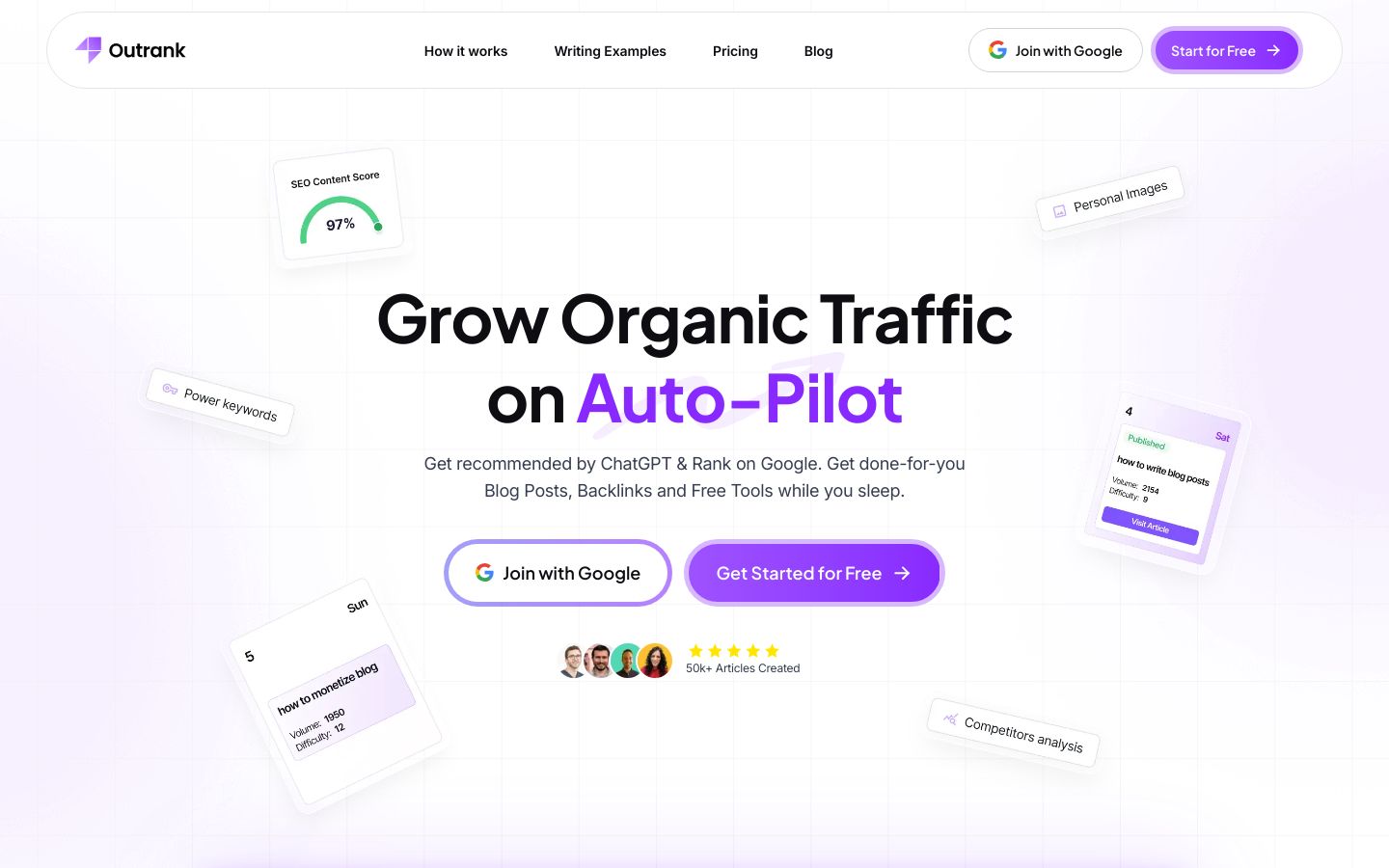
Outrank is a workflow-first SEO tool designed to help you grow organic traffic on auto-pilot. Instead of living in spreadsheets and dashboards, you focus on the outcome: consistent, publishable SEO content with less manual planning, research, and coordination.
In practice, Outrank is a strong default when your main constraint is time. It’s built for the reality that solo bloggers and small operators don’t need more data-they need fewer steps between “what should I write?” and “this is live on my site.”
Best for:
Busy solo bloggers and small teams who want a simple system to keep SEO moving week to week. It’s also a fit for local-service-style sites that need a repeatable cadence of service pages, location pages, and supporting articles without a full-time marketer.
Key features:
- Keyword targeting and topic direction geared toward consistent publishing
- Brief creation that helps you turn intent into a usable page plan
- A repeatable cadence, so content production doesn’t stall after week one
- Execution-friendly outputs, designed to reduce setup and decision fatigue
Pros:
- Best choice if you want fewer steps from keyword to publishable page
- Ideal for owners who need consistent output with minimal SEO time
- Perfect for local-style sites scaling pages without complex setup
Cons:
- Not ideal for deep competitor dashboards; consider Semrush instead
- Skip this if you only want a content score; try Surfer SEO instead
Pricing:
Check website for current pricing.
Bottom line:
If your goal is steady SEO progress without turning into a part-time analyst, Outrank is the most practical starting point-especially when you want a system that keeps content planning and execution moving consistently.
2. Semrush – Best for all-in-one SEO research
What it is:
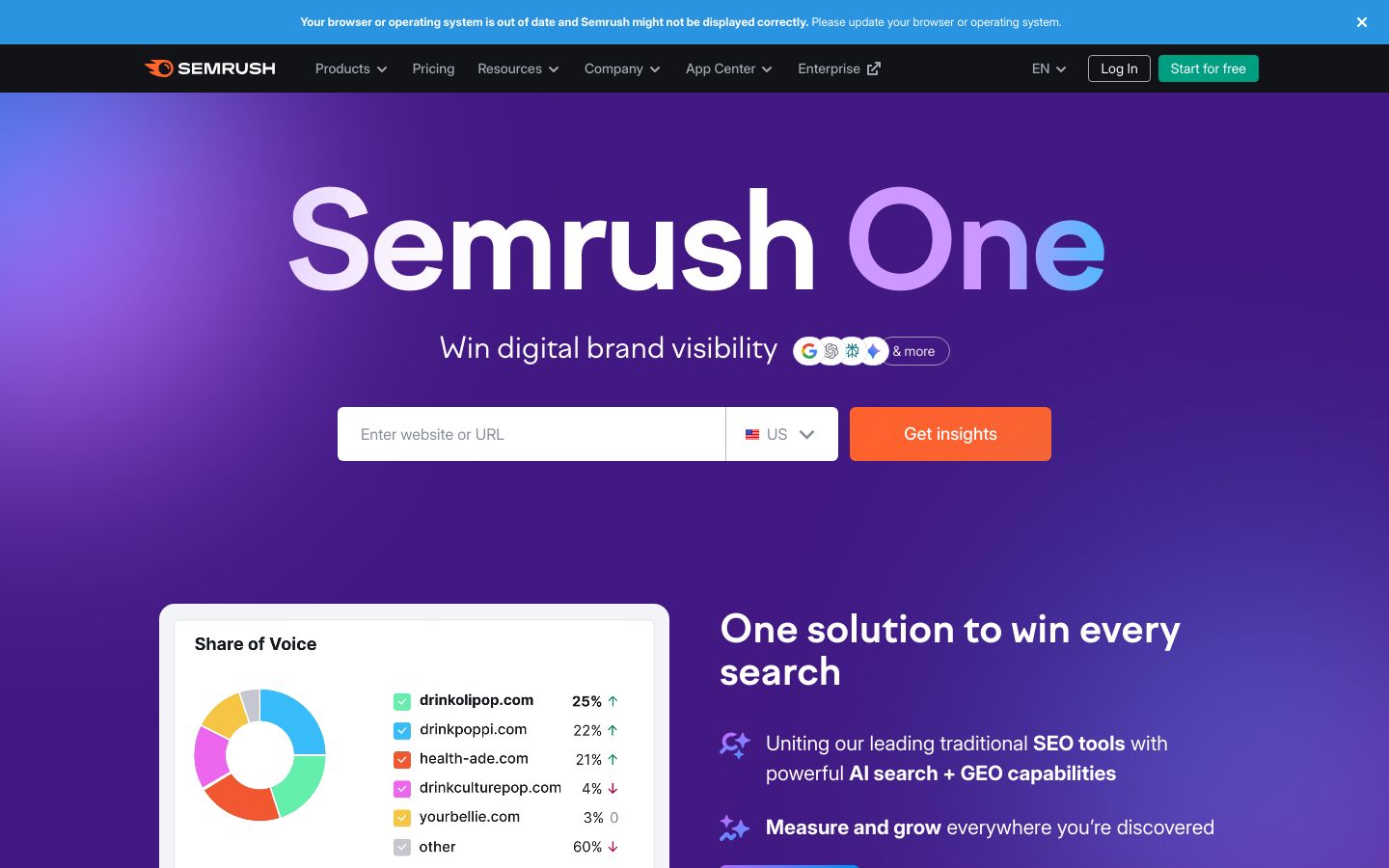
Semrush is a comprehensive digital marketing platform that combines traditional SEO tools with AI search and GEO capabilities. It’s built to help you analyze keywords, backlinks, competitors, technical site issues, content opportunities, and even AI visibility-all in one ecosystem.
For solo operators, Semrush is most valuable when you’re doing heavy research, sizing up competitive SERPs, and building strategy across multiple topics or websites. It can be a lot of tool, but the upside is breadth: you’re rarely stuck wondering what to look at next.
Best for:
Bloggers and marketing teams who want a full SEO suite, especially if you’re competing in a crowded niche and you’re willing to invest time learning the platform. It’s also a fit when you need research depth more than “auto-pilot” simplicity.
Key features:
- Keyword research at large scale, with AI insights to guide selection
- Backlink analysis and traffic potential insights for competitive planning
- Technical site audits plus rank tracking to monitor progress
- AI Visibility analysis to see how LLMs feature your brand and competitors
Pros:
- Best choice if you need one suite covering research, audits, and tracking
- Ideal for competitive niches where deep keyword data drives decisions
- Perfect for teams who want AI visibility insights alongside classic SEO
Cons:
- Overkill for simple briefs; consider Frase for faster page planning
- Not ideal for low budgets; Mangools is simpler and cheaper to start
Pricing:
Starting at $165.17 per month, it includes the AI Visibility Toolkit, AI-ready site audit, keyword research, and monitoring for up to 5 websites on the Starter plan.
Bottom line:
Choose Semrush when you want a powerful research and diagnostics hub and you’ll actually use the toolkit depth. It’s a strong “system of record” for SEO, but it’s not the lightest option for solo, budget-first workflows.
3. Surfer SEO – Best for on-page content scoring
What it is:
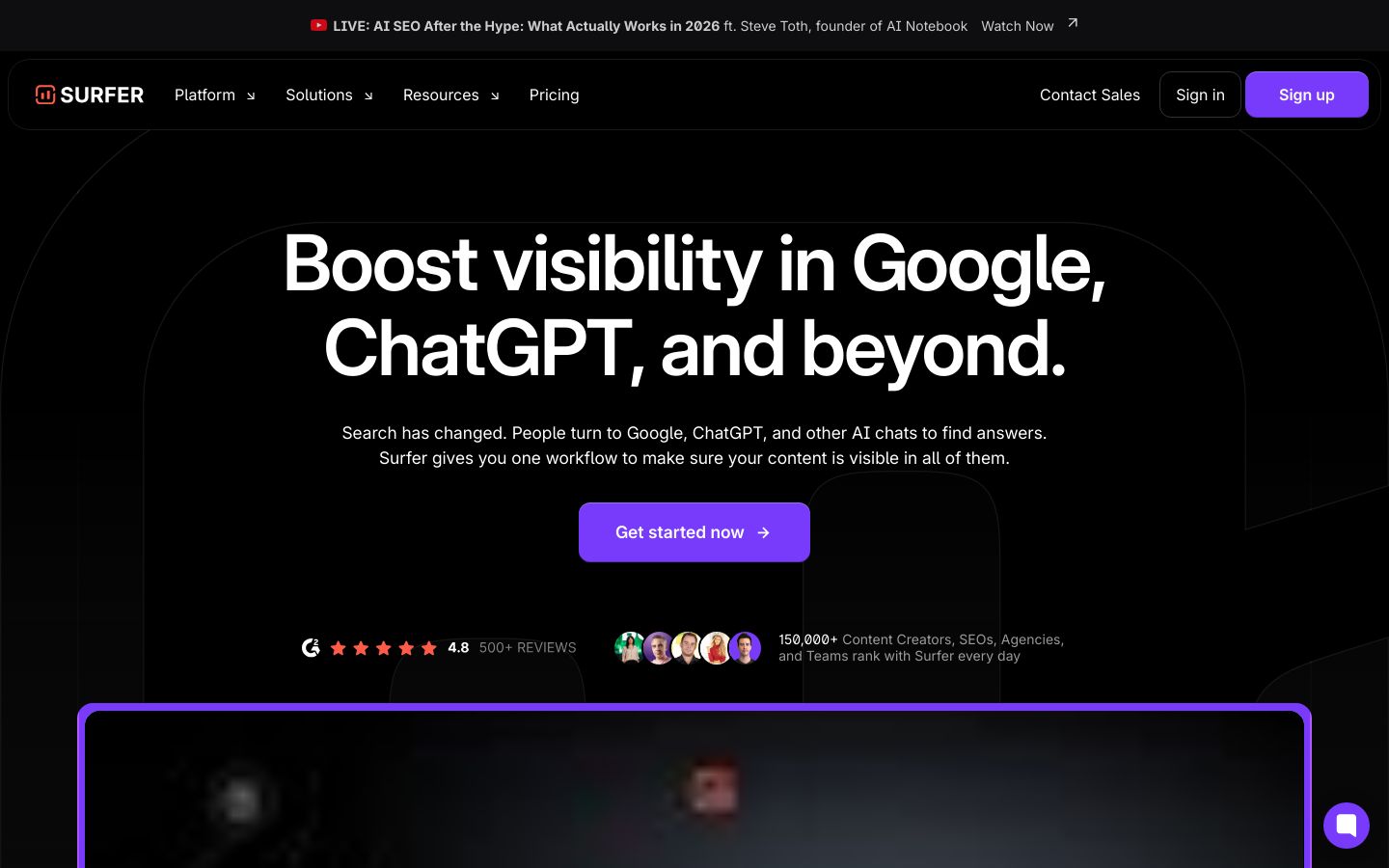
Surfer SEO is an on-page content optimization platform designed to help your pages perform better across search engines and AI platforms. The core value is real-time guidance while you write: it surfaces content gaps, suggests improvements, and helps you align your draft with what searchers seem to want.
Surfer is less about running your entire SEO operation and more about making each individual page stronger. If you’ve ever published something and later wondered, “Did I cover the right subtopics?” Surfer aims to remove that uncertainty.
Best for:
Solo bloggers, content creators, and small agencies who want clear on-page guidance and a collaborative writing workflow. It’s especially useful when you have a list of target keywords already and you want a consistent way to optimize drafts before publishing.
Key features:
- Content Optimization that identifies gaps and fine-tunes pages for Google and AI chats
- Real-time on-page feedback while you write and optimize
- Outline Builder for building structured content plans quickly
- Integrations with tools like Google Docs and WordPress for smoother publishing
Pros:
- Best choice if you want step-by-step on-page guidance while writing
- Ideal for teams needing consistent optimization across many writers
- Perfect when internal linking suggestions help tie content together
Cons:
- Not ideal as your only SEO system; pair with SE Ranking for tracking
- Skip this if you mainly need briefs; Frase gets you there faster
Pricing:
Starting at $49 per month, it includes the Discovery plan with document creation and basic tracking limits, billed yearly.
Bottom line:
If your biggest problem is making pages “complete enough” to compete, Surfer is a reliable optimizer layer. Use it to strengthen service pages and blog posts once you already know what you’re targeting.
4. Frase – Best for fast content briefs
What it is:
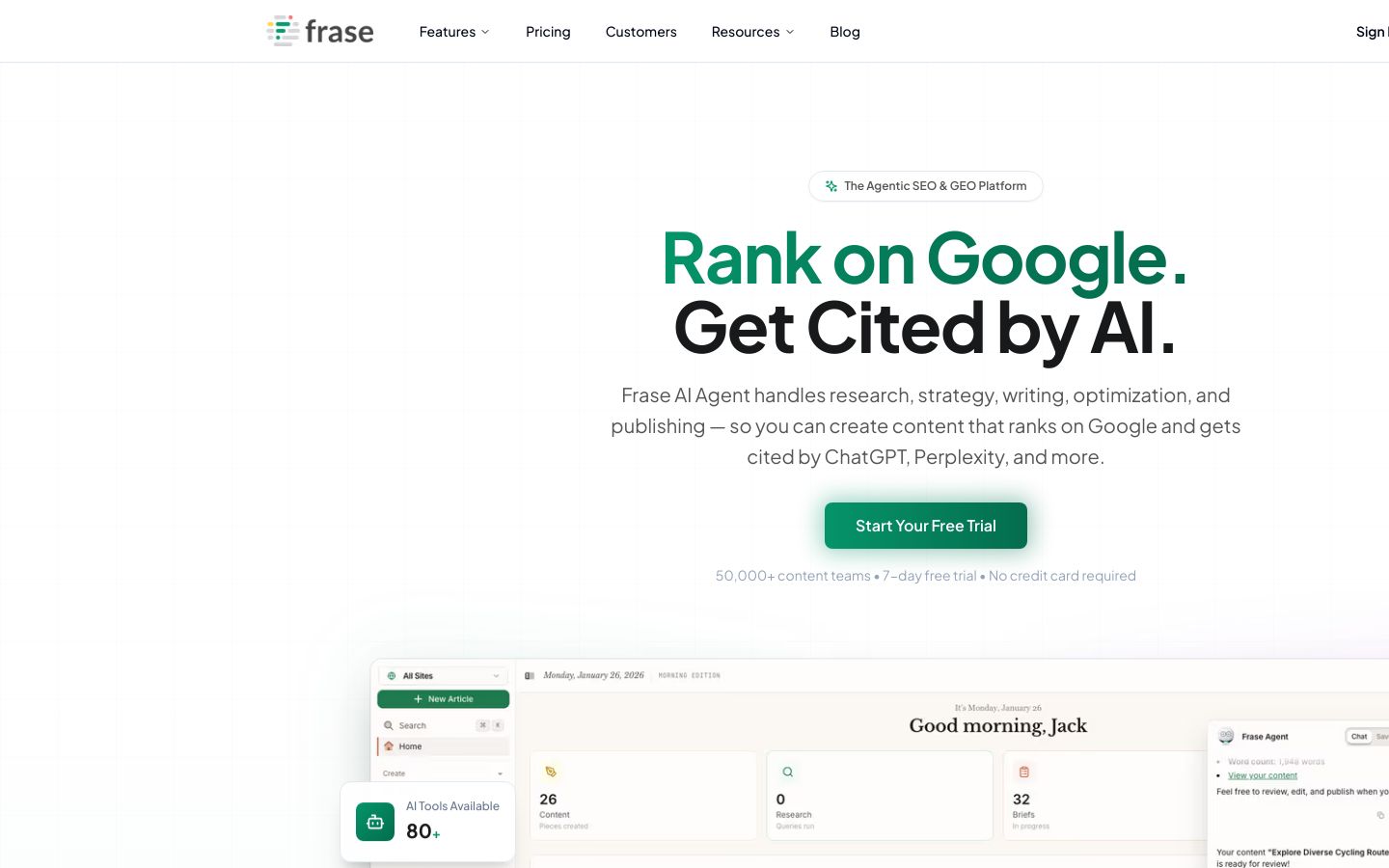
Frase is an agentic SEO and GEO platform built to streamline research, strategy, writing, optimization, and publishing. A major draw is its ability to turn competition and question research into a usable brief quickly-so you spend less time outlining and more time producing content that matches search intent.
Frase also positions itself around visibility in both Google and AI search engines. For many solo bloggers, that translates to a practical benefit: you can build pages that answer the questions people actually ask, in a structure that’s easier to publish consistently.
Best for:
Solo bloggers and small content teams who mainly need fast briefs, outlines, and FAQ-style coverage that matches what’s showing up in search results. It’s especially useful when “what should this page include?” is the thing slowing you down most.
Key features:
- AI Agent to manage research, outlining, writing, and optimization tasks
- SERP analysis and competitor breakdown to inform your brief structure
- Real-time SEO score tracking and topic suggestions while you write
- Publishing integrations for WordPress, Webflow, or Sanity
Pros:
- Best choice if you need briefs and outlines fast to reduce planning time
- Ideal for FAQ-heavy pages that match real search questions
- Perfect when you want research, writing, and optimization in one place
Cons:
- Not ideal for rank tracking depth; pair with SE Ranking if needed
- Skip this if you want a full suite; Semrush covers broader SEO tasks
Pricing:
Starting at $39 per month, it includes the Starter plan with 1 user, 1 domain, and 10 articles per month.
Bottom line:
Frase is a strong choice when you want to publish faster with fewer blank-page moments-especially for “what to expect,” “cost,” and process pages that turn searchers into leads.
5. SE Ranking – Best for affordable SEO tracking
What it is:
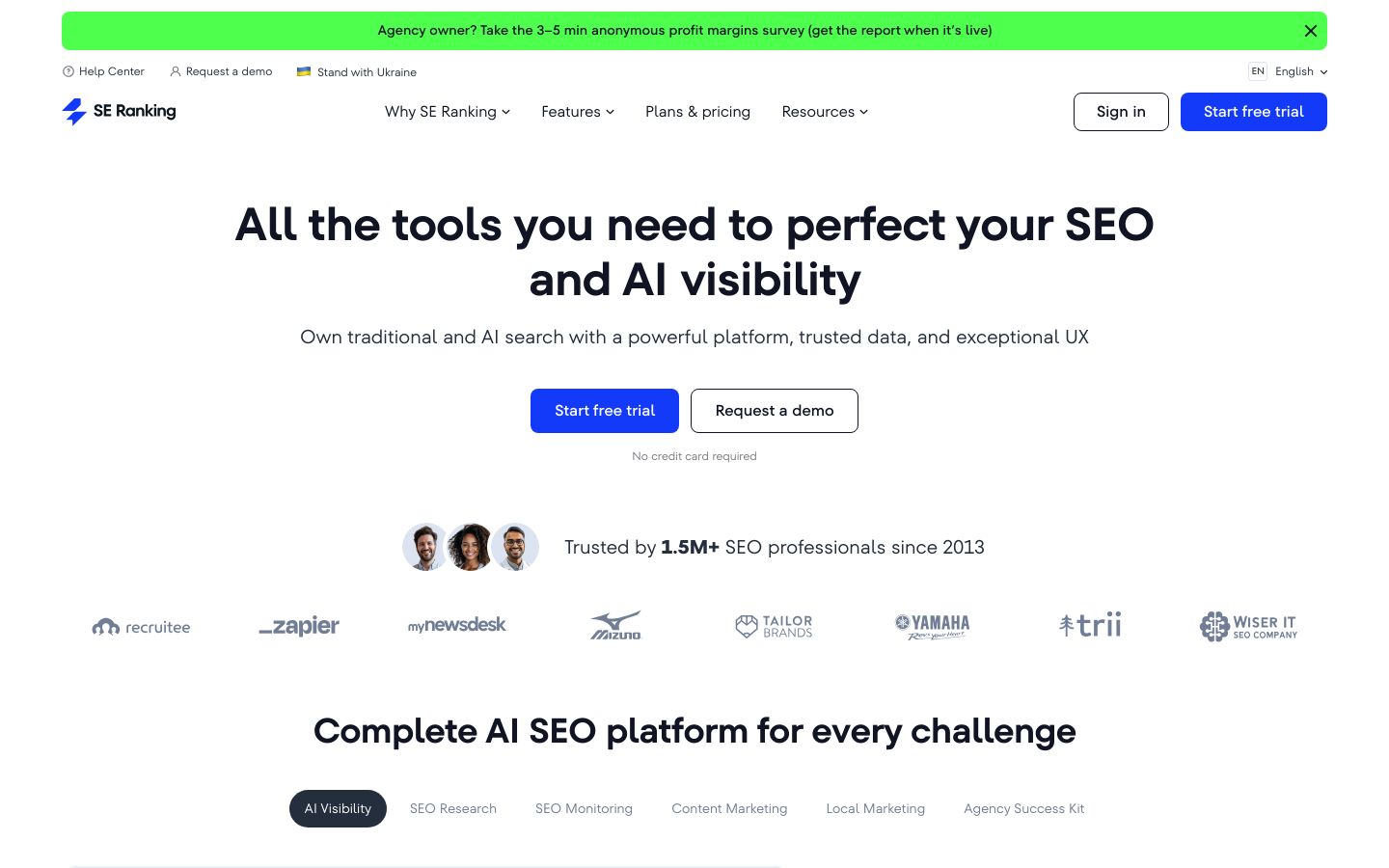
SE Ranking is an all-in-one SEO platform that covers research, monitoring, content marketing, local marketing, and AI visibility tracking. The practical value for solo bloggers is that it can function as your “control panel”: you can track rankings, run audits, check backlinks, and monitor progress without buying an enterprise suite.
SE Ranking also includes AI visibility tools like AI Visibility Tracker and AI Overviews Tracker, which is helpful if you’re paying attention to how search is changing beyond classic blue links.
Best for:
Small businesses and solo site owners who want dependable rank tracking and core SEO features at a typically accessible price point. It’s a great fit when you already have a content production method and you want clear measurement plus basic guidance.
Key features:
- Rank Tracker plus monitoring workflows to track SEO progress over time
- Website Audit to catch technical issues that block crawling and indexing
- Keyword and competitor research tools for planning content
- AI Visibility tools to analyze brand visibility across AI search engines
Pros:
- Best choice if you need reliable rank tracking without enterprise pricing
- Ideal for owners who want audits, research, and monitoring in one tool
- Perfect when you’re tracking service + city terms month to month
Cons:
- Not ideal for hands-off content execution; Outrank is more workflow-first
- Skip this if you only need keyword ideas; Mangools is simpler to learn
Pricing:
Starting at $65.00 per month, it includes the Essential plan with rank tracking, website audit, and core research tools.
Bottom line:
If you want a straightforward way to measure progress and stay on top of SEO basics, SE Ranking is one of the most practical “all-around” platforms for small budgets and non-enterprise needs.
6. Writesonic – Best for fast SEO drafts
What it is:
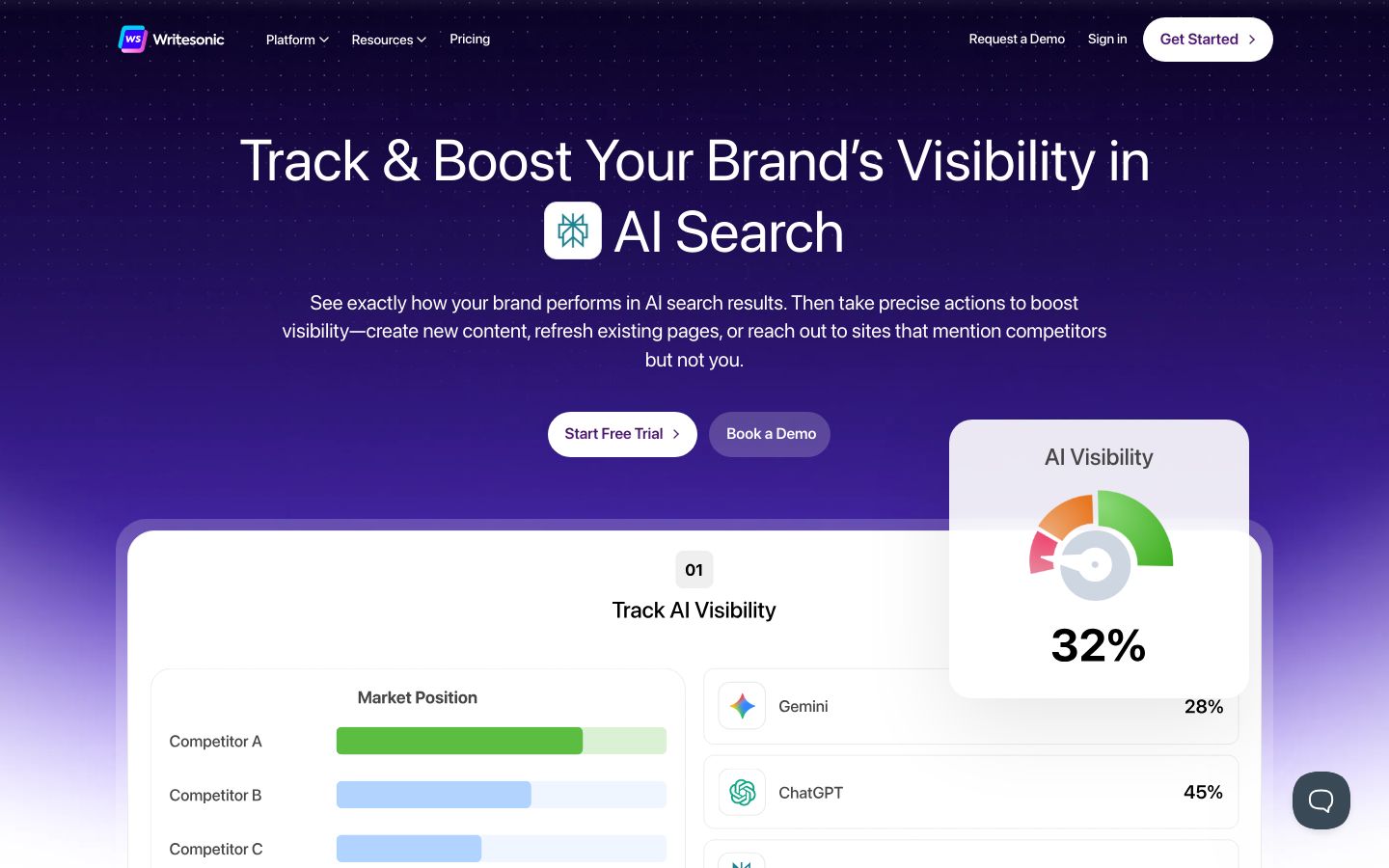
Writesonic is a platform focused on tracking and improving brand visibility in AI search results, with tooling that also supports SEO content creation and technical audits. It’s designed to take you from tracking to action, meaning it doesn’t just generate text; it also helps you identify opportunities to create or refresh pages based on visibility gaps.
For a solo blogger, Writesonic can be especially useful when you already know what you want to publish and you want faster first drafts, rewrites, and content variations that still follow an SEO-friendly structure.
Best for:
Creators and small businesses who have a basic SEO plan (keywords, angles, or a content calendar) and want to produce drafts faster. It’s also relevant if you care about AI search visibility and want to monitor how platforms like ChatGPT, Gemini, and Perplexity surface your brand.
Key features:
- AI Visibility Tracking with visibility scores, sentiment, and citations
- AI Visibility Actions that point to content opportunities and citation gaps
- Content Engine to create and refresh content optimized for Google and AI citations
- SEO tooling including instant technical issue audits and fixes with AI
Pros:
- Best choice if you need quick drafts and refreshes to keep publishing
- Ideal for teams optimizing for AI citations, not just Google rankings
- Perfect when you want tracking plus actionable content recommendations
Cons:
- Not ideal if you lack a keyword plan; start with Mangools or Semrush
- Skip this for deep briefs; Frase is more purpose-built for outlining
Pricing:
Starting at $49 per month, it includes the Lite plan with limited AI article generations and site audits.
Bottom line:
Writesonic makes sense when writing speed is your bottleneck and you already have direction. Just remember that “fast drafts” still need your expertise, examples, and accuracy before you hit publish.
7. MarketMuse – Best for topical authority planning
What it is:
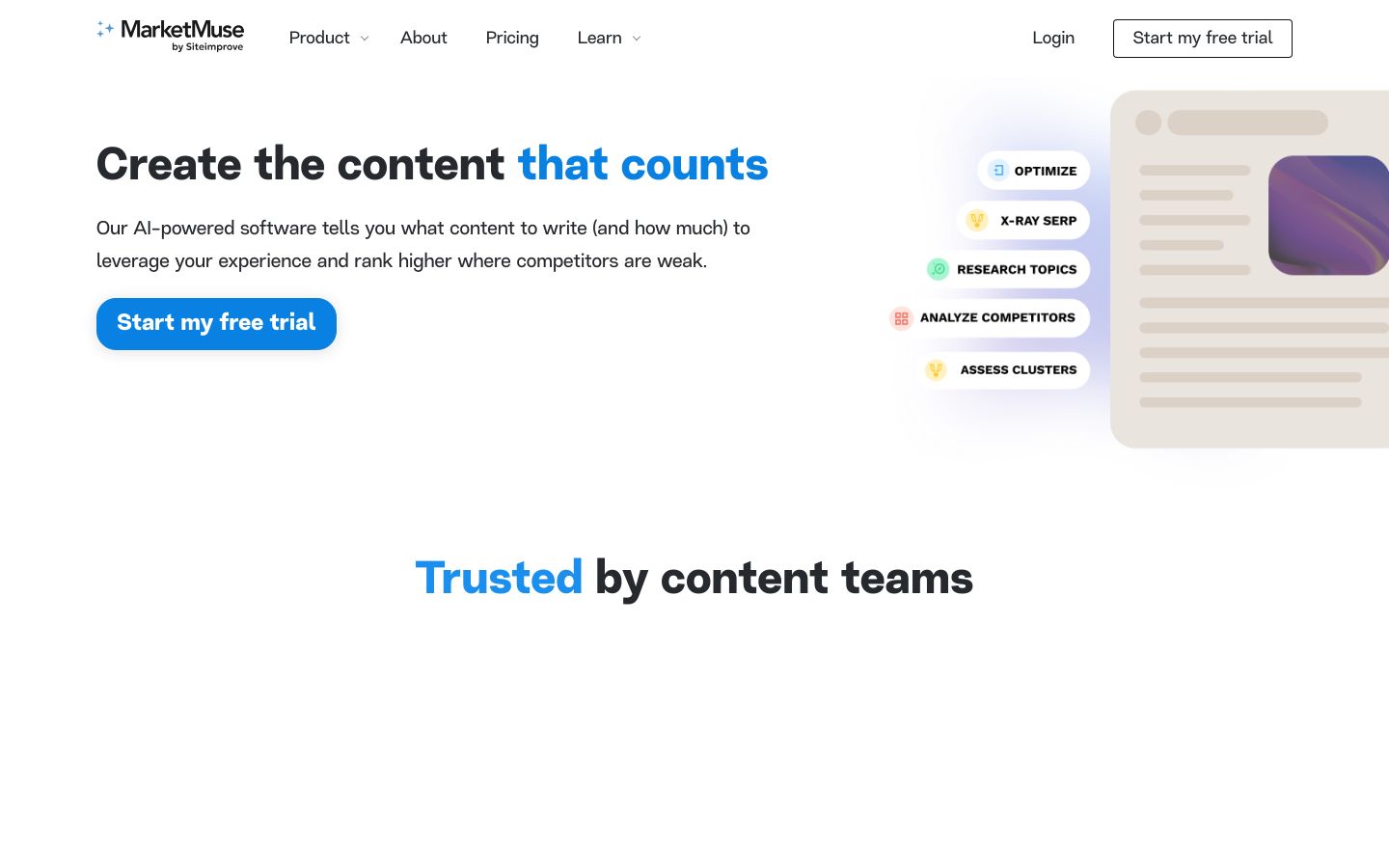
MarketMuse is an AI-powered content strategy tool built to help you plan and optimize content that’s worth creating. Instead of starting from “what keyword should I target,” MarketMuse leans into topic authority, competitor gaps, and personalized difficulty-so you can prioritize pages that match your site’s realistic ability to rank.
This is a more strategic tool than a typical content writer. You use it to decide what to publish, how deep to go, and how to build clusters that make Google trust your site on a subject over time.
Best for:
Site owners and content teams focused on building topical authority in a category, especially if you’re creating clusters (a group of related pages) rather than isolated blog posts. It can be valuable when you’re scaling content and need a planning engine that prevents wasted posts.
Key features:
- Topic authority analysis to find high-value clusters and quick wins
- Competitor gap identification to uncover overlooked content opportunities
- Personalized difficulty to judge ranking feasibility for your site
- Content plan roadmap for what to create, update, and prioritize next
Pros:
- Best choice if you’re building topic clusters, not one-off blog posts
- Ideal for planners prioritizing pages by difficulty and business value
- Perfect when you need a roadmap for updates, not just new content
Cons:
- Overkill for tight budgets; Frase is a simpler brief-first starting point
- Not ideal for quick keyword checks; Mangools is faster for basics
Pricing:
Check website for current pricing.
Bottom line:
MarketMuse is a strong option when you’re serious about owning a topic over time and you want strategic clarity on what to publish next. It’s often more tool than a brand-new solo blogger needs, but it’s powerful when you’re scaling.
8. Mangools – Best for simple keyword research
What it is:
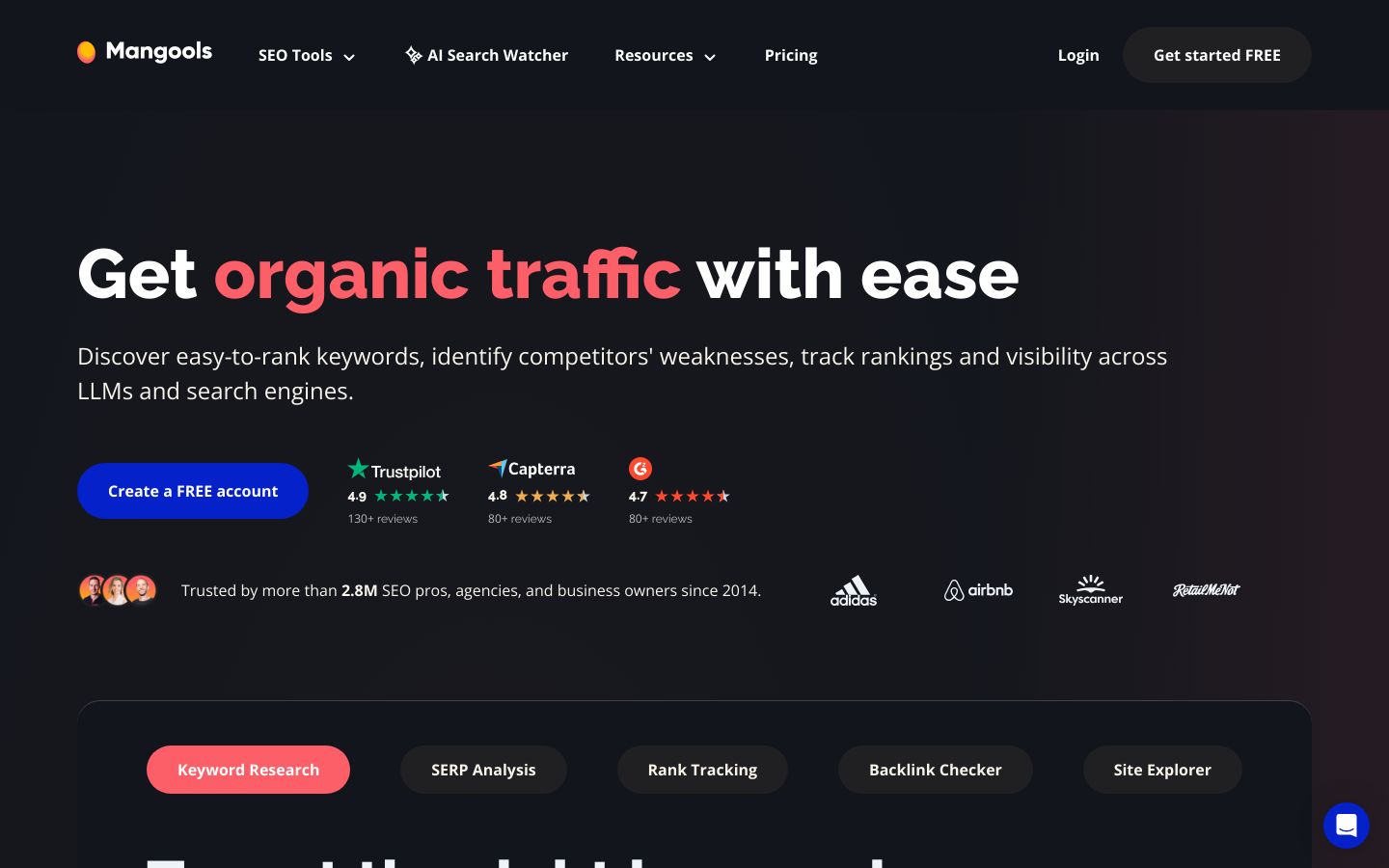
Mangools is a suite of SEO tools centered on ease of use, covering keyword research, SERP analysis, rank tracking, backlink checking, and basic site profiling. It includes tools like KWFinder for keyword discovery and SERPWatcher for rank tracking, plus newer AI-search-focused utilities like AI Search Watcher.
If you want the least complicated setup to start finding keywords you can realistically target, Mangools is one of the most approachable options-especially for solo users who don’t want a steep learning curve.
Best for:
Budget-conscious solo bloggers and small businesses who want straightforward keyword research and light ongoing tracking. It’s also useful when you need local-style keyword ideas (service + city) without getting buried in enterprise dashboards.
Key features:
- KWFinder for keyword research and competitor keyword analysis
- SERPChecker for location-aware SERP analysis and metrics
- SERPWatcher for rank tracking with reporting options
- LinkMiner and SiteProfiler for backlink and site-level insights
Pros:
- Best choice if you want beginner-friendly keyword research right away
- Ideal for budget-first users who still need core SEO tools in one place
- Perfect when you value simple UI over enterprise-grade complexity
Cons:
- Not ideal for deep brief creation; pair with Frase for outlines
- Skip this if you need advanced AI visibility strategy; try Semrush instead
Pricing:
Starting at $37.70 per month, it includes the Basic plan with capped daily research requests and rank tracking limits.
Bottom line:
If you’re trying to stay lean and you want keyword research you’ll actually use, Mangools is a clean, low-friction starting point. Then add a brief tool later if outlining is your bottleneck.
How to choose the best AI tools for SEO for your specific workflow (local leads vs content scale)
The “best AI tools for SEO” question gets easier when you stop thinking in features and start thinking in workflow. Your goal isn’t to own dashboards. Your goal is to publish a small set of pages that match search intent, then improve them over time.
A quick reminder of two key terms:
- Search intent is the real goal behind a query (e.g., “hire a plumber near me” vs “how to fix a leak”), which determines what kind of page should rank.
- On-page SEO is what you change on the page itself-titles, headings, copy, internal links, and structure-to help search engines and people understand it.
Step 1 – Define your goal (local leads, more calls, or long-term content growth)
Decide what “winning” means for the next 90 days.
Most solo bloggers fall into one of these lanes:
- Local leads / booked calls: You need service pages, location pages, and trust-building “proof” pages. If you serve an area (even as a solo consultant), this looks a lot like local SEO-content tied to where and how you help people.
- Long-term content growth: You need topic clusters, consistent publishing, and a system for refreshing content that earns impressions.
- Hybrid: You need core money pages plus ongoing blog support.
If you’re in local leads mode, don’t start with 50 blog posts. Start with 2–4 pages that match buying intent, then publish supporting content that answers questions people ask before they purchase.
Step 2 – Check the must-have features (keywords, briefs, on-page, tracking)
Now get specific about what you truly need.
For most solo workflows, the must-haves are:
- Keyword discovery you trust: You need a way to pick targets without guessing. Tools like Semrush, SE Ranking, and Mangools help here.
- A usable content brief: A content brief is your page plan: target keyword(s), intent, headings, questions to answer, and related terms. Tools like Frase (and workflow-first systems like Outrank) shine here.
- On-page guidance: You want clear instructions on what to add or improve. Surfer SEO is purpose-built for this.
- Basic tracking: If you’re not tracking, you’re flying blind. SE Ranking and Mangools both help you monitor movement.
If your budget is tight, pick one tool that covers your biggest bottleneck first. You can always add a second tool later once you’re publishing consistently.
Step 3 – Compare pricing and limits (seats, credits, locations, pages)
Pricing gets tricky because two tools can both cost “around the same,” but one limits you by:
- Number of projects or domains
- Number of tracked keywords
- Number of documents/briefs you can create
- Team seats (extra cost per user)
- Audit limits (pages scanned, frequency)
Before you subscribe, list what you’ll realistically do each month. Example:
- “I will publish 4 posts and refresh 2 older posts monthly.”
- “I want to track 20 keywords.”
- “I only need 1 seat.”
Then match that to plan limits. If the plan makes your workflow feel cramped in month one, it’s probably the wrong plan.
Step 4 – Evaluate setup, usability, and support (non-technical friendly?)
This is the part most people underestimate. A tool isn’t “affordable” if it costs you hours of confusion.
Ask yourself:
- Can I get to a keyword list and a brief in one sitting?
- Does the tool tell me what to do next, or does it just show charts?
- Does it support the way I publish-Google Docs, WordPress, or a CMS?
- Will I actually open it weekly?
If you’re unsure about SEO fundamentals like titles and headings, it helps to review official basics once, then rely on your tool for execution. This is a solid reference: SEO starter guidelines for titles, headings, and page structure.
Step 5 – Decide using simple rules (keep one ‘system of record’ tool)
The fastest way to waste money is buying three overlapping tools and using none of them consistently.
Use these simple decision rules:
-
Pick one primary tool as your “system of record.”
This is where you keep your keyword targets, page list, and next actions. For many solo operators, that’s either Outrank (workflow-first) or a suite like Semrush or SE Ranking (data-first). -
Add only one specialist tool if you hit a real bottleneck.
Examples:- You can research keywords but struggle to outline: add Frase.
- You can outline but want stronger on-page optimization: add Surfer SEO.
- You publish but don’t track: add SE Ranking.
-
Build a small, repeatable content set before you scale.
For local-style sites, a practical set looks like:- Core service pages (the things you sell)
- Location pages (if relevant)
- FAQ pages (“cost,” “timeline,” “process,” “vs” comparisons)
- Proof pages (case studies, portfolio, testimonials, before/after)
- Ongoing blog support (seasonal tips, how-tos, common problems)
When in doubt, start with the simplest tool that helps you publish consistently. SEO is often measured in months, not days, so consistency beats complexity.
Common mistakes to avoid when picking AI tools for SEO (and what to do instead)
Most disappointment with AI SEO tools comes from predictable missteps, not from the tools “not working.” Here are the three to watch for.
- Mistake: Buying an ‘all-in-one’ suite when you only needed briefs
It’s easy to think more features equals better results. But if you’re solo, the real constraint is usually throughput, not data.
Do this instead: Start with a workflow-first tool or a brief-first tool. If you mainly need help turning a keyword into a publishable plan, Frase (or a system like Outrank that keeps execution moving) often gets you to “published” faster than a massive suite.
- Mistake: Using AI to publish generic pages
Generic content is the fastest path to “I posted 20 blogs and nothing happened.” AI drafts can sound fine while still failing to provide the details that build trust.
Do this instead: Add proof and specificity:
- Real examples, steps, and constraints
- Local context (if you serve an area)
- Clear pricing context when you can, or explain how you price if it varies
- Strong calls-to-action and next steps
If you’re writing for a service business, your page should make it obvious why someone should call you-not just what the topic is.
- Mistake: Tracking nothing
If you don’t measure, you can’t learn. You’ll refresh the wrong posts, target the wrong keywords, and miss early signals that a page is gaining traction.
Do this instead: Pick a small keyword set (10–20 terms), track them monthly, and tie them to specific pages. If you want a simple measurement baseline, review how to track results in Google Search Console once, then keep your tracking routine lightweight.
FAQ – AI tools for SEO
Can AI do SEO optimization?
Yes, AI can handle a meaningful part of SEO optimization, especially the time-consuming, repetitive work.
Where AI helps most:
- Turning a topic into a structured outline and content brief
- Suggesting related questions to answer so your page matches intent
- Improving on-page elements like headings and internal links
- Flagging gaps, missing subtopics, or inconsistent coverage
Where you still need to stay involved:
- Facts, claims, and accuracy checks
- Real examples, experience, and unique insights
- Niche or local context that generic content won’t capture
- Ensuring the page actually serves a purpose (leads, email signups, sales, bookings)
Put simply: AI can optimize the “shape” of your content. You provide the substance and credibility.
Are AI SEO tools worth it?
They’re worth it when they reduce the work you’re currently avoiding.
If you’re a solo blogger on a budget, AI SEO tools are typically worth it when they:
- Help you pick better keywords faster
- Remove friction from briefing and outlining
- Make publishing more consistent
- Help you refresh posts that already get impressions
They’re usually not worth it if you plan to buy the tool and “wait for results” without publishing or improving anything. SEO still rewards consistent output and relevance; the tool just makes that output easier to produce and maintain.
A practical way to decide is to ask: “Will this tool help me publish 2–4 solid pages per month with less stress?” If yes, it’s probably a good investment.
Is ChatGPT good for SEO?
ChatGPT can be useful for SEO, but it’s better as a helper than as your entire SEO system.
ChatGPT is strong for:
- Brainstorming angles and outlines
- Drafting sections you’ll edit heavily
- Rewriting for clarity and tone
- Creating content variations (FAQs, intros, meta descriptions)
ChatGPT is weaker for:
- Reliable keyword research and prioritization
- Consistent on-page scoring tied to what’s ranking
- Ongoing rank tracking and measurement
- Turning “a draft” into “a page that actually matches intent and converts”
If you’re deciding between general-purpose assistants for research-heavy writing, this breakdown of Perplexity vs ChatGPT for cited answers can help you pick the right helper for your workflow.
One more important guardrail: AI-generated content is not automatically good or bad for Google. What matters is usefulness and quality. If you want the cleanest official framing, read Google’s guidance on creating helpful, people-first content and use it as your north star when you edit.
What is the 80/20 rule in SEO?
The 80/20 rule in SEO is the idea that a small set of actions often drives most results. For solo bloggers and small businesses, the “high-leverage” 20% typically looks like this:
- Choose keywords you can realistically win (not just high volume)
- Publish a few strong pages that match intent extremely well
- Improve pages that already have impressions (refreshing is often faster than starting from scratch)
- Build internal links so Google understands your site structure
In practice, this means you don’t need 100 posts to see progress. You need the right handful of pages, written with clarity and depth, then maintained over time.
Final verdict: the best AI tools for SEO if you want more leads without a full-time marketer
If you’re solo and budget-conscious, the best AI SEO tool is the one that keeps you publishing consistently without adding complexity.
Here’s the calm, practical recap:
-
Default best starting point for “auto-pilot” workflows: Outrank
Choose it when you want the simplest path to consistent SEO output with minimal marketing time. -
If you want the deepest all-in-one research suite: Semrush
Best when competitive research and diagnostics drive your strategy, and you can handle a bigger toolkit. -
If your priority is improving pages as you write: Surfer SEO
Great for on-page optimization and content scoring, especially as a complement to another tool. -
If you mainly need fast briefs and SERP-driven outlines: Frase
A strong brief engine when your biggest bottleneck is “what should this page include?” -
If you want affordable tracking and SEO basics: SE Ranking
A practical control panel for rank tracking, audits, and steady monitoring. -
If you need faster drafting once you have a plan: Writesonic
Useful when writing speed is the constraint, and you’ll still review and add real substance. -
If you’re building topical authority aggressively: MarketMuse
Best for serious planning and cluster strategy, usually more than a brand-new solo blog needs. -
If you want the least complicated keyword research setup: Mangools
A budget-friendly, beginner-first way to start finding targets and tracking movement.
Simple next steps (keep this lightweight)
- Pick one tool as your primary system.
- Choose 10–20 keywords tied to real pages you’ll publish.
- Publish 2–4 priority pages (service pages, money posts, or core guides).
- Refresh monthly: update what’s getting impressions, improve headings, add missing sections, and strengthen internal links.
If you want the simplest way to keep SEO moving without adding more tools, you can explore Outrank and start building consistent organic traffic with less manual work.