Picking the best AI SEO tools comes down to one practical question: which combination removes the most manual work from your workflow without burying you in subscriptions you'll barely use? The answer isn't one universal platform. It's a short stack built around your actual bottleneck — whether that's keyword research, content creation, on-page optimization, site audits, or simply knowing whether your work is showing results.
This guide covers 8 tools across those categories. Every pick is evaluated for solo workflows, meaning time-to-value, learning curve, and budget sensitivity matter as much as raw feature count. You don't need everything on this list. You need the right combination.
Quick Answer: For most freelancers and solopreneurs, start with Google Search Console (free, essential measurement baseline) and add Surfer SEO or Frase depending on your primary need: Surfer if you're optimizing existing drafts, Frase if you need faster research-to-brief workflows. If you want a broader suite that covers keyword research and competitor analysis in one login, Semrush or SE Ranking are worth comparing. Pick one direction first — measure before you expand.
How to Choose the Right AI SEO Tool as a Freelancer
Matching a tool to your situation is simpler when you work from specific conditions. Here's a practical starting point:
- If you publish 1–2 posts per week and pages aren't ranking → Start with Google Search Console to identify which queries you're close on, then add Surfer SEO to tighten on-page optimization.
- If you struggle with blank-page briefs or write for multiple clients → Frase speeds up the research-to-outline step and gives you a repeatable template you can reuse across projects.
- If you manage 3+ client sites and need keyword research plus reporting in one place → Semrush or SE Ranking consolidate recurring tasks under one login and reduce context-switching.
- If you're new to SEO and need a fast diagnostic before you do anything else → Set up Google Search Console first. It's free and gives you the baseline every other tool depends on.
- If you only need quick pre-publish or pre-handoff site checks → SEOptimer handles fast audits without requiring a full-suite subscription.
- If you're already paying for two SEO suites → Stop. Audit what you actually open each week. Overlapping platforms drain budget without adding proportional value.
Understanding your search intent definition for each page you create is a prerequisite that no tool replaces — keep that in mind before adding anything to your stack.
How These Tools Were Selected
"AI SEO tool" means different things depending on the vendor. Some tools generate content, others score it. Some track rankings, others crawl for technical errors. Knowing the difference prevents you from buying the wrong thing.
The selection criteria here prioritized five things: time-to-value (how quickly you get useful output), learning curve (can you use it well within a week?), scope coverage (does it handle your actual task?), workflow fit (does it integrate with how you already work?), and measurement (does it help you know if anything improved?).
Two or three well-chosen tools almost always outperform an overloaded stack. The best tool is the one you'll actually open every week and act on.
Surfer SEO: Content Optimization for Drafts That Need to Rank
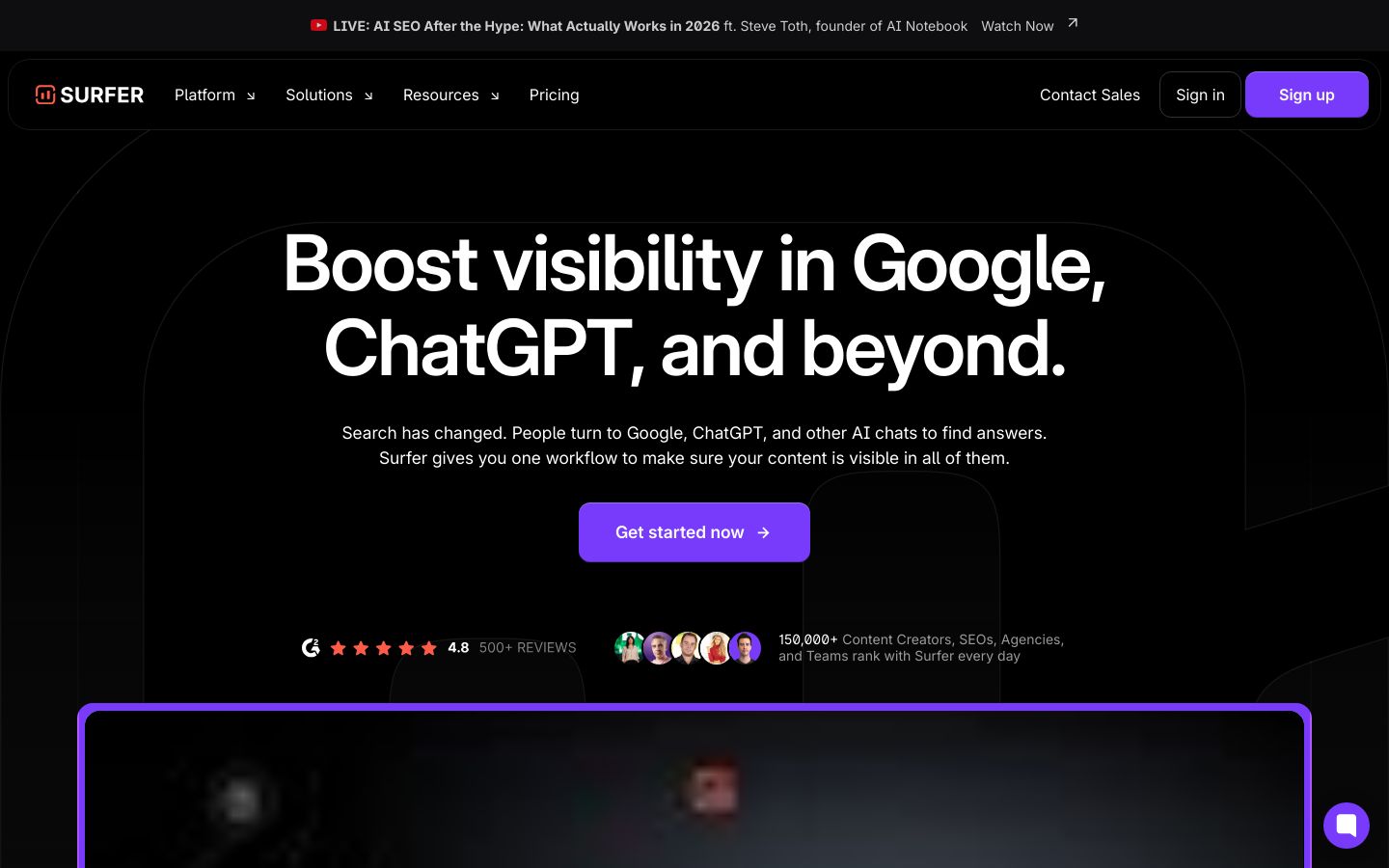
Surfer SEO is an on-page optimization platform that analyzes top-ranking pages for your target keyword and turns those signals into actionable guidance you can apply while writing.
Best for: Freelancers who produce content regularly and want a faster way to align each piece with on-page signals — without spending hours manually reviewing competing pages.
Standout strength: Surfer's content scoring gives you real-time feedback as you write or edit, making it easy to spot structural gaps and keyword coverage issues before you publish. It also supports internal linking workflows and integrates with Google Docs and WordPress, which fits solo setups well.
Meaningful tradeoff: The checklist-style feedback can encourage over-optimization if you follow it too literally. Scores are a guide, not a guarantee. Keep your reader's intent and clarity as the primary filter, and use Surfer's recommendations to supplement that judgment — not override it.
Pricing: Plans range from around $49/month to higher tiers for agencies and enterprise teams. Check surferseo.com for current plan details, since pricing and limits change.
Pick it if: You publish consistently and want structured, repeatable on-page guidance.
Skip it if: You only publish occasionally and can't justify a monthly subscription for light use.
Frase: Research-To-Brief Workflow for Freelancers Writing Across Topics
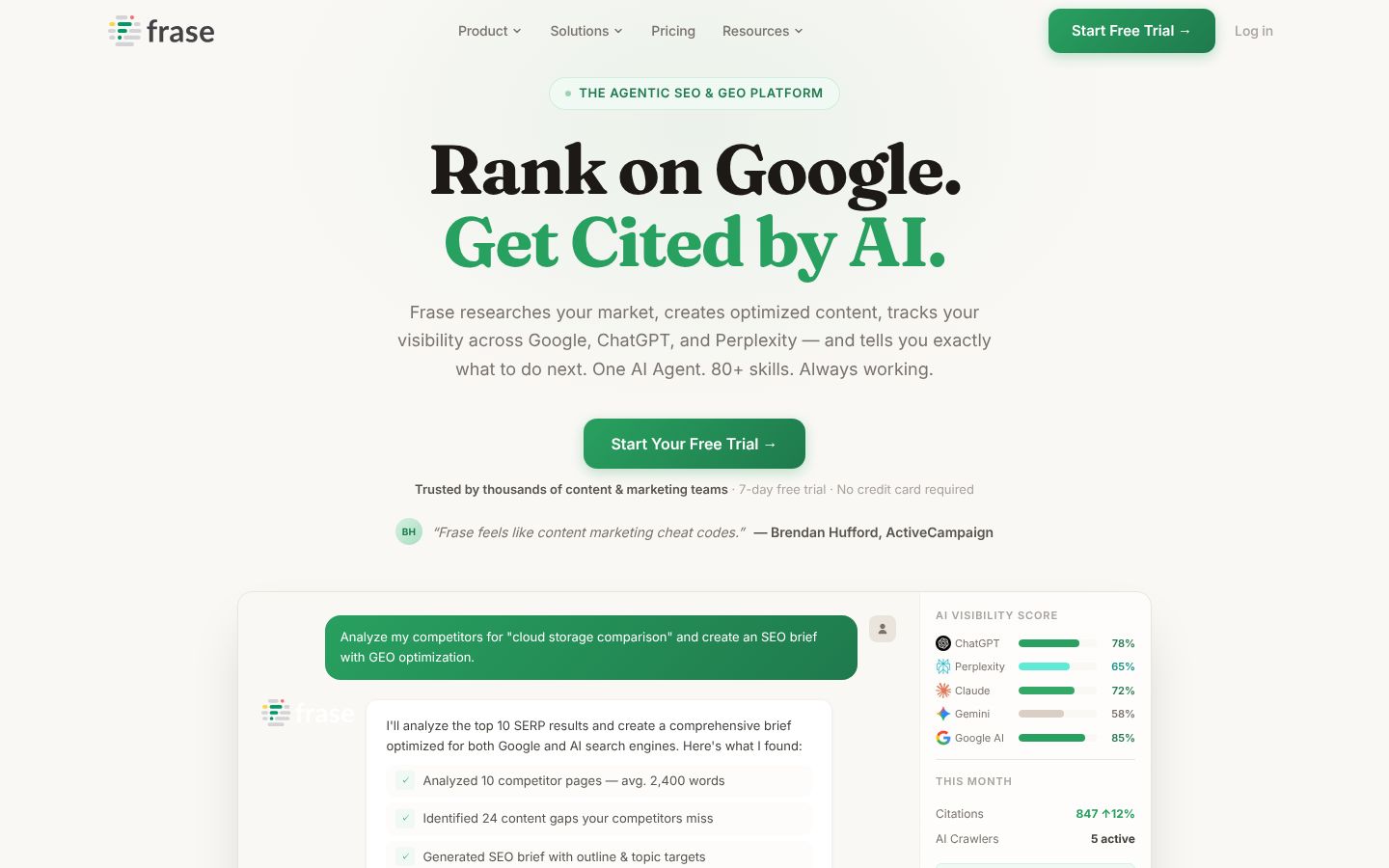
Frase is an AI-assisted SEO and content research platform that helps you move from a target keyword to a structured brief faster than manual SERP review.
Best for: Freelancers who create content across multiple topics or clients and need a repeatable research workflow. If you've ever spent 45 minutes manually reviewing top-10 results before writing, Frase is designed to compress that step.
Standout strength: The platform analyzes the competitive SERP quickly and surfaces topic coverage, common headings, and content gaps — making it easier to build a solid outline before you write a single word. A practical scenario: you could use Frase to create a brief template for a recurring client content calendar, then reuse that structure across different topics without starting from scratch each time.
Meaningful tradeoff: Frase gives you a strong starting structure, but the brief is only as good as your judgment about what to include and what to cut. Topic coverage isn't expertise. You still need to bring context, examples, and original thinking that the research layer won't supply.
Pricing: Plans start around $49/month for solo use, with higher tiers for teams. Check frase.io for current options. A 7-day free trial is available with no credit card required.
Pick it if: Research and briefing speed is your main bottleneck.
Skip it if: You only write occasionally and don't need a structured research workflow.
Rankoak: Automated Daily Publishing for Solopreneurs Who Want Less Manual Work
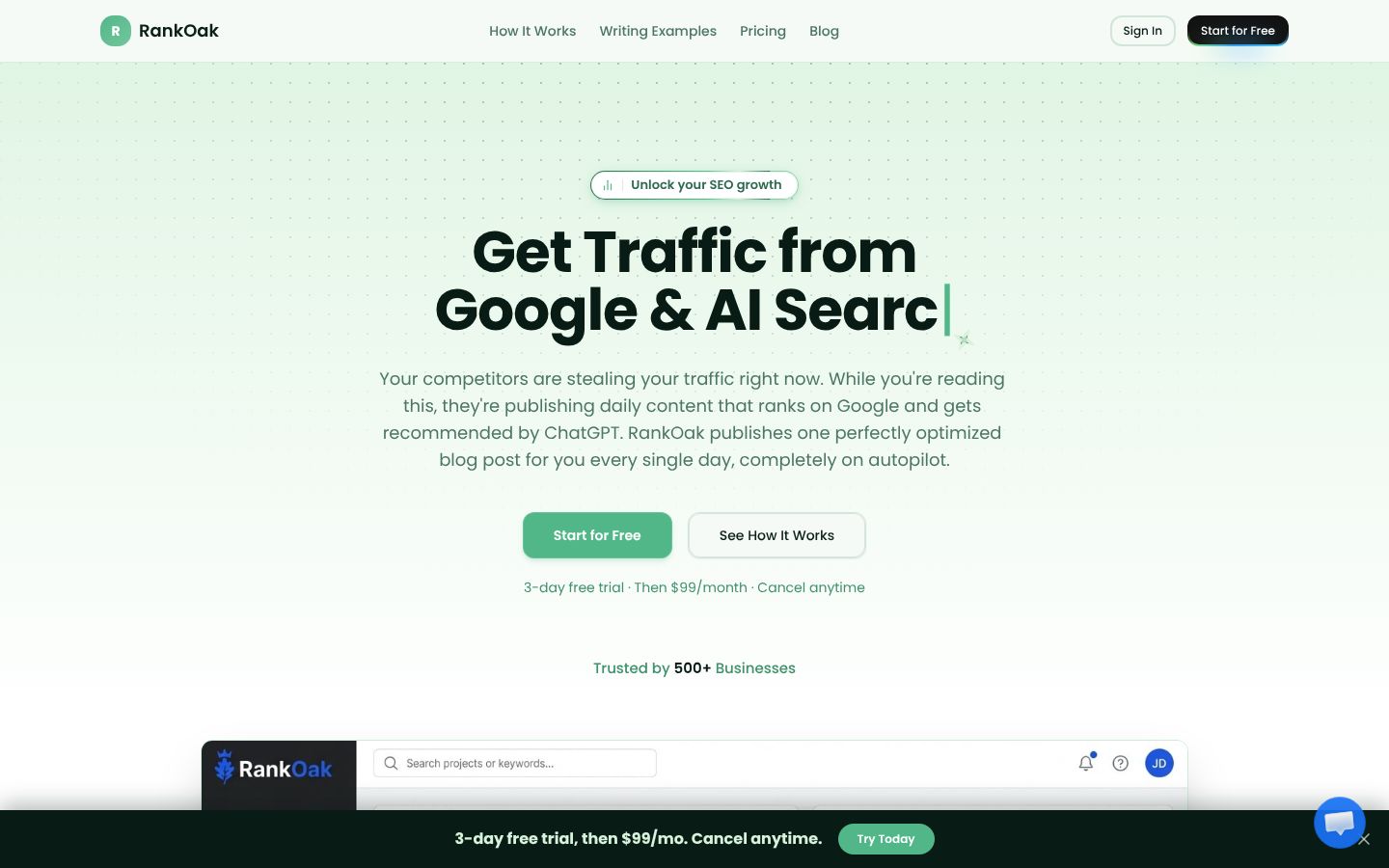
Rankoak is an automated content creation platform built to publish one SEO-optimized blog post per day on autopilot. It handles keyword research, content generation, and publishing through a connected workflow — so you're not manually coordinating multiple tools to get content live.
Best for: Freelancers and solopreneurs who want a simpler, more consistent publishing workflow without managing a stack of separate research, writing, and scheduling tools.
Standout: The platform is built around reducing tool-hopping. You connect your site, it handles keyword research and content generation, and articles go into a 30-day content calendar ready to publish or review. For someone who needs consistent output without constant manual input, that's a meaningful reduction in coordination overhead.
Meaningful tradeoff: If you need the depth of a full enterprise SEO suite — extensive competitor analysis, backlink research, or advanced technical auditing — a broader platform like Semrush or SE Ranking will cover more ground. Rankoak is positioned for output consistency, not deep-dive research.
Pricing: $99/month after a 3-day free trial. Cancel anytime.
If you want to see how it fits a solo workflow, start on the Rankoak homepage.
Semrush: Broad SEO Suite for Freelancers Managing Multiple Sites
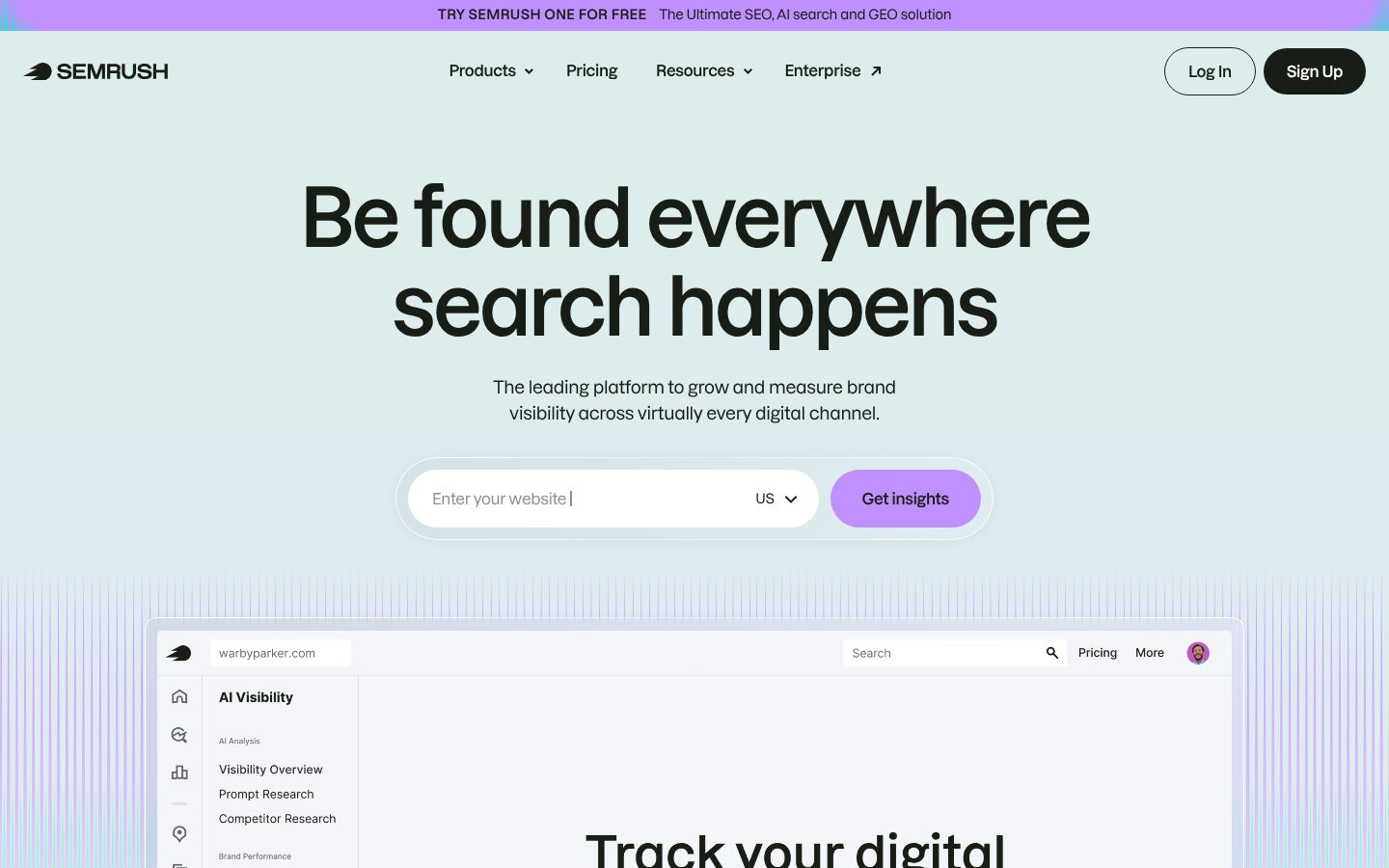
Semrush is one of the most comprehensive SEO and digital marketing platforms available, covering keyword research, competitor analysis, site auditing, rank tracking, and content tools under one login.
Best for: Freelancers managing multiple client sites who need dependable keyword data and competitive context without toggling between separate tools. If client reporting or side-by-side competitor research is a regular part of your work, the breadth of a single platform pays off in time saved.
Standout strength: The range of modules is hard to match. Keyword research, backlink analysis, technical audits, content optimization, and AI visibility tracking are all accessible from one workspace. For someone billing across multiple accounts, consolidation has real value.
Meaningful tradeoff: The cost is significant for a solo budget, and the feature set can be overwhelming if you only need one or two specific workflows. You may find yourself paying for modules you never open. If your needs are primarily content optimization or lightweight rank tracking, a more focused tool is likely a better fit.
Pricing: Plans vary and are billed annually. Check semrush.com/prices for current rates. There's a noticeable price jump between entry and mid-tier plans.
Pick it if: You need breadth and client-facing confidence in one place.
Skip it if: You only need content optimization or basic tracking — you'll overpay.
SE Ranking: Practical Middle Ground for Budget-Conscious Solopreneurs
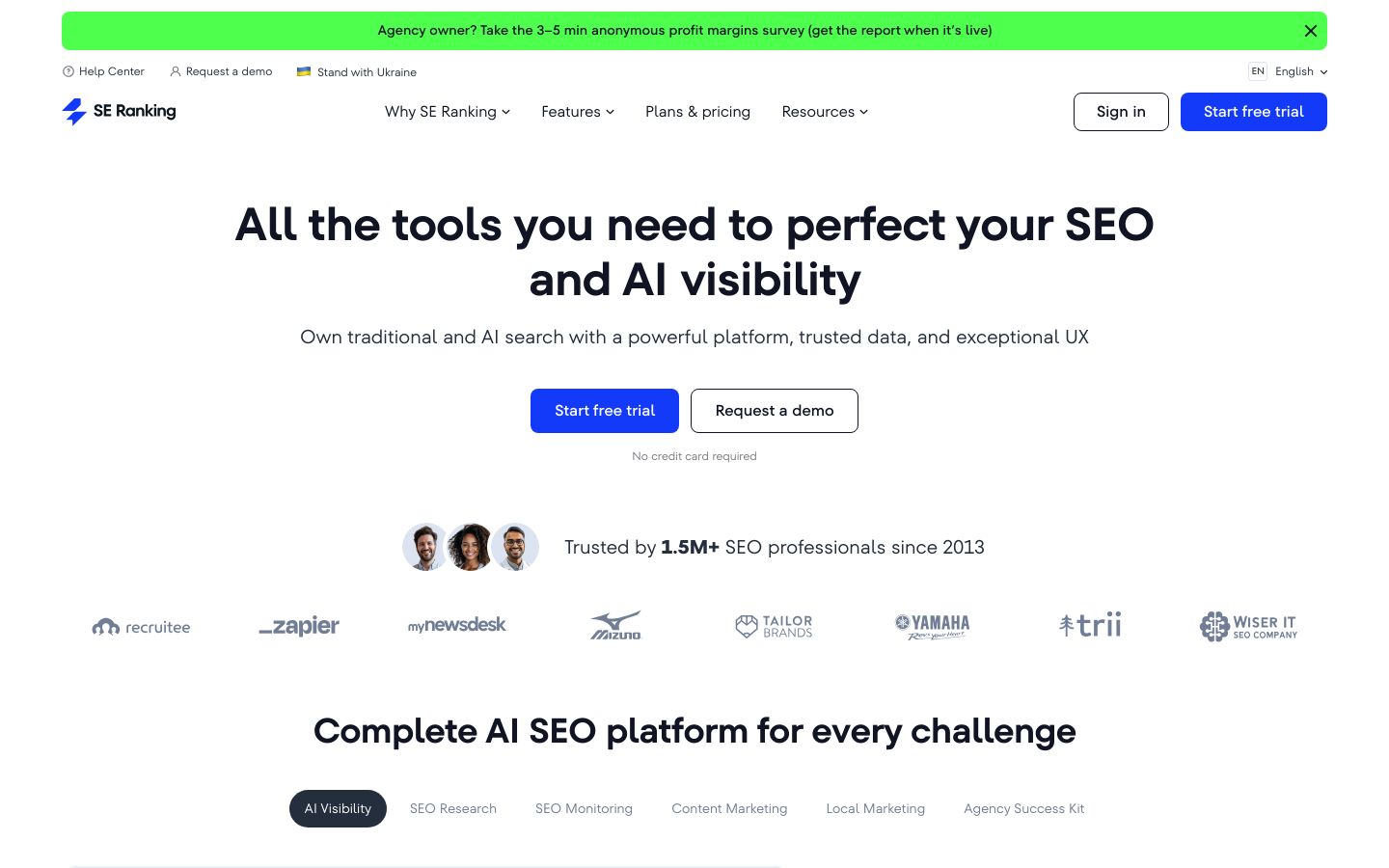
SE Ranking is a full-featured SEO platform that covers rank tracking, keyword research, backlink monitoring, site audits, and content tools. It's designed to handle core SEO operations without the steeper learning curve or price point of the largest suites.
Best for: Freelancers who want an all-in-one feel but are working within tighter time and budget constraints. If you like having keyword research, rank tracking, and site auditing in one workspace but find Semrush's pricing hard to justify, SE Ranking is worth a direct comparison.
Standout: The platform covers day-to-day SEO basics without requiring you to stitch together multiple tools. It also includes AI visibility tracking features, which is useful if you're starting to monitor how clients appear in AI-generated search results.
Meaningful tradeoff: For highly specialized or niche use cases, the depth may not fully match what the largest platforms offer. It's a solid generalist option rather than a specialist one.
Pricing: Plans start around $103/month on a monthly basis. A 14-day free trial is available. Check seranking.com for current plan details, since tiers and add-on pricing vary.
Pick it over Semrush if: You need solid core SEO coverage at a lower cost and don't need Semrush's full breadth for your current client load.
Writesonic: AI Writing Assistant for Faster First Drafts
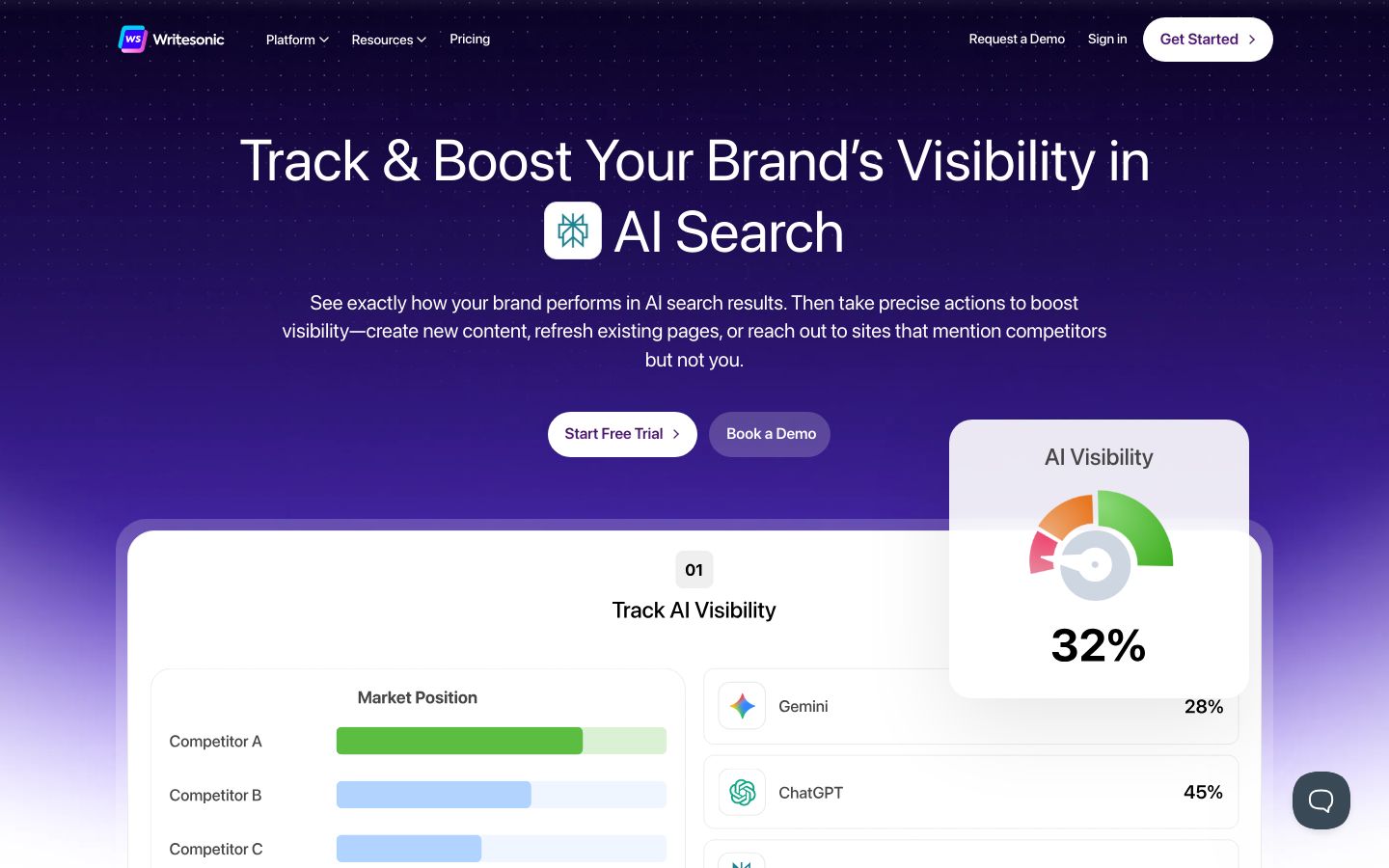
Writesonic is an AI writing and content platform that helps you generate drafts, rewrite sections, and create supporting copy at speed. It has expanded into AI visibility tracking and SEO strategy features in recent versions.
Best for: Solopreneurs who need to produce more content than their available writing time allows, and who already have a clear brief or keyword direction before drafting.
Standout strength: When time is the main constraint, Writesonic helps you get from brief to usable draft quickly. That's valuable when you're producing multiple pieces per week or working through a content backlog.
Meaningful tradeoff: Draft quality still varies by topic, and AI-generated text needs careful fact-checking, editorial judgment, and SEO alignment before it's ready to publish. A safe workflow looks like this: build a brief → generate a draft → edit for accuracy and intent → optimize on-page → publish → measure in Search Console. Skipping any of those steps increases the risk of publishing content that doesn't serve the reader or the search engine.
Pricing: Plans start at $99/month for the Starter tier. Check writesonic.com for current pricing and plan limits.
Pick it if: You need throughput and already know what you're writing about.
Skip it if: You're hoping AI writing replaces SEO strategy or removes the editing step.
Google Search Console: The Measurement Layer You Can't Skip
Google Search Console is Google's free platform for monitoring your site's performance in Google Search. It shows which queries trigger your pages, how often those pages appear, how often they get clicked, and where technical issues might be holding back your visibility.
Best for: Every freelancer and solopreneur doing SEO work. If you're not using Search Console, you're optimizing without knowing whether anything is working.
Standout: Search Console is the closest thing to ground-truth data for Google Search performance. No third-party rank tracker or AI platform can fully replace it. You can use it to find queries you're already ranking for but haven't targeted, identify pages losing impressions over time, spot indexing issues, and measure whether a content update actually improved performance.
Four solo-friendly use cases worth building into a weekly habit:
- Check the Performance report for queries with high impressions but low click-through rates
- Monitor the Coverage report for index errors
- Review which pages are gaining or losing position after you publish updates
- Use the URL Inspection tool before publishing important new pages
Meaningful tradeoff: Search Console tells you what happened. It won't write content, optimize pages, or tell you exactly what to do next. Pair it with a content or optimization tool to act on what you find.
Pricing: Free. Review the Google Search Console documentation for setup guidance.
Start here before you add anything else to your stack.
SEOptimer: Fast Audits for Quick Diagnostics and Pre-Publish Checks
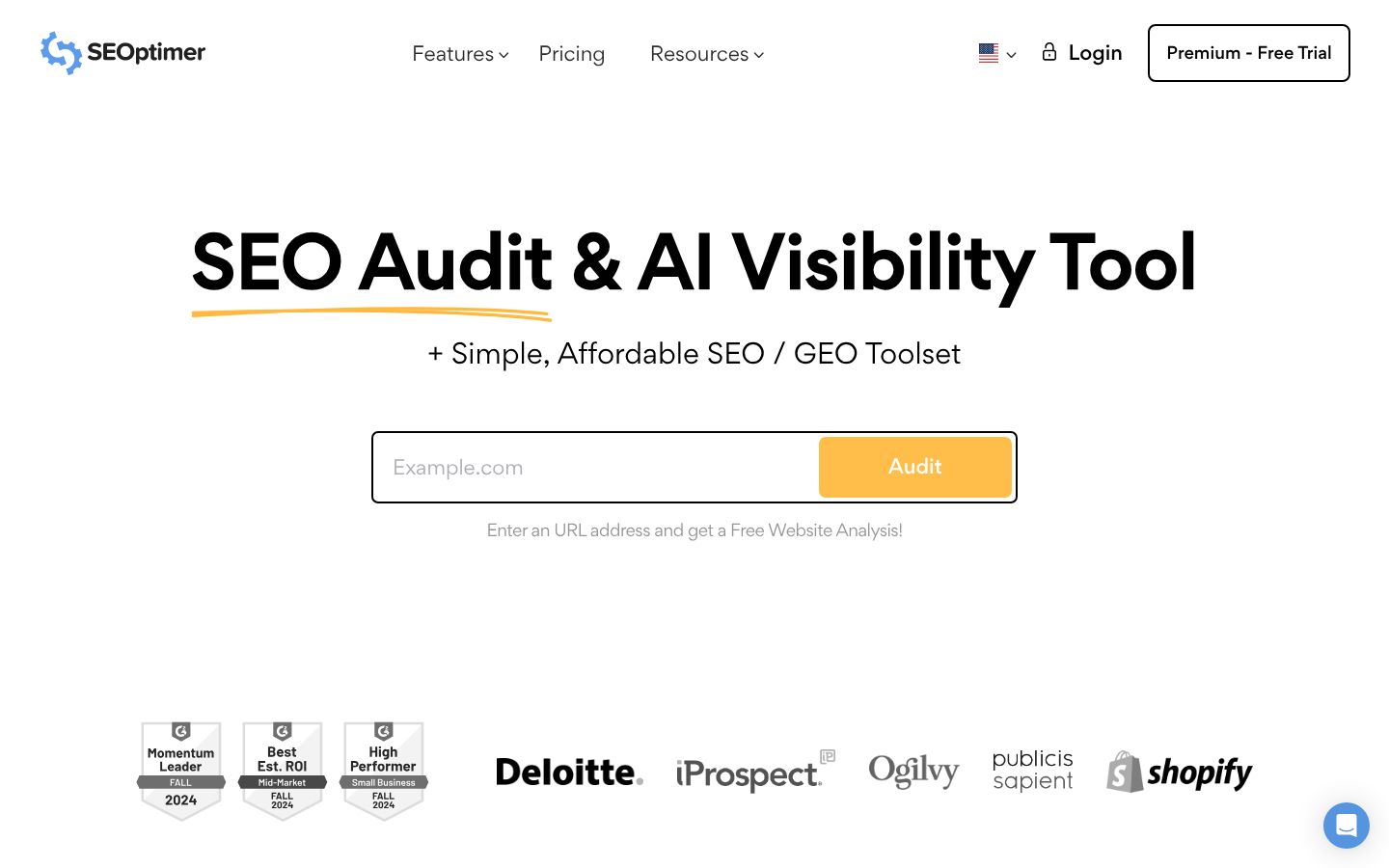
SEOptimer is a website audit and SEO analysis tool that scans pages for common issues and surfaces a prioritized list of recommendations. It's positioned as an affordable, accessible option for individuals and agencies who need fast diagnostic feedback.
Best for: Solopreneurs who need a quick pre-publish or pre-handoff checklist without committing to a full audit platform. It's also useful for agencies producing client-facing reports.
Standout: Speed is the main advantage. You can run a site audit, get a readable summary of issues, and have a starting list of fixes in a short window. For freelancers working quickly across multiple client sites, that's practical.
Meaningful tradeoff: Automated audits are generalist by design. Recommendations may not account for your specific site structure, niche, or business goals. Always check findings against what Search Console shows you and what you know about your site's intent. An audit flag is a signal to investigate — not always a directive to act.
Pricing: Plans start at $29/month for individual use. A 14-day free trial is available. Confirm current pricing at seoptimer.com.
Pick it if: You want fast, structured diagnostics without a steep learning curve.
Skip it if: You need deep technical SEO analysis — you'll outgrow it quickly.
Quick Comparison Table
| Tool | Primary Job | Best Solo Use Case | Learning Curve | Budget Feel | Measurement vs. Creation |
|---|---|---|---|---|---|
| Surfer SEO | On-page optimization | Optimizing drafts before publishing | Low–medium | Mid-range | Creation-side |
| Frase | Research and briefing | Building repeatable brief templates | Low–medium | Mid-range | Creation-side |
| Rankoak | Automated publishing | Consistent daily content output | Low | Mid-range | Creation-side |
| Semrush | Broad SEO suite | Multi-site keyword research and reporting | Medium–high | High | Both |
| SE Ranking | Core SEO operations | Rank tracking + audits in one workspace | Medium | Mid-range | Both |
| Writesonic | AI writing and drafting | First drafts when you have a brief ready | Low | Mid-range | Creation-side |
| Google Search Console | Performance measurement | Validating whether SEO work is improving results | Low | Free | Measurement |
| SEOptimer | Site audits and diagnostics | Pre-publish and pre-handoff checklists | Low | Low | Measurement-adjacent |
Build a Lean AI SEO Stack
The most common mistake in tool selection isn't picking the wrong tool — it's paying for two tools that do the same job. Here are the overlap patterns worth watching:
Common overlap traps:
- Subscribing to both Semrush and SE Ranking when you only need one core suite
- Running Surfer SEO and Frase simultaneously without a clear division of labor (both can support content briefs)
- Using an AI writing tool without any measurement layer, which means you're publishing without knowing if it's working
Three lean stack templates for solo work:
Measurement-first (start here if you have existing content):
- Google Search Console (anchor; free)
- SE Ranking or Semrush (one suite for keyword research and rank tracking)
- Surfer SEO optional for pages you're actively trying to improve
Content-first (start here if publishing is your main bottleneck):
- Google Search Console (measurement baseline)
- Frase (research and briefing)
- Writesonic or Rankoak (drafting or automated output)
Client multi-site (start here if you manage 3+ sites):
- Semrush or SE Ranking (consolidated research and reporting)
- Google Search Console (per-site; non-negotiable)
- SEOptimer for fast pre-handoff audits
One reminder across all three: tool output is suggestions. A content score, a keyword recommendation, or an audit flag tells you something is worth considering — it doesn't replace your judgment about intent, audience, and what Search Console is actually showing you.
Which Option Fits Your Situation?
- If you publish weekly and pages need better on-page alignment → Start with Surfer SEO. Pair with Google Search Console to measure whether changes improve impressions.
- If research and brief creation is slowing you down → Start with Frase. Pair with Writesonic if you also want drafting support from the same brief.
- If you manage multiple client sites and need everything in one login → Start with Semrush or SE Ranking. Add SEOptimer for fast audit reports before client handoffs.
- If budget is tight and you need a simple starting point → Set up Google Search Console (free) first, then add one focused tool (Surfer SEO or SE Ranking) once you know your main gap.
- If you want consistent automated publishing without managing a multi-tool stack → Evaluate Rankoak alongside Google Search Console for measurement.
- If you need fast diagnostics before publishing or handing off work → SEOptimer handles that without requiring a full suite subscription.
FAQ
Do AI SEO Tools Actually Improve Rankings?
They can improve the quality and structure of your content, which creates better conditions for ranking. But results depend on your strategy, the quality of your execution, and how well your content matches what users actually need. No tool guarantees a position in search results.
How Many AI SEO Tools Do I Actually Need?
Most solo operators can work effectively with two to three tools: one measurement tool (Google Search Console), one for research or optimization, and optionally one for content creation. More than that often creates overlap and decision fatigue.
Should I Trust the Content Score in Tools Like Surfer SEO?
Use it as a guide, not a target. A high score doesn't mean the content is useful, accurate, or well-written. Scores reflect on-page signals relative to competitors — they don't measure intent alignment or subject expertise. Always read your content as a human before you publish it.
Is AI-Generated Content Safe to Publish for SEO?
AI drafts are a starting point, not a finished product. Review the Google Search Central guidance on helpful content for the standard you're aiming for. Content that's accurate, relevant, and genuinely useful to readers is what holds up over time, regardless of how it was drafted.
What's the Difference Between AI Writing and AI SEO Optimization?
AI writing generates text. AI optimization analyzes how well your content covers a topic relative to what's ranking and suggests improvements. They serve different purposes. You can use both, but they're not interchangeable.
How Do I Know If My AI SEO Tool Is Actually Working?
Set a baseline in Google Search Console before you change anything. Track impressions, average position, and clicks for the pages you're optimizing. After 3–6 weeks of consistent publishing or optimization, compare. If the numbers aren't moving, adjust your approach before adding more tools.
Can AI Tools Replace an SEO Strategist?
No. They reduce manual effort for specific tasks — research, drafting, auditing — but they don't make strategic decisions. Choosing the right topics, understanding your audience, and knowing when to adjust your approach still requires human judgment.
Final Recommendation
If you're unsure where to start, keep it simple.
First, set up Google Search Console if you haven't already. It takes less than 30 minutes and gives you the performance data every other decision depends on. Second, identify your main bottleneck: Is it knowing what to write? Is it making content rank after you publish? Is it keeping up with publishing volume? Pick one tool from this list that directly addresses that gap.
Then give it 2–4 weeks. Pick a workflow, publish consistently, measure what Search Console shows you, and adjust from there. That feedback loop is more valuable than adding a third or fourth tool before you've learned from the first two.
If automated publishing is part of what you need, Rankoak is worth evaluating as part of that short list.
Three steps to start this week:
- Verify Google Search Console is set up and tracking your key pages
- Choose one primary tool based on your bottleneck (research, optimization, or publishing)
- Set a 4-week review checkpoint to decide what's working before adding anything else