Which is best for students who need cited sources fast: Perplexity AI or ChatGPT?

If you’re a student, the problem usually isn’t “Can AI answer this?” It’s “Can I trust the answer enough to use it-and can I grab citations quickly without turning this into a two-hour rabbit hole?”
Perplexity AI and ChatGPT both help, but they’re built for different moments in your workflow. One typically shines when you need a fast, sourced starting point. The other often shines when you need to turn messy notes into a clean draft, outline, or study guide.
Thankfully, you don’t need to overthink it. Most students (and small teams) get better results by choosing a default tool for “research with sources,” then using a second tool only when you’re ready to write.
Trust note (so you can use this calmly): AI can still make mistakes, even when it sounds confident. The safest approach is to treat citations and links as your verification layer: open them, confirm the key claim, and only then quote or paraphrase.
Watch this quick overview to understand what to look for:
Perplexity AI vs ChatGPT: what’s the real difference when you need citations fast?
The simplest mental model: “answer engine” vs “assistant”
To keep it simple, Perplexity is best thought of as an answer engine: you ask a question and it aims to return a direct response, often paired with linked sources you can open immediately. That source-forward posture matters a lot when your assignment requires citations-or when you’re trying to confirm, “Is this claim actually true?”
ChatGPT is better thought of as a general-purpose AI assistant: it’s designed for conversation, drafting, rewriting, tutoring-style explanations, and multi-step reasoning. It can also search the web and work with sources depending on your plan and settings, but the “default feel” is usually: help me think, write, and iterate.
In practice, that difference changes your workflow:
- Perplexity tends to feel like “research first, then write.”
- ChatGPT tends to feel like “write and refine, then verify.”
Why students and small teams feel the difference immediately
Students and small teams often care about three things more than “who’s smartest”:
- Fewer steps. If getting citations requires a complicated process, you’ll skip it when you’re busy.
- Faster verification. You don’t just want an answer-you want to confirm it quickly by opening original sources.
- Repeatable output. If you’re working with teammates (or just trying to avoid rewriting everything), you need a workflow that’s consistent.
Perplexity tends to reduce friction when you’re in “find sources fast” mode. ChatGPT tends to reduce friction when you’re in “turn this into a strong draft” mode.
When speed hurts quality (and how to avoid that tradeoff)
The biggest trap is assuming “fast answer + citations” automatically equals “safe to use.” Citations can be irrelevant, outdated, low-quality, or mismatched to the claim. And even a good source can be misquoted or oversimplified by an AI summary.
A practical way to avoid the speed-vs-quality tradeoff is to separate your process into two clear phases:
- Phase 1: Sourced research. Your goal is to collect a small set of sources you trust and extract the specific lines, numbers, or definitions you’ll use.
- Phase 2: Writing and structure. Your goal is to produce readable output-thesis, outline, paragraphs, transitions-based on what you verified in Phase 1.
That’s why “Perplexity AI vs ChatGPT” isn’t a winner-take-all decision. It’s usually about choosing the right default for your current step.
Quick picks for students and small teams: which tool should you start with?
Best for cited sources fast
Start with Perplexity if your main goal is getting a quick answer with sources you can open and verify right away. It’s often the cleanest first stop for “What’s the evidence?” and “Where can I cite this?”
Best for drafting and rewriting from your notes
Use ChatGPT when you already have notes (or excerpts from sources) and you want a stronger draft, better structure, clearer wording, or multiple rewrites. It’s typically the easiest way to go from bullet points to a polished submission.
Best for long-document summarizing and clean writing
Choose Claude when your bottleneck is turning long readings into clear, study-ready notes-especially when you care a lot about calm, readable prose and consistent tone.
Best for organic traffic workflows (when research becomes content)
If you’re a small team using research to publish content consistently (for example, turning topics into articles that drive leads), consider Outrank as the system layer that keeps the workflow repeatable.
This article focuses on the student question-perplexity ai vs chatgpt for fast citations-but the same logic helps small teams avoid tool sprawl: pick a default, then add one complementary tool only if it earns its keep.
How to choose between Perplexity AI vs ChatGPT (and Claude) if you’re on a small-team budget
If you need sources you can open and cite →
Then start with Perplexity. Use it to gather links, identify the most relevant sources, and sanity-check key claims before you write.
If you need a strong first draft from bullet notes →
Then use ChatGPT. Paste your verified notes, ask for an outline and draft, and iterate until it matches your assignment requirements.
If you need to summarize PDFs or long readings →
Then consider Claude. It’s often a strong choice for transforming long material into structured summaries, study guides, or cleaner prose.
If your team publishes content and wants organic traffic →
Then add Outrank. Use it to make publishing and updating content more systematic-especially when you want “research → content → results” to happen with less manual effort.
If accuracy risk is your biggest worry →
Then default to source-first research. Use Perplexity to find sources, open the links, and extract the exact quotes/data you’ll rely on. Use ChatGPT or Claude only to draft from those verified inputs.
If you need the simplest tool to onboard teammates →
Then pick one default and document a 2-step workflow. In most cases: Perplexity for research + one writing tool (ChatGPT or Claude) for drafts. Keeping the toolset small usually beats chasing “the perfect model.”
Perplexity AI vs ChatGPT vs Claude vs Outrank: side-by-side comparison for research-to-writing workflows
What matters most for students: citation clarity, source quality, and exportability
Below is a practical snapshot of what each option is best at in a “research → write” workflow. The key idea: pick one primary tool for your most frequent step, and only add a secondary tool if you consistently hit a limit.
What matters most for small teams: repeatability and handoffs
Small teams don’t just need a good answer-they need a process that survives handoffs. That usually means consistent outputs, predictable steps, and fewer “tribal knowledge” prompts.
| Tool | Best fit in a student workflow | Best fit in a small-team workflow | Citations & sources (practical) | Drafting & rewriting | Long docs & summarizing | Collaboration / handoff friction | Choose it when… |
|---|---|---|---|---|---|---|---|
| Outrank | Not a citation tool; more relevant when your “assignment” is publishing content | Systematizing research-to-content so publishing stays consistent | Not the core focus | Not the core focus | Not the core focus | Designed to reduce process friction | You want organic growth outcomes, not just one-off answers |
| Perplexity | Fast, source-forward research and verification | Shared research starting point your team can sanity-check | Typically strong for link-first answers you can open | Secondary (use it to inform writing) | Useful for analysis-style questions; confirm limits for your use | Can be easy to adopt as a “research default” | You need cited sources fast and want to verify immediately |
| ChatGPT | Drafting, rewriting, tutoring, formatting | Standardized writing outputs and repeatable drafts | Possible, but you should verify and control the workflow | Typically strong for structure and iteration | Depends on plan/limits; check current file/context support | Strong for team consistency if you use shared prompts | You need to produce the actual paper/post/email after research |
| Claude | Clean writing and structured summaries | Turning long material into readable internal docs | Not the main strength vs a source-first engine | Strong for clarity and tone | Often a solid fit for long summaries; check current limits | Good if your team wants a consistent writing voice | You want calm, readable outputs from long inputs |
How to read this table without overcomplicating it:
- If your stress is “I need citations now,” start with Perplexity.
- If your stress is “I need a strong draft,” use ChatGPT (or Claude if you prefer its writing style).
- If your stress is “we need a repeatable publishing engine,” consider Outrank.

Outrank review: best fit when your ‘research’ needs to become organic traffic on autopilot
1. Outrank
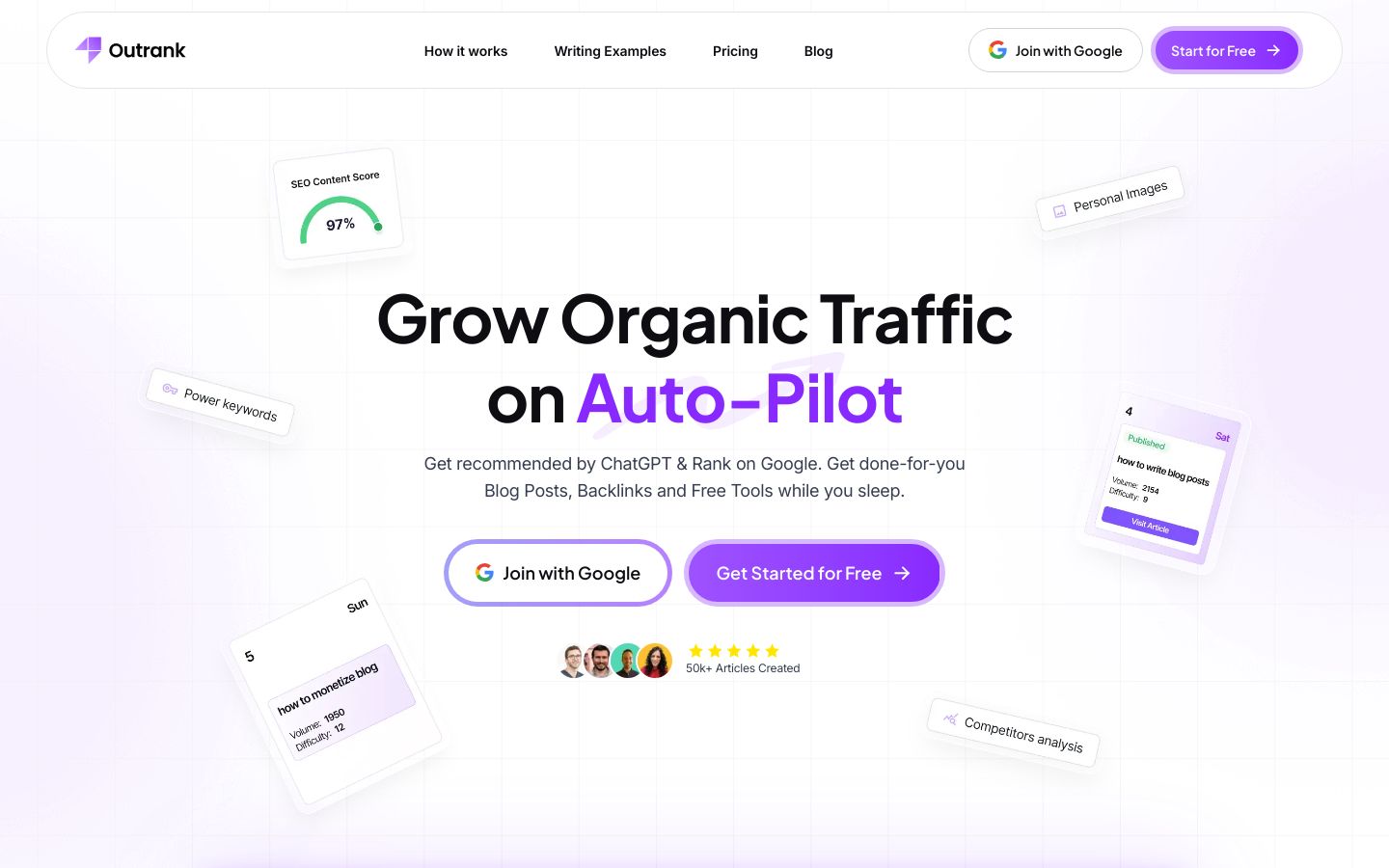
Outrank is a system for growing organic traffic on auto-pilot, built for small teams that want consistent publishing without turning content into a never-ending manual project.
Best for: Small teams that want a dependable path from research topics to published content that compounds over time.
Key features:
- Focused on turning content into organic traffic results (not just answering questions)
- Built for repeatable workflows that reduce manual overhead for small teams
- Designed to help teams stay consistent instead of publishing in bursts
- A “system” approach that supports ongoing content execution
Pros:
- Creates a more repeatable path from research ideas to content that can rank
- Reduces the need for constant ad hoc content planning and manual coordination
- Helps small teams stay consistent-often the real constraint in organic growth
Cons:
- Not a replacement for citation-first research when you need academic references
- If you only need one-off Q&A (not publishing), it may be more system than you need
What to verify:
- Your current publishing cadence and whether you can commit to a consistent workflow
- How the process fits your team’s roles (who researches, who drafts, who reviews)
- How you’ll measure outcomes (traffic, leads, sign-ups) and review content performance
When to skip: If your goal is strictly coursework research with citations and you’re not publishing content for organic traffic.
What Outrank is best for (small teams that publish)
If you’re running a small team, the hardest part of organic growth is rarely “coming up with ideas.” It’s getting from idea → draft → publish → update without the process falling apart when people get busy.
Outrank is most relevant when your work looks like this:
- You research topics to educate an audience (customers, readers, users)
- You want those pages to bring in steady traffic over time
- You need a workflow that doesn’t require a heroic weekly effort
How it complements Perplexity AI vs ChatGPT in a workflow
A practical way to think about the stack:
- Perplexity helps you gather source-backed understanding quickly.
- ChatGPT or Claude helps you turn verified notes into a readable draft.
- Outrank helps you keep the overall “publish and improve” loop consistent so your effort compounds.
If your small team wants to turn research into consistent organic growth, you can explore how Outrank helps you grow organic traffic on auto-pilot.
Verdict-style pros/cons for small teams
If you’re publishing, the value is often less about “one perfect article” and more about making content execution sustainable. A system that reduces coordination cost can be the difference between publishing two posts per quarter and publishing consistently enough to see compounding results.
Who should use Outrank (and who shouldn’t)
Use Outrank if you’re past the stage of “we just need answers” and into “we need a reliable content engine.” Skip it if you’re purely looking for a citation tool for coursework.
Perplexity review: is it better than ChatGPT for students who need cited sources?
2. Perplexity
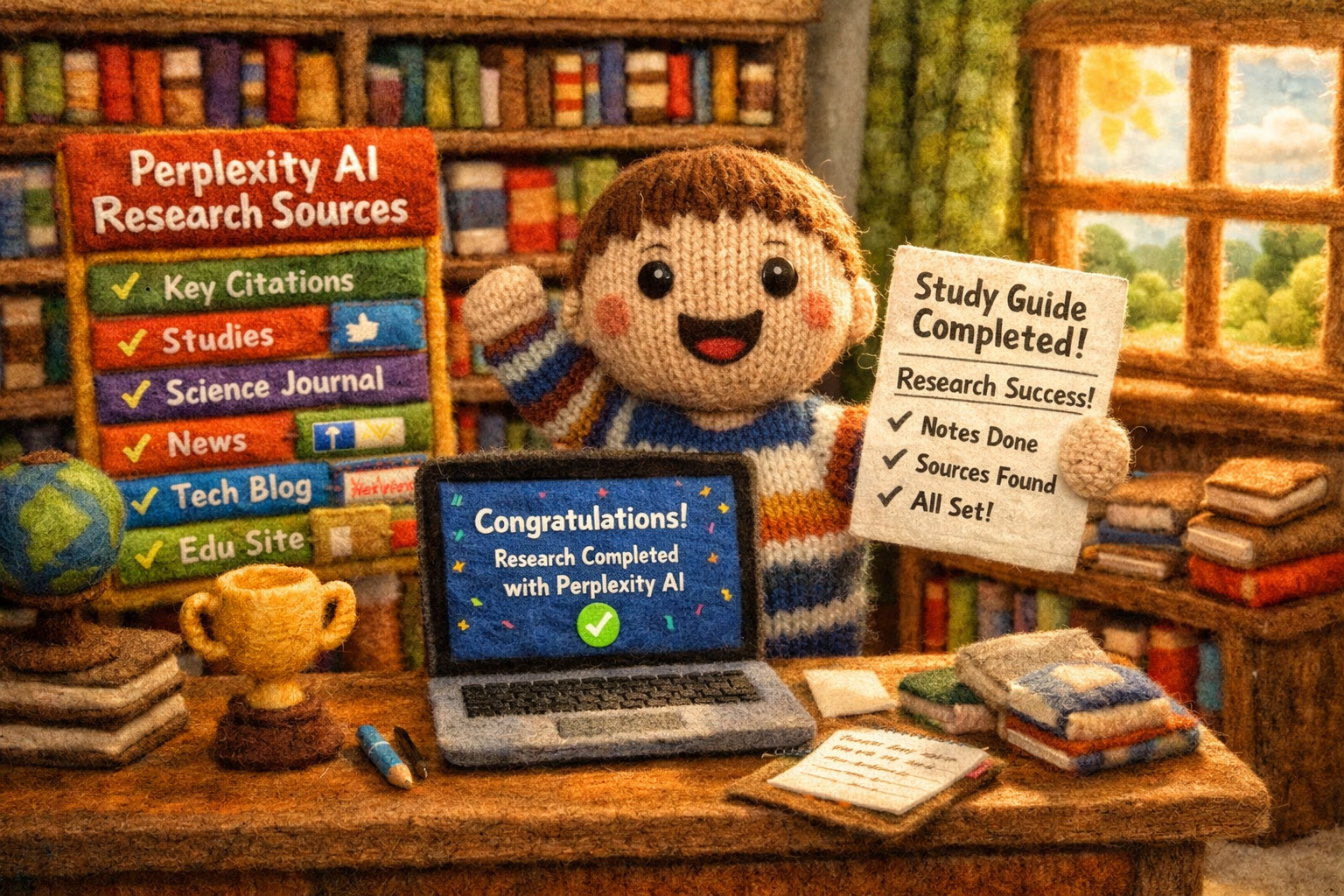
Perplexity is an AI answer engine that’s oriented around fast questions with linked sources, making it a strong default when you need citations quickly and want to verify claims without a lot of steps.
Best for: Students who need a quick, source-forward starting point for research and citations they can open immediately.
Key features:
- Ask questions and get direct answers designed for quick research
- Source-oriented workflow (links you can open to verify claims)
- Shortcuts that help you route prompts and queries (like using “/” for shortcuts)
- Save and sync searches by signing in (including SSO options)
Pros:
- Speeds up citation-first research by surfacing sources alongside answers
- Makes verification easier because you can jump straight into linked materials
- Helps you stay organized by saving and syncing searches across sessions
Cons:
- Pricing details aren’t clearly available from the pricing page right now, so you’ll need to check the site for current plans
- Source links still require judgment-if you don’t open them, you can end up citing weak or mismatched references
What to verify:
- Whether the sources match your assignment requirements (peer-reviewed, government, textbook, credible news, etc.)
- Whether the linked source actually supports the specific claim being made
- Whether your school’s rules allow AI-assisted research and how citations should be formatted
When to skip: If your main need is writing a polished draft from your notes and you already have your sources.
What Perplexity is best for (and why it feels fast)
Perplexity is best when your question is inherently research-shaped:
- “What are the main arguments for X?”
- “What does the evidence say about Y?”
- “What are the key definitions and how do they differ?”
- “What are credible sources I can cite for Z?”
The reason it feels fast is that it reduces the friction between “answer” and “proof.” Instead of giving you a confident paragraph and leaving you to hunt for references later, it’s built to keep sources close to the response.
If you want a deeper technical sense of source behavior and integrations, you can reference how Perplexity provides sources and related documentation-but as a student, your practical job is simpler: open the links and confirm the claim.
What are the disadvantages of Perplexity AI?
Perplexity’s tradeoffs tend to show up in three common places:
- You can over-trust the presence of citations. Links are helpful, but they aren’t automatic proof that every sentence is supported. You still need to confirm the exact claim you plan to use.
- Your assignment might require specific source types. If you need peer-reviewed journal articles, primary sources, or course-approved readings, you may need to guide your query more explicitly and be selective about what you cite.
- Plan details can change. Even if you love the workflow, confirm current pricing and usage limits directly on the official site, since those details can shift.
Is Perplexity AI better than ChatGPT?
For students who need cited sources fast, Perplexity is often the better first step because it’s optimized for research and verification.
For students who need to write well, ChatGPT is often the better second step because it’s optimized for drafting, rewriting, and structure.
So the clean answer is: Perplexity is “better” when citations and fast verification are the main constraint; ChatGPT is “better” when turning information into a strong submission is the main constraint.
Verdict-style pros/cons for small teams and students
Perplexity is a strong default when you don’t want to fight your tool to get sources. It’s especially helpful when you’re under time pressure and need to quickly assemble a shortlist of references you can open and evaluate.
That said, it’s not a substitute for critical reading. The best outcomes come when you treat it as a research accelerator, not a final authority.
Best prompts for Perplexity when you need citations
Use prompt templates that force clarity about source type and output format. Here are a few you can copy/paste and customize:
-
Evidence-first summary (with source constraints):
“Explain the main findings about [topic]. Use credible sources and include links I can open. Separate what’s strongly supported vs. what’s debated.” -
Definition + compare (citation-ready):
“Define [term A] and [term B] and compare them in a table. Include sources for each definition.” -
Find primary/authoritative sources:
“List authoritative sources on [topic] (government, academic, or major institutions). For each, tell me what it’s useful for and link to it.” -
Quote extraction helper (you still verify):
“From the linked sources, identify 2–3 key quotes that support [claim]. Include the exact quote and where it appears so I can verify.”
That last one is especially useful when you’re rushing-but only if you actually open the link and confirm the quote is accurate and properly contextualized.
ChatGPT review: when ChatGPT beats Perplexity (even if you still need citations)
3. ChatGPT
ChatGPT is a general-purpose AI assistant designed for brainstorming, drafting, rewriting, and multi-step reasoning-making it a strong choice when you need to turn research into a clear outline or a polished draft.
Best for: Students and small teams who want strong writing, fast iteration, and repeatable drafting workflows once research is verified.
Key features:
- Drafting and rewriting support for structured writing tasks
- Built-in search capabilities across plans (with settings you can manage)
- File uploads and data analysis features depending on plan
- Team-oriented plans with admin controls and SSO options (for business tiers)
Pros:
- Turns verified notes into a clean draft quickly, saving time on structure and wording
- Supports iterative improvement (tone, clarity, length, formatting) without restarting
- Can standardize outputs for a small team by reusing shared prompt templates
Cons:
- Citation workflows require extra care-if you ask for sources after the fact, you can get messy or unverifiable references
- Plan features and limits vary significantly, so small teams should confirm what’s included before standardizing on it
What to verify:
- Your web browsing settings and whether “search” is enabled for the way you plan to use it
- How you will handle citations (placeholders vs. link-verified references)
- Whether your plan supports the file types and document lengths you need
When to skip: If your primary need is discovering sources quickly and you don’t want to manage a citation workflow manually.
Best use cases: drafting, tutoring, iteration, and formatting
ChatGPT is the tool you reach for when the assignment is no longer “find information” but “produce something.” It’s especially good for:
- Turning bullet points into a thesis + outline
- Rewriting for clarity, tone, or concision
- Explaining a concept in simpler terms (tutoring-style)
- Formatting content into sections, tables, flashcards, or study guides
It’s also helpful when you want to explore counterarguments, refine your reasoning, or stress-test a structure before you commit to a final draft.
How to get citations safely in ChatGPT (without trusting it blindly)
If you want a low-risk workflow, treat ChatGPT as a drafting engine, not your citation generator.
A simple, safe pattern looks like this:
- Do your source gathering elsewhere (often Perplexity). Collect 3–6 sources you actually trust.
- Extract what you’ll use. Pull short excerpts, definitions, or key data points-then paste them into ChatGPT.
- Draft with “citation placeholders.” Ask ChatGPT to write the piece and place citations like [Source 1], [Source 2] tied to your excerpts.
- Replace placeholders with real citations. Add the final citation format (APA/MLA/Chicago) once you confirm the exact source details.
If you do use ChatGPT’s web features, take a moment to confirm your settings and expectations. Here are the official notes on ChatGPT browsing and citation-related settings, which can affect how it pulls information.
Verdict-style pros/cons for small teams and students
ChatGPT is often the “writing workhorse.” For students, it can remove the blank-page problem and help you iterate toward a stronger structure. For small teams, it can create consistency-especially when you maintain a shared set of prompts for standard outputs.
The tradeoff is that you shouldn’t treat it as a citation authority by default. If your grade (or credibility) depends on citations, you typically want a source-first step before drafting.
Best prompts for turning sources into a clean draft
These prompts are designed to keep the model grounded in what you provide.
-
Outline from verified notes:
“Here are my verified notes and excerpts. Create a thesis and a detailed outline. Every claim must map to one of the excerpts. Use citation placeholders like [S1] [S2].” -
Draft with constraints:
“Write a [length] draft from the outline below. Requirements: [rubric items]. Use only the notes/excerpts provided. If something is missing, add a section called ‘What I still need to verify’.” -
Improve clarity without changing meaning:
“Rewrite this paragraph for clarity and flow. Don’t add new facts. Keep citation placeholders intact.” -
Turn into study materials:
“Convert this reading summary into 10 flashcards, 5 practice questions, and a one-page study guide. Use only the information in the excerpt.”
If you want to keep results consistent across projects or teammates, save one “house prompt” that defines your formatting rules (headings, citation placeholders, tone) and reuse it.
Claude review: is there anything better than Perplexity AI for writing and summarizing?
4. Claude
Claude is a writing-first AI assistant that’s commonly used for clear drafting, summarization, and working with longer text-making it a strong complement when your challenge is turning readings into clean notes and well-structured writing.
Best for: Students and small teams who want clear, calm writing and structured summaries from long inputs.
Key features:
- Write, edit, and create content across web and mobile
- Analyze text and upload images
- Generate code and visualize data
- Get web search results inside chat (plan-dependent usage limits apply)
Pros:
- Produces clean, readable summaries that can turn long readings into study-ready notes
- Helps you refine tone and structure without making your writing feel overly “generated”
- Supports a practical “summarize → outline → draft” flow that reduces overwhelm
Cons:
- Usage limits vary by plan, so heavy summarization workflows should confirm capacity before relying on it
- If your priority is citation-first answers with fast source links, you may prefer a source-forward tool as your first step
What to verify:
- Whether your plan supports the scale of long-document work you need
- How you’ll handle citations (especially if your class requires specific formats and primary sources)
- Your privacy and sharing settings if you’re using it with team materials
When to skip: If you mainly need a research engine that surfaces sources quickly and consistently.
Where Claude tends to shine for students and small teams
Claude is often at its best when you’re staring at a long reading and thinking, “I understand this, but I can’t organize it.” It can help you:
- Produce structured summaries (key points, arguments, terminology)
- Turn a reading into an outline you can draft from
- Create study aids that are easier to review than raw notes
This is also where the PAA question (“Is there anything better than Perplexity AI?”) becomes easier to answer: yes-for writing and summarizing, a writing-first assistant can feel better. For citation-first research, Perplexity’s posture is usually the stronger match.
If you want to explore broader guidance around capabilities and controls, you can reference Claude features and privacy controls, but as a student your main focus is: use it to produce structure and clarity, then verify anything that becomes a citable claim.
Claude vs ChatGPT for writing quality and tone control
Both can write well, but the “best fit” often comes down to preference:
- If you like a very iterative, tool-like drafting experience (and you want lots of formatting and workflow options), ChatGPT can be a strong match.
- If you value calm, readable prose and consistent tone in summaries and drafts, Claude is often a comfortable choice.
In many cases, either works. What matters more is whether you feed it verified inputs and keep your citation process disciplined.
Verdict-style pros/cons
Claude is a strong complement in a two-tool workflow: source-first research in one place, then writing/summarization in Claude. It can reduce the mental load of long readings and help you produce clearer writing faster.
Just remember: “reads well” isn’t the same as “is correct.” Keep verification as your guardrail.
Best prompts for summarizing readings into study-ready notes
-
Structured reading summary:
“Summarize this reading into: (1) main thesis, (2) key arguments, (3) important terms with definitions, (4) 5 key quotes I should look for, and (5) potential exam questions.” -
Turn notes into a study guide:
“Using the text below, create a one-page study guide with headings and bullet points. Don’t add facts not present in the text.” -
Make flashcards:
“Create 15 Q/A flashcards from this reading. Include a short answer and a longer explanation for each.” -
Draft from a summary:
“Based on this summary, draft a [type of paper] with an introduction, 3 body sections, and a conclusion. Mark any statement that needs a citation with [CITE].”
7 common mistakes students make with Perplexity AI vs ChatGPT (and how to avoid them)
Mistake 1: treating citations as proof instead of a starting point
What happens: You see links and assume every sentence is supported.
Why it matters: You can end up citing something irrelevant or misrepresenting the source.
Quick fix: Open the source and confirm the exact claim you plan to use (especially numbers, definitions, and “X causes Y” statements).
Mistake 2: citing the AI instead of the original source
What happens: You reference “Perplexity said…” or “ChatGPT says…” instead of the article/book/paper.
Why it matters: Most academic settings expect you to cite the original author/publisher.
Quick fix: Use AI to locate and understand sources, then cite the underlying source in your required format.
Mistake 3: mixing brainstorming and research in the same prompt
What happens: You ask for “creative ideas” and “accurate citations” in one go.
Why it matters: Brainstorming encourages invention; research requires grounding. Mixing them increases hallucination risk.
Quick fix: Split it into two prompts: one for sourced research, one for creative angles and structure.
Mistake 4: not defining ‘acceptable sources’ upfront
What happens: You get random blogs when you need journals, or news when you need primary data.
Why it matters: Your citations can fail the rubric even if the summary sounds right.
Quick fix: Specify source types: peer-reviewed, government, major institutions, course readings, timeframe, and geography if relevant.
Mistake 5: copying quotes without opening the link
What happens: The AI provides a quote, but it’s paraphrased, out of context, or not actually present.
Why it matters: Misquoting is a fast way to lose credibility-and points.
Quick fix: Only use quotes you personally confirm in the original source. If you can’t find it quickly, don’t use it.
Mistake 6: ignoring recency and publication type
What happens: You cite outdated sources for a fast-changing topic, or treat opinion pieces like evidence.
Why it matters: “Accurate” depends on time and publication standards.
Quick fix: Check the publish date and the type of source (journal article vs. editorial vs. marketing page) before you rely on it.
Mistake 7: not building a repeatable team workflow
What happens: Each teammate uses a different prompt style and citation habit, so outputs clash.
Why it matters: You waste time merging drafts and re-checking claims.
Quick fix: Standardize a two-step workflow: one tool for source gathering + one tool for drafting, plus a shared checklist for verification.
What to verify before you rely on Perplexity AI or ChatGPT for citations
Source quality checklist (in 60 seconds)
Before you cite anything AI surfaced, run this quick check:
- Authority: Who published it, and are they credible in this domain?
- Evidence: Does it present data, methods, or references-or just opinion?
- Relevance: Does it directly support the specific claim you’re making?
- Recency: Is it current enough for the topic?
- Traceability: Can you find the key point on the page (not just in the AI summary)?
If you want a simple framework to stay consistent, review how to evaluate source credibility and apply the same standard across all citations.
Academic integrity and classroom policies: what to check
Policies vary a lot by instructor and institution. Before you rely on AI in a graded workflow, confirm:
- Whether AI is allowed for brainstorming, research, drafting, or editing
- Whether you must disclose AI use (and how)
- What counts as acceptable citation behavior (original sources vs. AI-generated references)
Privacy basics for small teams (what you should confirm)
If you’re using these tools with team materials (internal docs, client data, unpublished work), confirm:
- What content is saved to chat history and how sharing works
- Whether your plan/workspace has the admin controls you need (especially for teams)
- Whether you can manage training/usage settings appropriately for your use case
Keep it simple: if you wouldn’t paste it into a shared document, don’t paste it into an AI tool until you’re comfortable with the privacy and retention settings.
Perplexity AI vs ChatGPT FAQs for students who need sources fast
Is Perplexity AI better than ChatGPT?
It’s often better for citation-first research because it’s oriented around answers with sources you can open and verify quickly. ChatGPT is often better for drafting and rewriting once you have verified notes.
What is Perplexity best for?
It’s best for fast research questions where you want linked sources alongside a direct answer, so you can verify and cite without switching tools constantly.
What are the disadvantages of Perplexity AI?
The biggest disadvantages are over-trusting citations without opening them and the need to judge source quality yourself. Also, plan details can change, so it’s worth checking the official site if you’re standardizing on it.
Can I use ChatGPT and still get citations?
Yes, but the safest approach is to bring your own sources (links and excerpts), draft with citation placeholders, and then format citations from the original sources you verified.
If I only have time to use one tool, which should it be?
If the assignment requires citations and verification, start with Perplexity. If the assignment is mostly about writing quality and you already have sources, start with ChatGPT.
Is there anything better than Perplexity AI?
For citation-first research, Perplexity is a strong fit. For long-form summarizing and clean writing, Claude can be a better experience. “Better” depends on whether your bottleneck is research, writing, or both.
Which should you choose for cited sources fast (and what’s a simple workflow that actually sticks)?
Recommended 2-step workflow for most students
For most students, the most reliable setup is simple:
- Research with sources (Perplexity): Ask for an answer with links, open the top sources, and pull the specific quotes/data you’ll use.
- Draft from verified notes (ChatGPT or Claude): Paste your verified notes/excerpts, request an outline and draft, and use citation placeholders until you finalize citations from the original sources.
This keeps you fast without getting sloppy: your writing tool can’t invent evidence if you only let it write from what you verified.
Recommended lightweight workflow for small teams
If you’re a small team (2–10 people), aim for repeatability:
- Standardize research: One person gathers sources and extracts a “source pack” (links + key excerpts).
- Standardize drafting: Use one shared prompt template to draft from the source pack (tone, structure, formatting rules).
- One verification pass: A second person spot-checks the most important claims against the sources before publishing/submitting.
That handoff-friendly flow usually beats adding more tools.
CTA: build an organic traffic system with Outrank
If your “research” is feeding content you publish (blog posts, landing pages, program pages, knowledge base articles), you’ll get better results when the workflow is consistent-not heroic. If your small team wants to turn research into consistent organic growth, you can explore how Outrank helps you grow organic traffic on auto-pilot.