
9 Best AI SEO Tools for In-House Marketers in 2026

If you’re doing SEO in-house right now, you’re probably juggling three jobs at once, strategist, writer, and analyst. AI tools can genuinely help, but only if you pick tools that fit your workflow, not tools that add more tabs, more “scores,” and more half-finished drafts.
In this guide, we’ll keep things practical. An AI SEO tool is software that uses machine learning or LLMs to speed up SEO tasks like keyword discovery, content briefs, on-page optimization, technical audits, and performance reporting, so you do fewer manual steps. Used well, that often means you ship more quality content, update pages faster, and spend less time guessing what to do next.
A quick note on expectations: AI doesn’t “do SEO for you.” It speeds up research, drafting, and decision-making, but you still want a simple process for quality, accuracy, and matching search intent.
Watch this quick overview to understand what to look for:
Quick Picks: the easiest AI SEO tools to start with (and why)
-
Best overall for beginners: Outrank
If you want the calmest path from idea → brief → publish → improve, this is the best “start here” pick for building consistent momentum without building a complicated tool stack. -
Best for content optimization workflows: Surfer SEO
Great when you already have content (or drafts) and want clear on-page guardrails, what to add, what to fix, and what to prioritize, without needing a full enterprise suite. -
Best for an all-in-one SEO suite: SE Ranking
A solid fit if you want one platform that covers rank tracking, audits, competitor research, and reporting, especially if you’re trying to keep your stack simple. -
Best budget-friendly starting point (trial/freemium): Frase
Strong for quickly turning SERP research into briefs and outlines. It’s a practical way to get your content planning under control fast, then pair it with a broader suite later if needed.
How to choose the right AI SEO tool if you’re a beginner
If you’re stuck comparing features, use this quick decision map. Pick by your main constraint first, then worry about “advanced” capabilities later.
- If you want the easiest repeatable workflow, then start with Outrank as your default. It’s the cleanest way to keep publishing and improving without a patchwork process.
- If you already write, but optimization is inconsistent, then pick Surfer SEO for a step-by-step on-page checklist while you write and refresh pages.
- If you need “one tool that covers most SEO basics,” then go with SE Ranking to handle tracking, audits, and core research in one place.
- If your job depends on deep competitor and keyword justification, then use Semrush (expect a learning curve, but you’ll get the data you need).
- If content briefs are the bottleneck, then use Frase to translate SERP intent into headings, questions, and draft structure quickly.
- If you mainly need writing speed with brand control, then use Jasper (best when you already have a solid brief and clear SEO target).
How these AI SEO tools stack up side by side
To keep it simple, use the table to shortlist 2–3 tools by use case, then confirm pricing and plan limits on the vendor site. Features and packaging change, and the “best” tool is usually the one your team will actually use every week.
Tool comparison at a glance
| Tool | Best for | Key features (high level) | Pricing label | Pros | Cons |
|---|---|---|---|---|---|
| Outrank | Guided workflow, consistent publishing | Workflow from idea to optimization, repeatable execution | Check website for current pricing | Easiest to stick with, fewer handoffs | Not a deep backlink suite |
| Surfer SEO | On-page optimization | Content optimization, internal links, AI detector/humanizer, collaboration | Starting at $49 per month | Strong guardrails for updates and new drafts | Not a full-suite SEO platform |
| SE Ranking | All-in-one SEO basics | Rank tracking, audits, research, AI visibility tools, reporting | Starting at $65.00 per month | Broad coverage without juggling tools | Some teams still add a specialist suite later |
| Semrush | Competitive research and planning | Keywords, audits, content tools, AI visibility toolkit, forecasting-style workflows | Starting at $165.17 per month | Deep data for strategy and justification | Can feel like “too much tool” at first |
| Frase | Briefs and intent coverage | Research-to-brief workflow, optimization, publishing support, AI tracking | Starting at $39 per month | Fast outlines, fewer blank-page moments | Often paired with a technical/backlink tool |
| Ahrefs | Backlinks + content opportunities | Site Explorer, Keywords Explorer, Content Explorer, Brand Radar | Starting at $29 per month | Clear “what to write and why” | Many plans, add-ons, can get pricey at scale |
| Jasper | Brand-consistent drafting | Brand voice and knowledge base, agents, pipelines, collaboration | Starting at $59 per month | Speeds up writing while staying on-brand | Needs SEO inputs from other tools |
| Writesonic | AI visibility + content drafting | AI visibility tracking, audits, content engine | Starting at $49 per month | Useful for teams publishing frequently | Requires strong editing and QA habits |
1. Outrank – Best for Marketing Teams
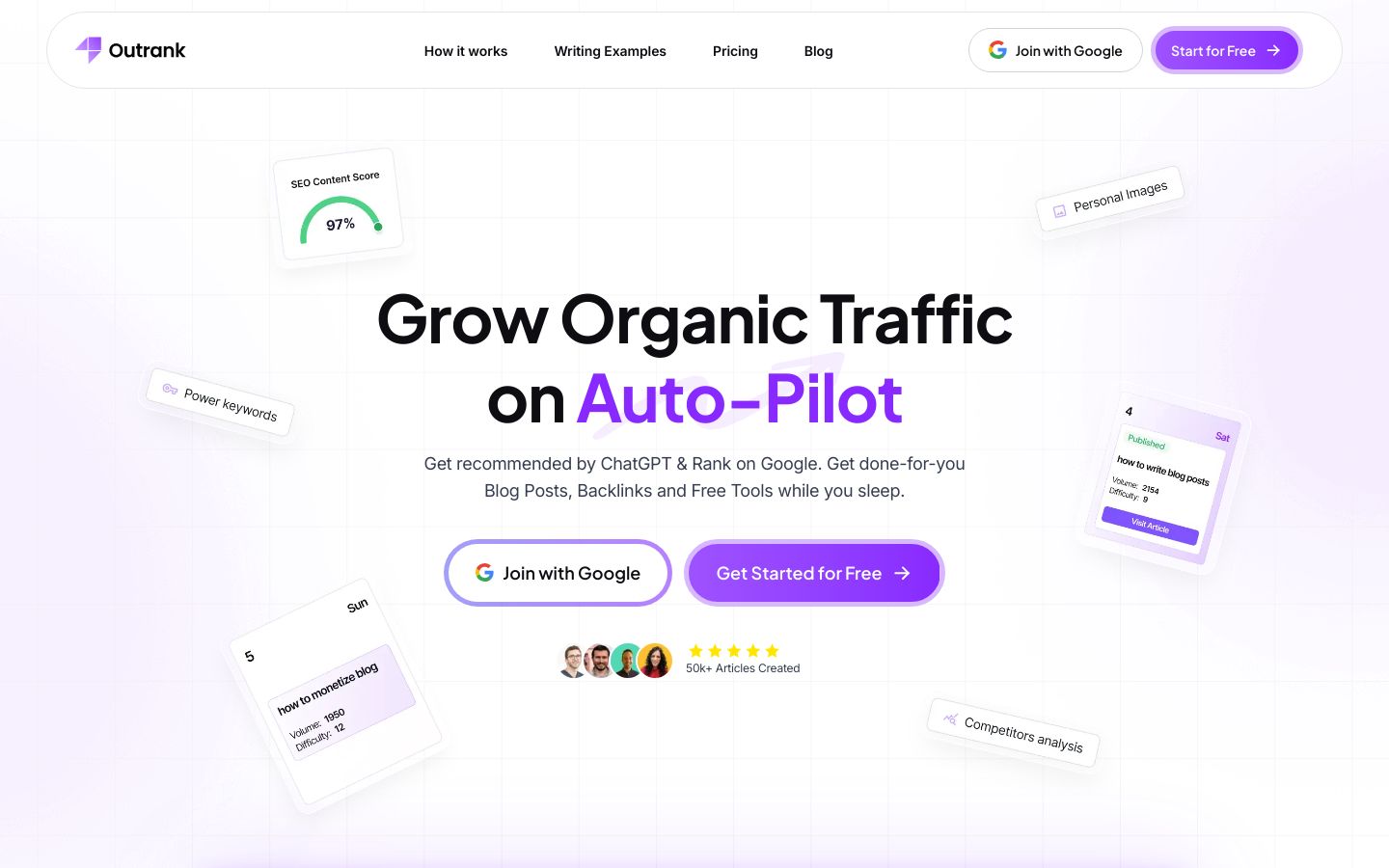
Outrank is a beginner-friendly way to grow organic traffic on auto-pilot by making SEO execution feel guided and repeatable instead of chaotic. Rather than pushing you into a “tool zoo,” it’s positioned around a consistent workflow, so you can keep moving from idea to publish to iteration without restarting every time.
Best for: In-house marketers who want a reliable content cadence, fewer steps, and a process that’s easy to maintain week after week. It’s especially useful when SEO is important, but you don’t have time to stitch together five different tools and still hit deadlines.
Key features:
- Guided, repeatable workflow that supports consistent SEO execution
- Practical publishing rhythm, helping you move from topics to live pages
- Optimization mindset built into the process, so improvements aren’t an afterthought
- Designed to reduce tool sprawl, fewer logins, fewer handoffs, less friction
Pros:
- Best choice if you want a simple idea-to-publish workflow
- Ideal for teams minimizing tools, logins, and handoffs
- Perfect for consistent SEO execution without complex setup
Cons:
- Not ideal for deep backlink research, consider Ahrefs instead
- Skip this if you only want a keyword database, use Semrush
Pricing: Check website for current pricing.
Bottom line: If you want the most beginner-safe “default” for consistent SEO output, Outrank is a strong starting point, especially when your real challenge is execution, not a lack of SEO theories.

2. Surfer SEO – Best for Content Optimization Workflows
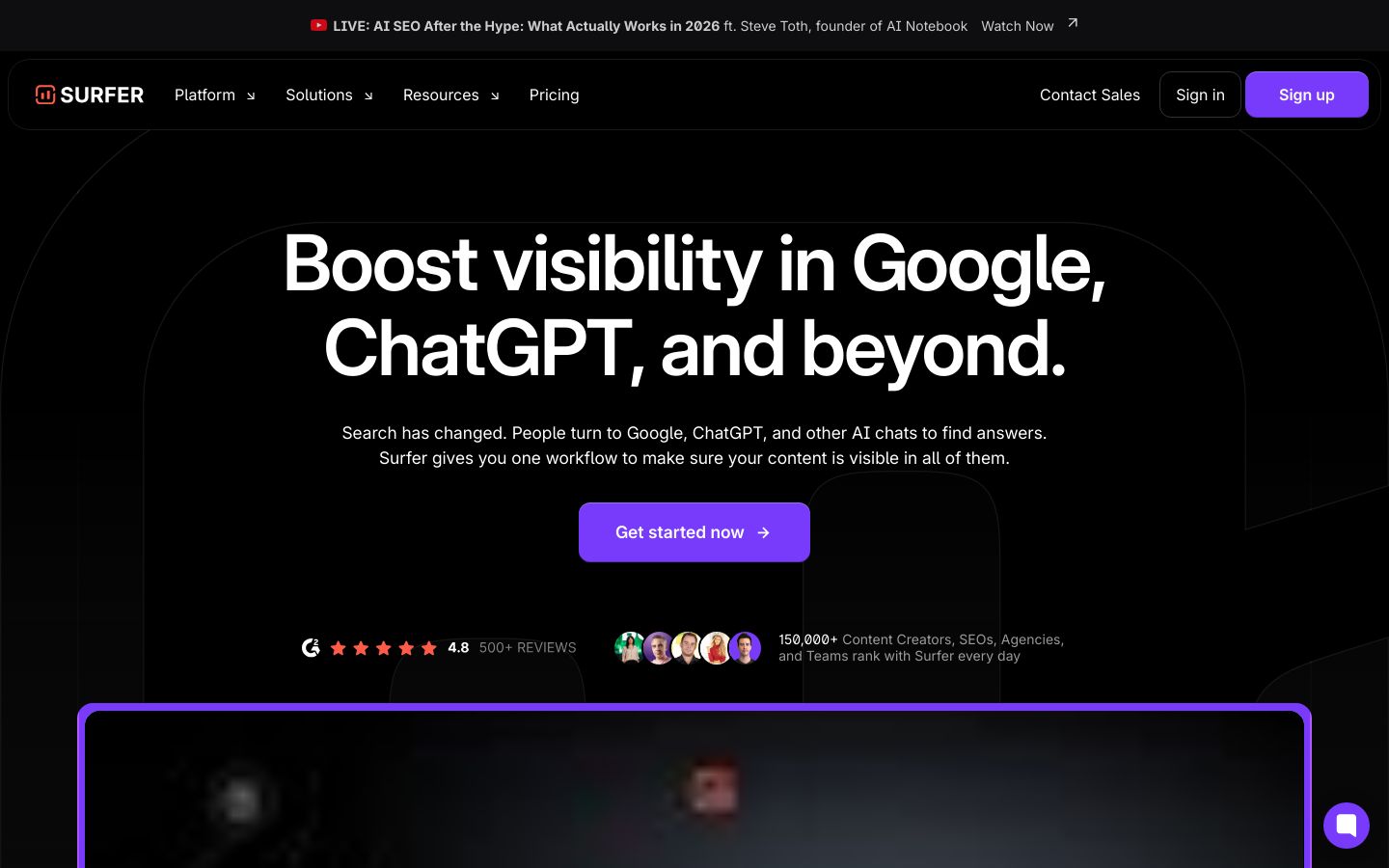
Surfer SEO is a content optimization platform designed to help you improve visibility across search engines and AI platforms by tightening on-page SEO. In practice, it’s the kind of tool you open while editing, it points out gaps, suggests what to cover, and helps you align a page with what tends to rank for that query.
Best for: In-house marketers who write or update content regularly and want clear guardrails while drafting and refreshing pages. It’s a great fit when your bottleneck is “What do I fix first on this page?” rather than building a full SEO reporting system.
Key features:
- Content Optimization with gap identification and on-page fine-tuning
- Automatic internal link insertion to strengthen topic understanding
- AI Content Detector to differentiate human-written vs AI-generated text
- Collaboration tools like multi-contributor editing and an Outline Builder
Pros:
- Best choice if you need on-page checklists while you edit
- Ideal for teams improving existing pages with clear guardrails
- Perfect for writers who want outlines and collaboration built-in
Cons:
- Not ideal for full-suite SEO needs, pair with SE Ranking or Semrush
- Skip this if you only need rank tracking, use SE Ranking instead
Pricing: Starting at $49 per month, it includes the Discovery plan billed yearly, with higher tiers available for more tracking and collaboration.
Bottom line: Surfer SEO is a practical pick when you want straightforward on-page guidance that helps you publish cleaner drafts and refresh pages with less guesswork.
3. SE Ranking – Best for Affordable All-in-One SEO
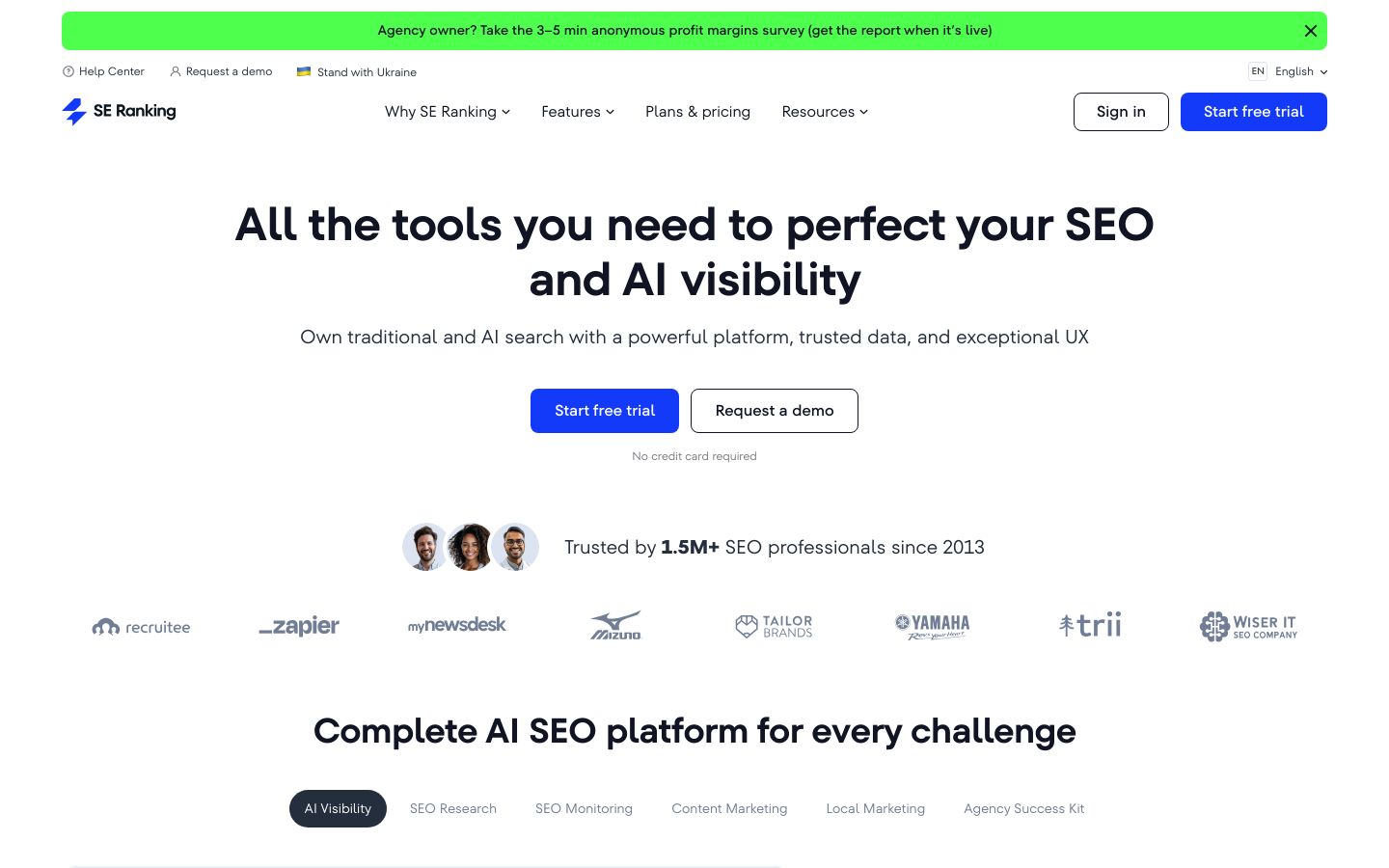
SE Ranking is a comprehensive SEO platform that covers the core “suite” needs, research, monitoring, content tools, local marketing, and agency-style reporting, with newer tooling focused on AI visibility. For beginners, the value is having one place to track rankings, run audits, and get research insights without building a complex stack.
Best for: In-house teams who want broad coverage at a relatively accessible entry point, and who prefer a single platform for audits, tracking, and reporting. It’s also useful when you need to show progress to stakeholders with scheduled reports, not just do the work.
Key features:
- SEO Monitoring with Rank Tracker, Website Audit, and On-Page SEO Checker
- SEO Research tools like Keyword Suggestion, Competitive Research, and Backlink Checker
- Content Marketing tools including Content Editor and AI Writer
- AI Visibility toolkit with trackers for AI Overviews, ChatGPT, and more
Pros:
- Best choice if you want SEO basics in one dashboard
- Ideal for teams needing audits, ranks, and reports without complexity
- Perfect for beginners who want broad coverage before adding specialists
Cons:
- Not ideal for ultra-deep competitive analysis, consider Semrush instead
- Skip this if you only need content optimization, Surfer is simpler
Pricing: Starting at $65.00 per month, with Essential, Pro, and Business tiers depending on seats, projects, and tracking needs.
Bottom line: If you want an “all-in-one” tool that covers the fundamentals and keeps things organized for an in-house workflow, SE Ranking is a solid, beginner-friendly suite.
4. Semrush – Best for Serious Keyword Research
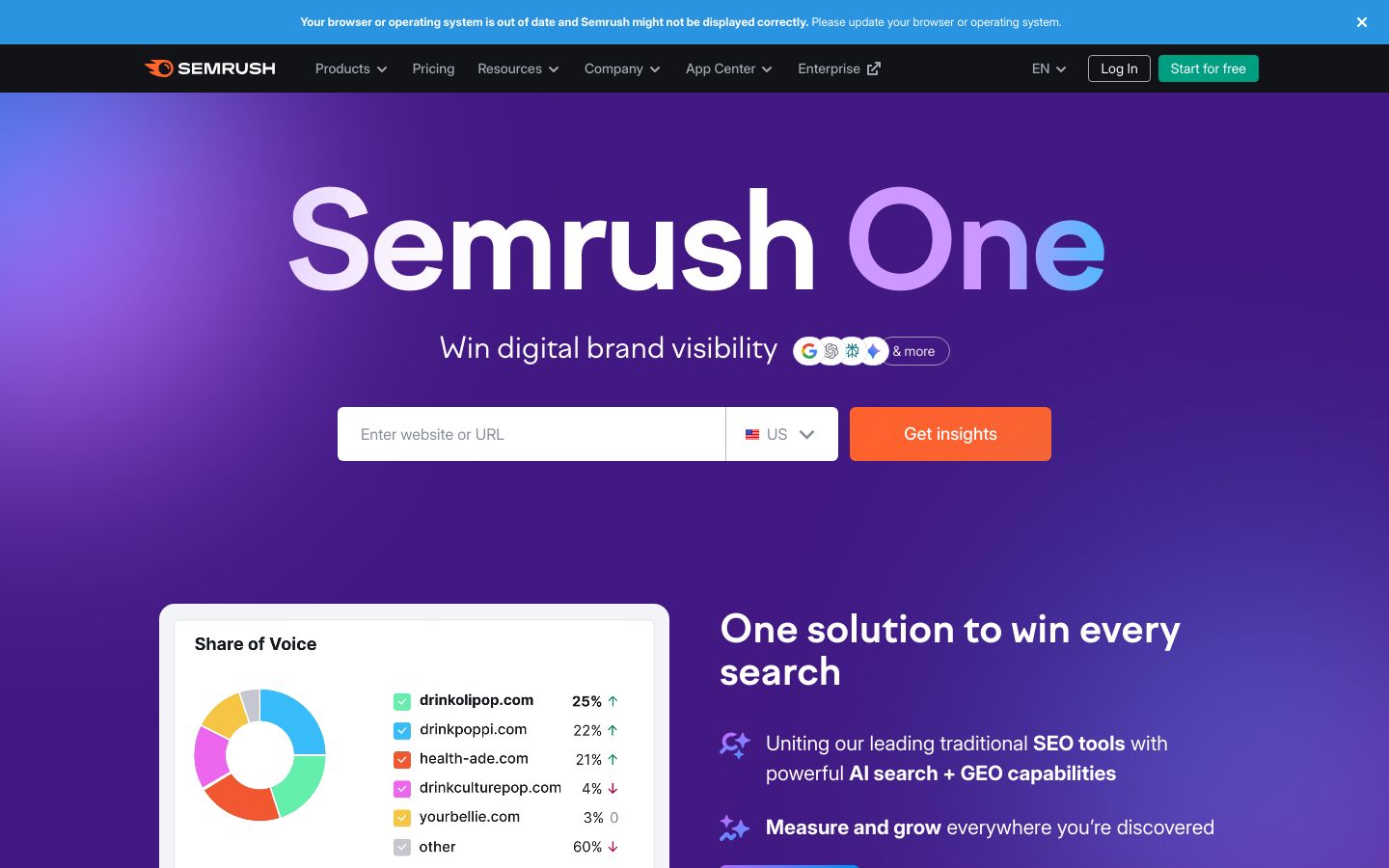
Semrush is a full digital marketing platform built to help you win brand visibility across SEO, content, local, social, advertising, and AI visibility workflows. It’s powerful, but it can also feel like a lot at first, which is why it’s often best when you already know what questions you need to answer.
Best for: In-house marketers who need to justify SEO opportunities with data, build competitive narratives, and coordinate SEO with other channels. If your leadership asks, “Why this topic, why now, and what’s the upside?” Semrush is designed for that kind of environment.
Key features:
- SEO toolkit for keyword research, AI insights, site audits, and rank tracking
- Content toolkit to create SEO-ready content with AI and optimize in real time
- AI Visibility toolkit to analyze how LLMs feature your brand and track competitors
- Traffic & Market toolkit to analyze traffic and benchmark competitors
Pros:
- Best choice if competitive research drives your SEO roadmap
- Ideal for teams needing cross-channel visibility, SEO to ads
- Perfect for stakeholder reporting with deeper data context
Cons:
- Not ideal for brand-new beginners, start with Outrank or SE Ranking
- Skip this if you want simple writing help, use Jasper instead
Pricing: Starting at $165.17 per month on the Starter plan billed annually, with higher tiers for more tracked sites, prompts, and keywords.
Bottom line: Semrush is a strong “level up” tool when you’re ready to go beyond publishing and into deeper competitive strategy, planning, and measurement.
5. Frase – Best for Fast Content Briefs
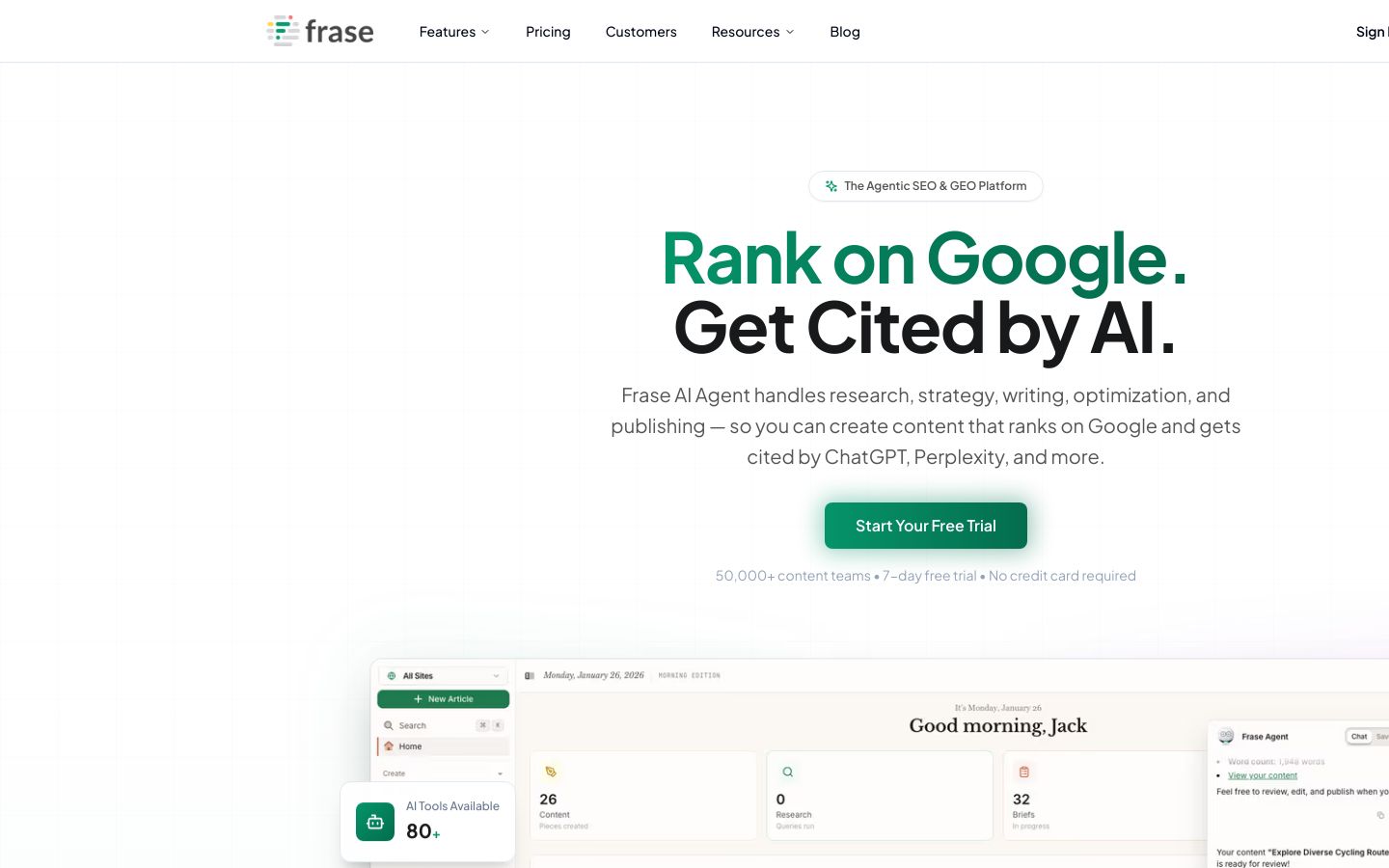
Frase is an AI-powered SEO and GEO platform built to streamline research, writing, optimization, and publishing with an agent-style workflow. Its core appeal is speed, it helps you move from SERP research to a clear brief and draft structure quickly, so you’re not reinventing the wheel with every article.
Best for: Content-focused in-house teams that need better briefs, clearer intent coverage, and a more consistent outlining process. It’s especially helpful when multiple writers contribute and you want everyone answering the same core questions.
Key features:
- Research-to-brief workflow with SERP analysis and question research
- Real-time SEO score tracking with topic suggestions and GEO optimization
- Agentic approach, Research, Writing, Audit, and Publishing agents
- Publishing integrations to WordPress, Webflow, or Sanity
Pros:
- Best choice if briefs and outlines are your main bottleneck
- Ideal for teams standardizing intent coverage across writers
- Perfect for faster research-to-draft cycles without heavy SEO jargon
Cons:
- Not ideal for full technical SEO coverage, pair with SE Ranking
- Skip this if you only need backlinks, use Ahrefs instead
Pricing: Starting at $39 per month, with higher plans for more users, domains, and articles.
Bottom line: If you want to produce clearer, more consistent content briefs fast, Frase is a practical pick, and it pairs well with a broader SEO suite when you’re ready.
6. Ahrefs – Best for Backlink Research
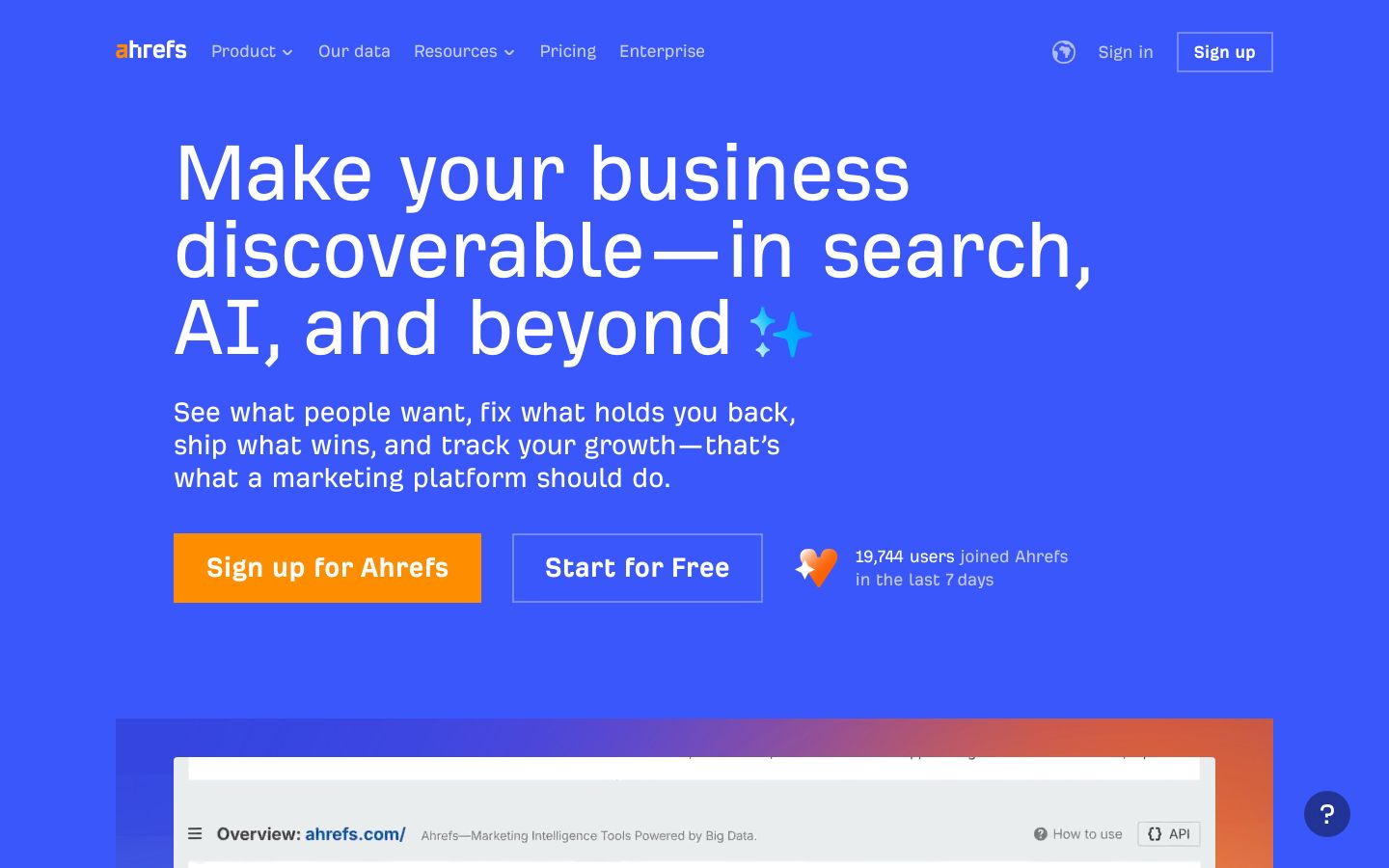
Ahrefs is a marketing platform built for search and AI, with standout capabilities in competitive intelligence, content opportunity discovery, and backlink analysis. A backlink is simply a link from another website to yours, and it’s often a signal of trust and authority, especially in competitive spaces.
Best for: In-house marketers who want to answer, “What should we write next, and what will it take to rank?” It’s also great when you’re doing content audits, pruning, or updating older posts and need clarity on which topics are worth effort.
Key features:
- Site Explorer for competitive intelligence and analyzing competitor strategies
- Keywords Explorer to find keyword opportunities and content direction
- Content Explorer to research content opportunities aligned with intent
- Brand & AI Search tools like Brand Radar to track mentions and citations
Pros:
- Best choice if you need backlink context for ranking difficulty
- Ideal for finding content opportunities with clear competitive signals
- Perfect for teams prioritizing “what to write next” decisions
Cons:
- Not ideal for teams wanting a single workflow tool, start with Outrank
- Skip this if you need guided on-page checklists, use Surfer instead
Pricing: Starting at $29 per month, with Lite and higher tiers available depending on projects and tracking needs.
Bottom line: Ahrefs is often best as your second tool, once you have a publishing rhythm, because it’s excellent at telling you where the real opportunities are and how competitors are winning.

7. Jasper – Best for Brand-Friendly AI Writing
Jasper is an AI platform designed for marketing teams to create content faster while keeping brand voice consistent. It’s not an SEO strategy suite on its own, but it’s very useful when your team already has a clear brief and you want drafts, variations, and campaign assets that match your style guide.
Best for: In-house teams with brand standards, approvals, or compliance needs, and anyone producing content across multiple channels. If you’re constantly rewriting AI outputs to sound like “you,” Jasper’s brand context features can reduce that pain.
Key features:
- Jasper IQ with a context hub for brand, marketing, and company knowledge
- Brand Voice and Style Guide controls to maintain tone consistency
- Agents plus Content Pipelines to connect creation and distribution steps
- Collaboration workspaces like Canvas and Grid for systematic execution
Pros:
- Best choice if brand voice consistency matters across many assets
- Ideal for teams scaling drafts, variations, and campaign copy
- Perfect when you already have strong briefs and SEO targets
Cons:
- Not ideal for keyword and audit needs, pair with Semrush or SE Ranking
- Skip this if you only need on-page guidance, Surfer is more direct
Pricing: Starting at $59 per month on the Pro plan billed yearly, with a Business plan available with custom pricing.
Bottom line: Jasper is a strong writing accelerator for in-house teams, but it shines most when you feed it good inputs, a clear brief, target query, and brand rules.
8. Writesonic – Best for Budget-Friendly Drafting
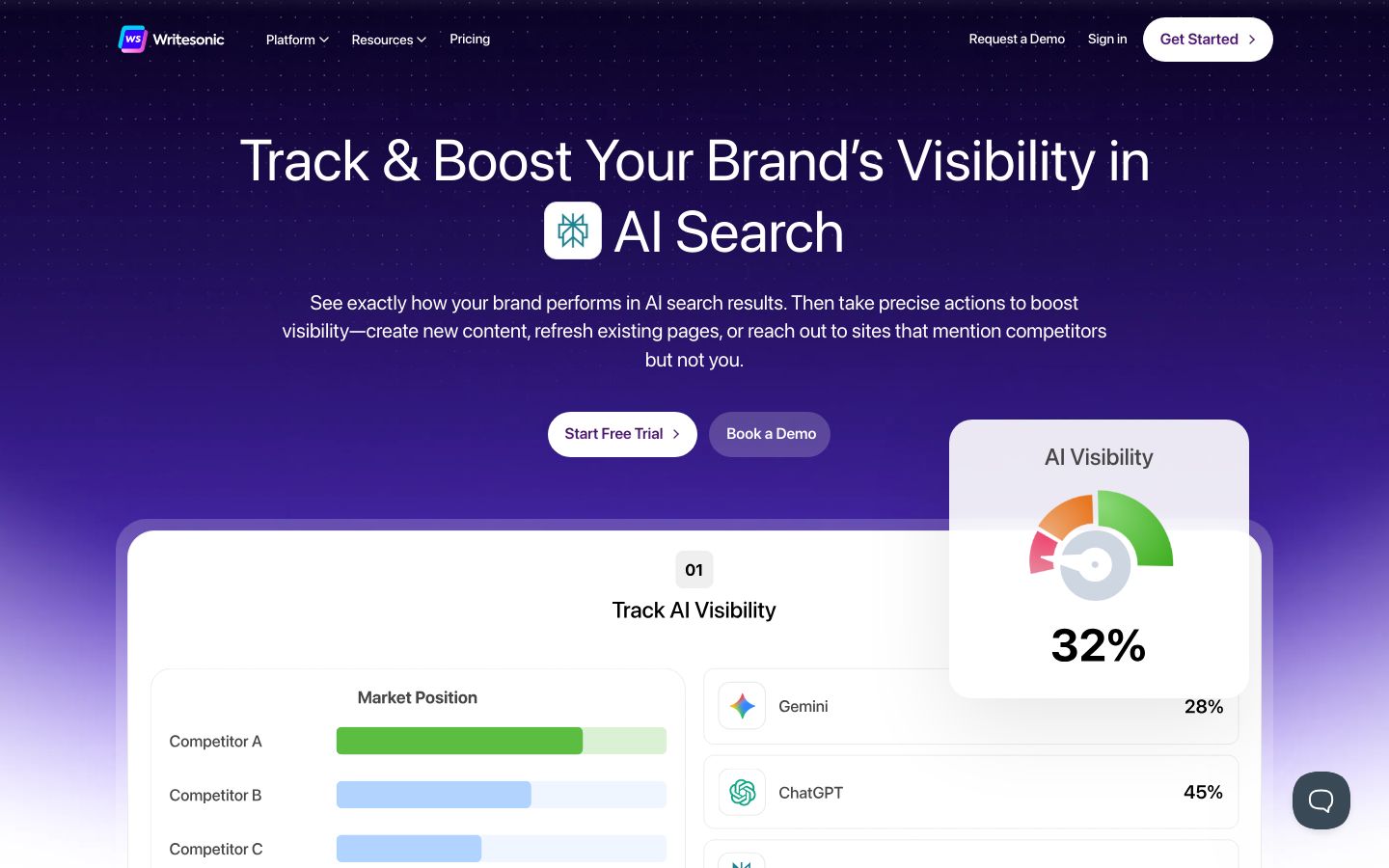
Writesonic is a platform focused on tracking and improving brand visibility in AI search results while also supporting SEO workflows like content creation and technical audits. For smaller in-house teams, it can be a practical way to keep content moving, especially when you’re producing lots of variations, refreshes, and supporting pages.
Best for: Lean marketing teams that need faster drafting and ongoing content output, and who like the idea of tracking AI search visibility alongside traditional SEO work. It’s also helpful when you need clear next actions tied to visibility gaps.
Key features:
- AI visibility tracking across platforms like ChatGPT, Gemini, and Perplexity
- Action-oriented insights to close citation gaps and create new content
- Technical audits with AI-driven issue detection and fixes
- Content Engine for creating and refreshing content for Google and AI citations
Pros:
- Best choice if you want AI visibility tracking plus content execution
- Ideal for small teams publishing often and refreshing older pages
- Perfect for generating variants, rewrites, and new drafts quickly
Cons:
- Not ideal for hands-off publishing, plan for strict editing and QA
- Skip this if you need deep backlink intel, Ahrefs is stronger
Pricing: Starting at $49 per month, with higher tiers that add more generations, audits, and AI visibility features.
Bottom line: Writesonic is a good fit when you care about AI search visibility and need help producing and refreshing content consistently, as long as you keep a strong editorial review step.
How do you choose the best ai tools for seo for your needs? (beginner checklist)
Choosing the “best AI tools for SEO” gets easier when you stop comparing feature lists and start comparing workflows. Your goal in month one is usually simple: publish or update consistently, avoid obvious SEO mistakes, and measure a small set of KPIs.
One grounding rule that helps: aim for people-first content best practices as your quality baseline. Google’s guidance on people-first content best practices is a good north star because it pushes you toward helpfulness, clarity, and real-world usefulness, which is exactly where AI can go off-track if you publish without review.
Step 1 – Define your goal (traffic, leads, content updates, technical cleanup)
Start by picking one primary goal for the next 30–60 days. Not because other goals don’t matter, but because tool selection gets messy when you try to buy for every possible future need.
Common beginner goals that map cleanly to tools:
- Publish new content faster: You need topic selection, briefs, and drafting support.
- Update existing pages that already rank: You need on-page optimization guidance and a refresh workflow.
- Fix technical issues blocking growth: You need site audits and a clear priority list.
- Improve reporting for stakeholders: You need reliable rank tracking and scheduled reports.
If you’re not sure, the “best beginner default approach” is usually to start with one workflow tool that takes you from topic → keyword → brief → draft → on-page checklist. Then add a research suite only when you hit a real limitation.
Step 2 – Check the must-have features (briefs, optimization, audits, rank tracking)
Instead of “AI features,” look for the specific outputs you want to ship every week.
Here’s a simple way to think about must-haves:
- Content briefs: A content brief is a practical plan for a page, it outlines target keyword(s), search intent, recommended headings, key questions to answer, and supporting topics so writing stays focused and rank-ready.
- On-page SEO: On-page SEO means improvements you make on the page itself, headings, internal links, keyword coverage, and clarity, to help it rank and satisfy intent.
- Audits: Technical checks that surface crawl/indexing issues and on-site problems.
- Rank tracking: A way to see if your efforts move target pages up or down.
If you have to pick only one “must-have” as a beginner, pick a workflow you’ll actually follow. Tools don’t fail because they’re inaccurate, they fail because you stop using them after two weeks.
Step 3 – Compare pricing and limits (seats, credits, projects, reports)
Most AI SEO tools hide the real cost in limits, not the sticker price. Before you subscribe, check:
- Seats: Will your writer, editor, and SEO lead need access?
- Usage credits: Are you capped by “documents,” “articles,” “prompts,” or “tracked keywords?”
- Projects/domains: Can you manage multiple sites or brands?
- Reports: Can you export what stakeholders need without manual work?
You don’t need the perfect plan on day one. You do want to avoid paying for enterprise features when your current bottleneck is simply publishing consistently.
A useful rule: if you can’t describe how you’ll use a feature in the next 30 days, you probably shouldn’t pay extra for it yet.
Step 4 – Evaluate setup, usability, and support (templates, onboarding, docs)
Beginner-friendly doesn’t mean “less powerful,” it means the tool helps you do the next right thing without a lot of configuration.
A quick usability gut check:
- Can you get value in the first hour without watching five tutorials?
- Does the tool explain recommendations in plain English?
- Can you collaborate without copy-pasting between docs?
- Is there a straightforward way to go from insight → action?
Also consider how your team works. If you plan in Google Docs and publish in WordPress, integrations can matter a lot, not as a “nice-to-have,” but as a way to reduce handoffs and errors.
Step 5 – Decide using simple rules (pairing suggestions and ‘good enough’ criteria)
At this point, make the decision with a few simple rules, then commit for a month.
Simple pairing rules (common beginner stacks):
- Workflow tool + research suite:
Use Outrank for repeatable publishing, then add Ahrefs or Semrush when you need deeper competitor insights. - Optimizer + writing tool:
Use Surfer SEO for on-page guardrails, then add Jasper if your team needs brand-consistent drafting at scale. - All-in-one suite + brief tool:
Use SE Ranking for audits/ranks/research, then add Frase if briefs and intent coverage are slowing you down.
“Good enough” criteria for month one:
- You publish or update consistently.
- You can track organic clicks and how many pages move into the top 10.
- You reduce time spent per article on briefing + optimization.
Once you hit that baseline, expanding your stack is safer because you’ll know exactly what’s missing.
Common mistakes beginners make with AI SEO tools (and the easy fixes)
Mistake #1: Publishing AI drafts without a real human pass.
AI can draft quickly, but it can also flatten nuance, miss intent, or confidently state things that need verification.
Easy fix: Keep a simple review routine: confirm the search intent, tighten the intro, add examples, verify any claims, and make sure the page answers the “obvious questions” in your niche. You’ll usually see better outcomes with fewer posts that are genuinely helpful than with a flood of thin drafts.
Mistake #2: Chasing too many keywords at once.
Beginners often try to rank one page for 10 different terms, then wonder why it doesn’t move. The page becomes unfocused, headings feel random, and the content doesn’t satisfy a clear intent.
Easy fix: Choose 1 primary keyword and 3–5 supporting topics that naturally belong on the same page. Build the outline around the primary query, then use supporting sections to cover the related questions people expect to see.
Mistake #3: Ignoring internal links and basic site structure.
Even great content can underperform if it’s isolated. Search engines (and humans) understand your site better when related pages link to each other in a clean, predictable way.
Easy fix: Use a simple hub-and-spoke plan, one “hub” page for a topic and a handful of supporting articles that link back to the hub and to each other where relevant. If you’re operating more like a one-person content team, this breakdown on the best choice for solo bloggers on a tight budget can help you set realistic expectations before you subscribe.
FAQ – best AI tools for SEO
Can you use AI to improve SEO?
Yes, you can use AI to improve SEO, and it’s often most helpful in three places:
- Speeding up research and outlining: turning a topic into a structured brief, headings, and key questions.
- Improving on-page clarity: tightening sections, adding missing subtopics, and making the page easier to skim.
- Scaling updates: refreshing older pages, rewriting intros, adding FAQs, and improving internal linking suggestions.
The key is to treat AI as a co-pilot. You still want a human to confirm intent, add real examples, and make judgment calls about what’s actually useful for your audience.
Are AI SEO tools worth it?
They’re worth it when they save you meaningful time on repeatable tasks, and when that time turns into more (or better) publishing and updating.
A practical way to decide is to track two things for a month:
- Time saved per article: especially briefing + optimization.
- Progress signals: organic clicks and pages moving toward the top 10.
If you want a broader discussion of ROI logic and tradeoffs, this piece on research on time savings in marketing workflows is a helpful lens, even if your exact numbers will vary based on your process.
Is ChatGPT good for SEO?
ChatGPT can be good for SEO tasks, but it’s best used for drafting and ideation, not as a standalone SEO strategy tool.
Where it helps most:
- Drafting intros, section rewrites, and FAQs
- Brainstorming headings that match a clear intent
- Turning a brief into a first draft you can improve
Where you need to be careful:
- Facts and sources, you should verify anything that matters
- Search intent, you still need to align the page with what searchers want
- Originality and usefulness, generic drafts rarely stand out
If you rely on sourced research for YMYL or technical topics, this quick comparison of Perplexity AI vs ChatGPT for cited research can help you pick the safer research workflow. And for quality expectations, Google’s own Google’s guidance on AI content and quality is worth reading once, it clarifies that quality matters more than how content is produced.
What is the 80/20 rule in SEO?
The 80/20 rule in SEO is a practical idea that a small set of actions, often on-page fixes, good keyword targeting, and content updates on already-indexed pages, typically drives a large share of results, especially for beginners.
In-house, this is usually what the “20%” looks like:
- Updating pages that already rank 11–30 with better intent coverage
- Fixing titles, headings, and internal links on key pages
- Publishing a small cluster of interlinked content around one topic area
Once you do that consistently, the “long tail” work, more content types, deeper link-building, advanced technical projects, tends to compound more reliably.
Final verdict: which AI SEO tool should you start with as an in-house marketer?
If you want the most dependable starting point, choose based on your immediate bottleneck, then commit for a month before adding more tools.
-
Fastest start with the least friction: Outrank
If your main goal is to keep publishing and improving without a complex stack, this is the cleanest default. If you want a calmer, more guided way to publish and optimize consistently, you can explore Outrank and start building momentum without stitching together a complicated stack. -
Best when you’re updating pages and want on-page guardrails: Surfer SEO
Great for writing with a clear checklist, tightening coverage, and making refreshes feel systematic. -
Best “one platform” option for core SEO coverage: SE Ranking
A strong fit when you want audits, rank tracking, research, and reporting in one place, without the learning curve of heavier suites. -
Best for deep research and competitor-driven planning: Semrush
Choose this when your team needs to justify opportunities with data, and you’re ready for a more robust platform. -
Best for briefs and intent coverage: Frase
Ideal when the blank page is your enemy and you need consistent outlines fast. -
Best writing helper when brand consistency matters: Jasper (or Writesonic for more budget-friendly drafting)
These help you scale drafts and variations, but they work best when you already have a solid brief and an editorial review step.
Start simple, measure a small KPI set, and expand your stack only when you can clearly explain what’s missing. That’s how AI actually makes SEO easier, not noisier.