
If you run a WordPress site and you’re trying to grow organic traffic without turning SEO into a second full-time job, AI tools can genuinely help. The key is using them for what they’re best at, speeding up repeatable work like planning, drafting, optimization checks, and reporting, while you keep control of strategy and final edits.
That said, “best ai tools for seo” can mean very different things depending on your workflow. Some tools are built for content operations, getting posts planned and published consistently. Others are research powerhouses. Some focus on on-page quality control, and a few are really about brand-safe writing at scale.
This guide is designed for budget-conscious WordPress owners and teams who want a practical shortlist, clear tradeoffs, and a simple way to choose, without drowning in feature lists.
Watch this quick overview to understand what to look for:
Quick Picks: best overall, best for content ops, best for research, best budget-friendly
- Best overall for a WordPress content system: Outrank if you want an operations-first setup that covers keyword research, content generation, images, localization, and even backlink exchange, with a calmer “publish consistently” workflow.
- Best for on-page quality control: Surfer SEO if you already publish (or plan to publish) a lot, and you need a consistent way to standardize on-page optimization across writers and pages.
- Best for research depth and stakeholder reporting: Semrush if you want a broad marketing platform that supports keyword research, competitive insights, audits, tracking, and AI visibility, especially for more complex sites.
- Best budget-lean all-in-one suite: SE Ranking if you mainly need the essentials, rank tracking, audits, core research, and AI visibility features, without paying enterprise-level prices.
How to choose an AI SEO tool for WordPress when budget and approvals matter
Choosing an AI SEO tool gets easier when you stop shopping for “the most features” and start shopping for “the cleanest workflow.” In WordPress, especially with multiple contributors, the winning setup is usually the one that keeps content consistent, reduces rework, and makes approvals less painful.
Here’s a simple five-step process you can reuse whenever you evaluate tools.
Step 1 – Define your SEO goal (traffic growth, content scaling, audits, reporting)
Start with your bottleneck, not the tool.
- If you’re not publishing consistently, your goal is content scaling. You’ll benefit most from a tool that helps plan, draft, and publish reliably, with fewer steps.
- If you publish but rankings stall, your goal is on-page optimization and content refresh. You need stronger briefs, clearer intent matching, and a way to identify what to improve.
- If you’re unsure what to write next, your goal is research and validation. You need keyword discovery, competitor analysis, and prioritization.
- If leadership wants visibility, your goal is reporting, tracking, and auditability, so decisions are defensible and progress is clear.
A helpful definition to keep in mind: an AI SEO tool is software that uses machine learning or large language models to speed up SEO tasks like keyword research, content planning, writing support, on-page optimization, and performance analysis, while you still control strategy and final edits.
Step 2 – Check must-have features (briefs, on-page, research, team workflows)
Most teams don’t need “everything.” They need a few core capabilities that work well together.
Here are the features that matter most in real WordPress workflows:
- Content briefs. A content brief is a structured plan for an SEO page, topic, target keyword, search intent, outline, headings, questions to answer, internal links, and sources. If your writers struggle with consistency, briefs are often the highest-leverage fix.
- On-page optimization. This is improving a page’s content and key HTML elements, titles, headings, internal links, topical coverage, and readability, so it better matches what searchers want and what search engines can understand.
- Research depth. Not every site needs “billions of keywords,” but you do need enough data to choose topics confidently, and to understand competitive gaps.
- Workflow and approvals. If you have multiple stakeholders, you’ll feel the pain of scattered docs and inconsistent standards. This is where collaboration tools, standardization, and repeatability matter.
One practical tip: don’t over-index on “AI writing” unless you’ve already solved the brief and editing process. Drafting is the easy part, publishing content that’s consistently on-target is the hard part.
Step 3 – Compare pricing and limits (seats, credits, projects, add-ons)
Budget shopping for AI SEO tools is less about the sticker price and more about the constraints that force you to buy add-ons.
When you evaluate pricing, look for:
- User seats: Will you need multiple logins for writers, editors, and managers?
- Usage limits: Many tools cap documents, articles, tracked keywords, or prompts.
- Projects and domains: Especially relevant if you manage multiple WordPress sites, sub-brands, or regional versions.
- Add-ons that change the “real” cost: Reporting, API access, AI visibility tracking, extra team members, and extra content credits can push your monthly spend up fast.
If you’re comparing tools and one price feels “too good,” check what’s limited. It’s not a red flag, it just changes who the tool is best for.
Step 4 – Evaluate setup, usability, and support (SOP fit, learning time, training)
A tool isn’t really “budget-friendly” if it takes weeks to implement.
To keep it simple, ask:
- Can your team follow a repeatable SOP in this tool?
- Can new contributors get productive quickly?
- Does the tool support collaboration, comments, or shared workflows, if that matters for approvals?
- Is help available when something breaks or a process gets stuck?
If you already have a lightweight planning baseline, you can keep things simple with a spreadsheet and a steady cadence. If you need that baseline, it helps to create a content calendar in Google Sheets first, then layer AI on top.
Step 5 – Decide using simple rules (pick-by-scenario defaults)
Most WordPress teams do better with one primary platform plus one specialist add-on, rather than paying for five overlapping tools.
Here are pick-by-scenario rules that work in practice:
- If publishing consistency is the main problem: choose an operations hub first, then add a research layer only if needed.
- If content quality control is the main problem: choose an on-page optimizer, then pair it with a briefing or research tool.
- If planning and prioritization is the main problem: choose a research platform, then pair it with a workflow tool that makes execution easier.
- If brand voice and approvals are the main problem: choose a writing system with governance, but feed it strong briefs from your SEO tools.
A solid default stack for many teams is Outrank as the workflow hub + Semrush for research + Surfer SEO for on-page quality control. If you already have a research platform, keep it and adjust the rest rather than re-buying the same capability twice.
One more note for teams that care about richer search presentation: structured data can help search engines understand your pages better. If you’re doing any template-driven publishing or programmatic SEO, it’s worth reviewing structured data basics and how to validate it before you scale.
How these AI SEO tools stack up side-by-side (features, fit, and tradeoffs)
To use the comparison effectively, start with the “Best for” idea, then look at whether the key features match your bottleneck. The right tool is usually the one that reduces rework, not the one with the longest feature list.
Pricing in this space changes often, and many plans depend on seats, usage limits, or add-ons, so treat pricing as “starting points.” If a plan looks close, confirm current details on the vendor’s site before you commit.
Also, the pros and cons below are written with a WordPress reality in mind, multi-author drafts, editing cycles, internal linking, refresh work, and the need to keep standards consistent when multiple people touch the same content. If you’re building an internal stack and need more role-based context, this roundup of AI SEO tools for in-house marketing teams can help you sanity-check what to prioritize.
1. Outrank – Best for SEO content operations on autopilot in WordPress teams
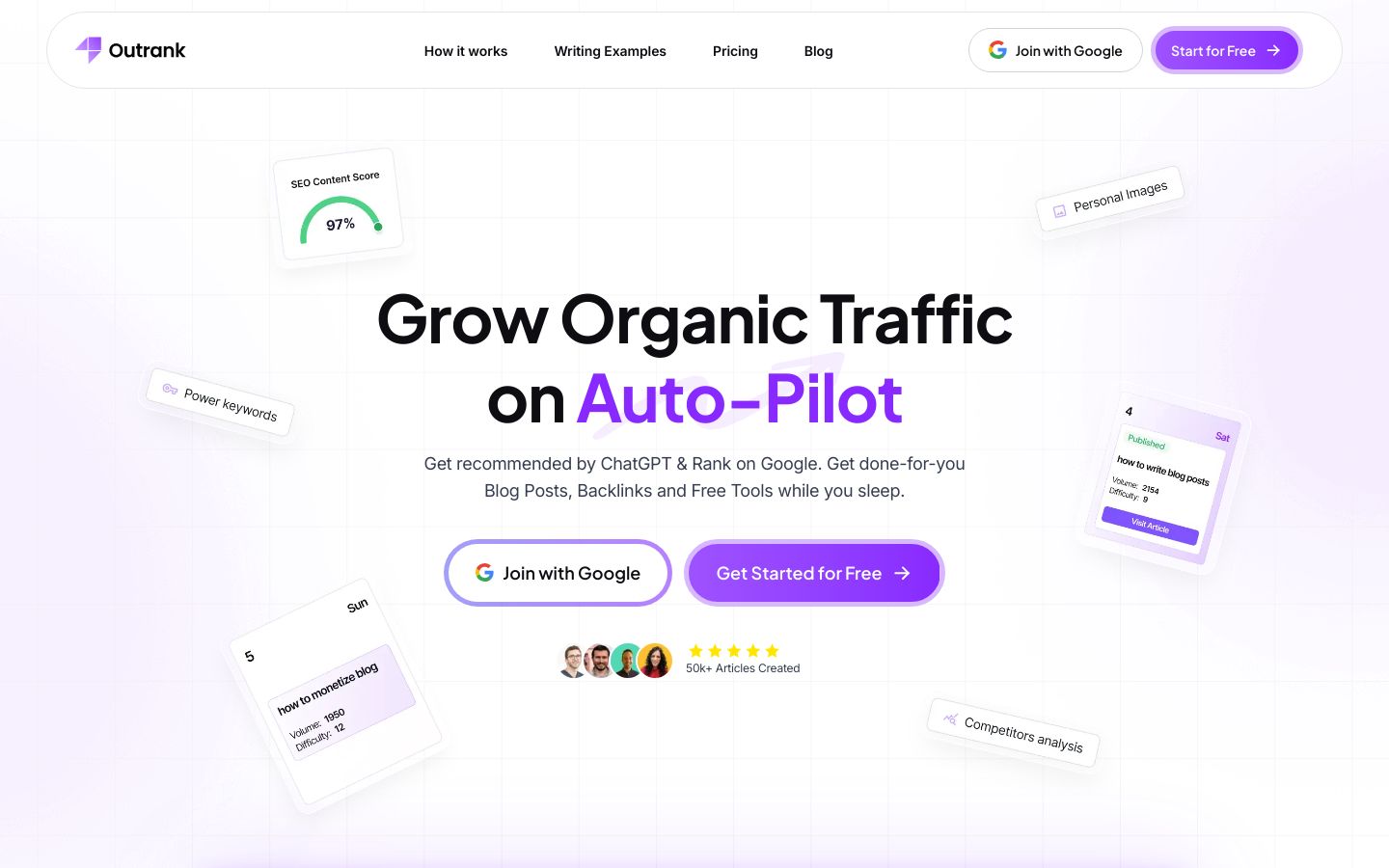
Outrank is a platform built to help you grow organic traffic on auto-pilot by handling the SEO heavy lifting across planning and production. It combines keyword research, SEO-optimized article creation, on-brand images, localization, and integrations designed for automatic publishing, so your WordPress content engine stays consistent instead of starting from scratch each week.
Best for: WordPress site owners and small-to-mid marketing teams who want a repeatable system for publishing SEO content daily, without stitching together five separate tools for research, writing, images, and workflow.
Key features:
- Automates SEO analysis and keyword research to find promising keywords in your niche.
- Generates SEO-ready articles daily, matching your established content style and adding strategic links.
- Creates on-brand AI images, including brand colors, to keep visuals consistent at scale.
- Includes a backlink exchange network with tracking to monitor backlinks and their impact.
Pros:
- Best choice if consistent daily publishing is your main bottleneck
- Ideal for teams reducing tool sprawl, briefs, writing, images in one
- Perfect when backlinks matter, and you want a built-in exchange loop
Cons:
- Not ideal if you only need rank tracking, consider SE Ranking instead
- Skip this if you want manual-only workflows, automation is the point here
Pricing: Starting at $99 per month, it includes 30 articles, unlimited users, keyword research, backlink exchange, AI images, and more.
Bottom line: If you want an operations-first SEO engine for WordPress, Outrank is a strong fit when your priority is steady publishing, on-brand consistency, and fewer moving parts across the entire content workflow.
2. Surfer SEO – Best for on-page optimization and content quality control
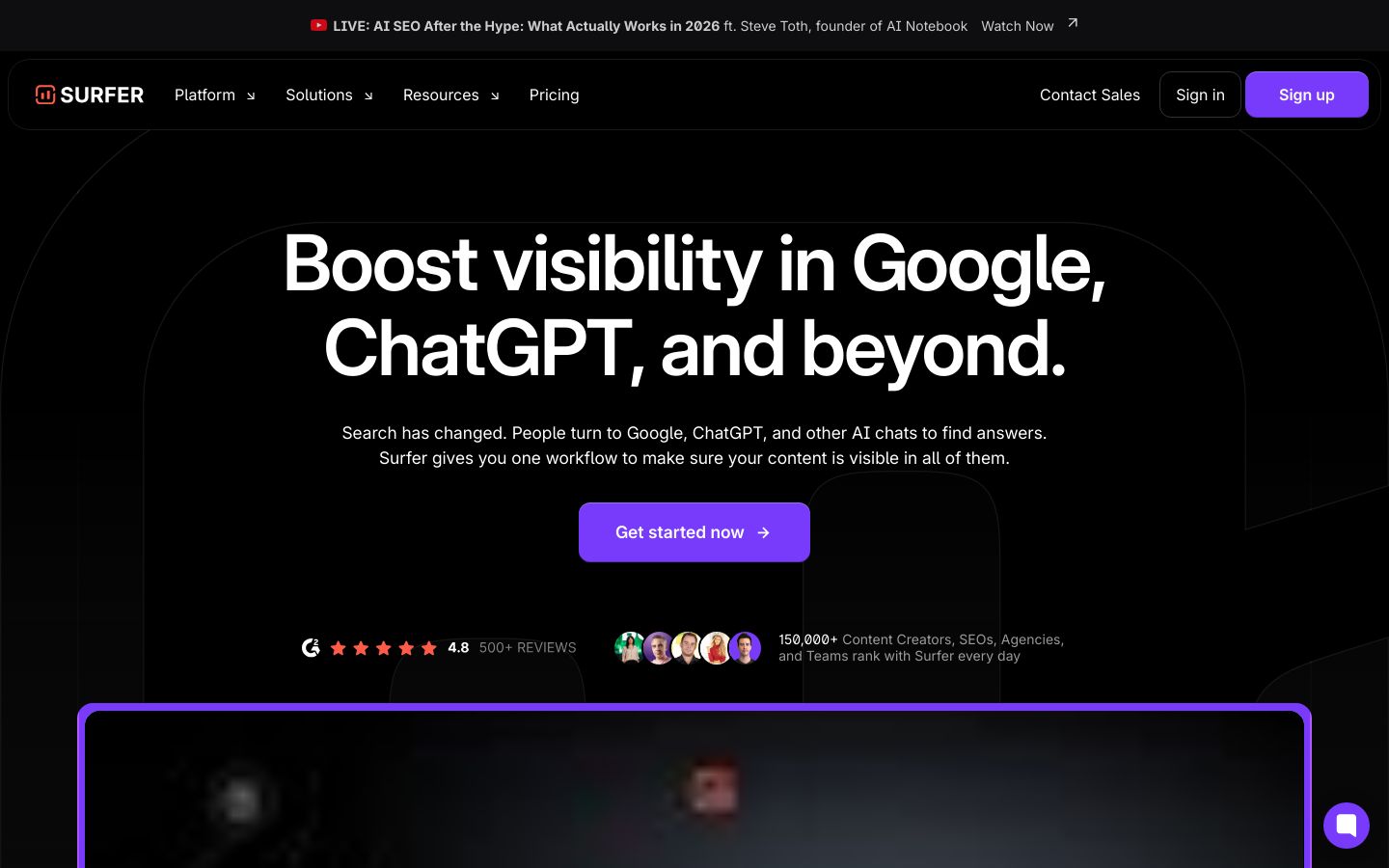
Surfer SEO is an on-page optimization platform designed to help your content align with what’s working in search right now, across Google and AI-driven discovery. It focuses on content gaps, real-time optimization feedback, and team collaboration, so you can standardize quality when multiple writers and editors contribute to the same WordPress site.
Best for: Teams that already have a content production motion, but need a reliable “quality gate” before publishing, especially when you’re updating existing posts or managing multiple contributors.
Key features:
- Content optimization that identifies gaps and fine-tunes pages for Google and AI chats.
- Real-time feedback while you write and edit, helping keep optimization consistent.
- Collaboration tools for multiple contributors, plus an Outline Builder for structured drafts.
- AI Content Detector and AI Content Humanizer to help evaluate and refine AI-assisted writing.
Pros:
- Best choice if you need a consistent on-page QA step before publishing
- Ideal for teams managing many writers, one standard, fewer rewrites
- Perfect when internal linking needs to be systematic, not ad hoc
Cons:
- Not ideal for backlink-led strategies, pair with Ahrefs for link intel
- Skip this if you want one tool for everything, it’s a specialist layer
Pricing: Starting at $49 per month, billed yearly, it includes core create and optimize features.
Bottom line: Surfer is a strong add-on when your WordPress team needs consistent on-page standards, fewer optimization debates, and a clearer editing checklist before content goes live.
3. Semrush – Best for enterprise keyword research, competitive analysis, and reporting
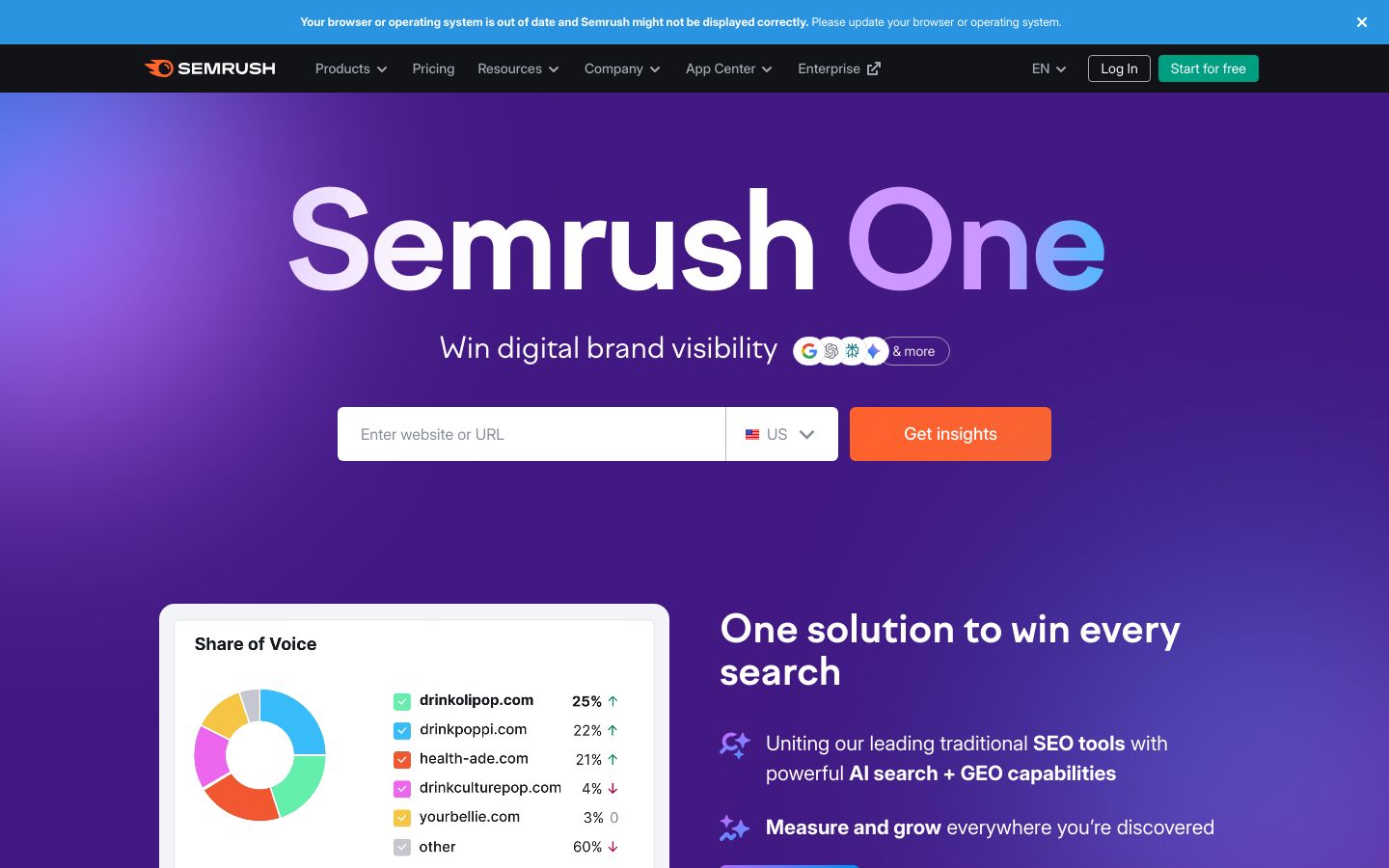
Semrush is a broad digital marketing platform that combines traditional SEO toolkits with AI and AI visibility capabilities. It’s designed for teams that need deep research, competitive benchmarking, technical audits, and reporting that can stand up to stakeholder scrutiny, not just a tool to help write faster.
Best for: WordPress site owners and marketing teams who need a research “source of truth,” plus executive-friendly reporting, especially when you’re competing in crowded categories and need to justify priorities.
Key features:
- SEO toolkit for keyword research, backlink analysis, technical site audits, and rank tracking.
- Traffic and market insights to analyze competitor performance and benchmark visibility.
- Content toolkit to create SEO-ready content with AI and optimize content in real time.
- AI Visibility toolkit to analyze how LLMs feature your brand and track competitors.
Pros:
- Best choice if your roadmap depends on competitor and market benchmarking
- Ideal for teams needing audits and reporting that leadership can trust
- Perfect when AI visibility matters alongside classic Google SEO tracking
Cons:
- Not ideal for lean budgets, SE Ranking is a lighter-cost alternative
- Skip this if you only need content drafts, it’s built for full-funnel insight
Pricing: Starting at $165.17 per month, billed annually, it includes AI visibility tooling, site monitoring, and keyword research.
Bottom line: Semrush is a strong anchor tool when research depth, competitive context, and reporting are non-negotiable, and you want AI visibility layered into a broader SEO and marketing platform.
4. Frase – Best for fast SEO briefs and updating existing WordPress posts
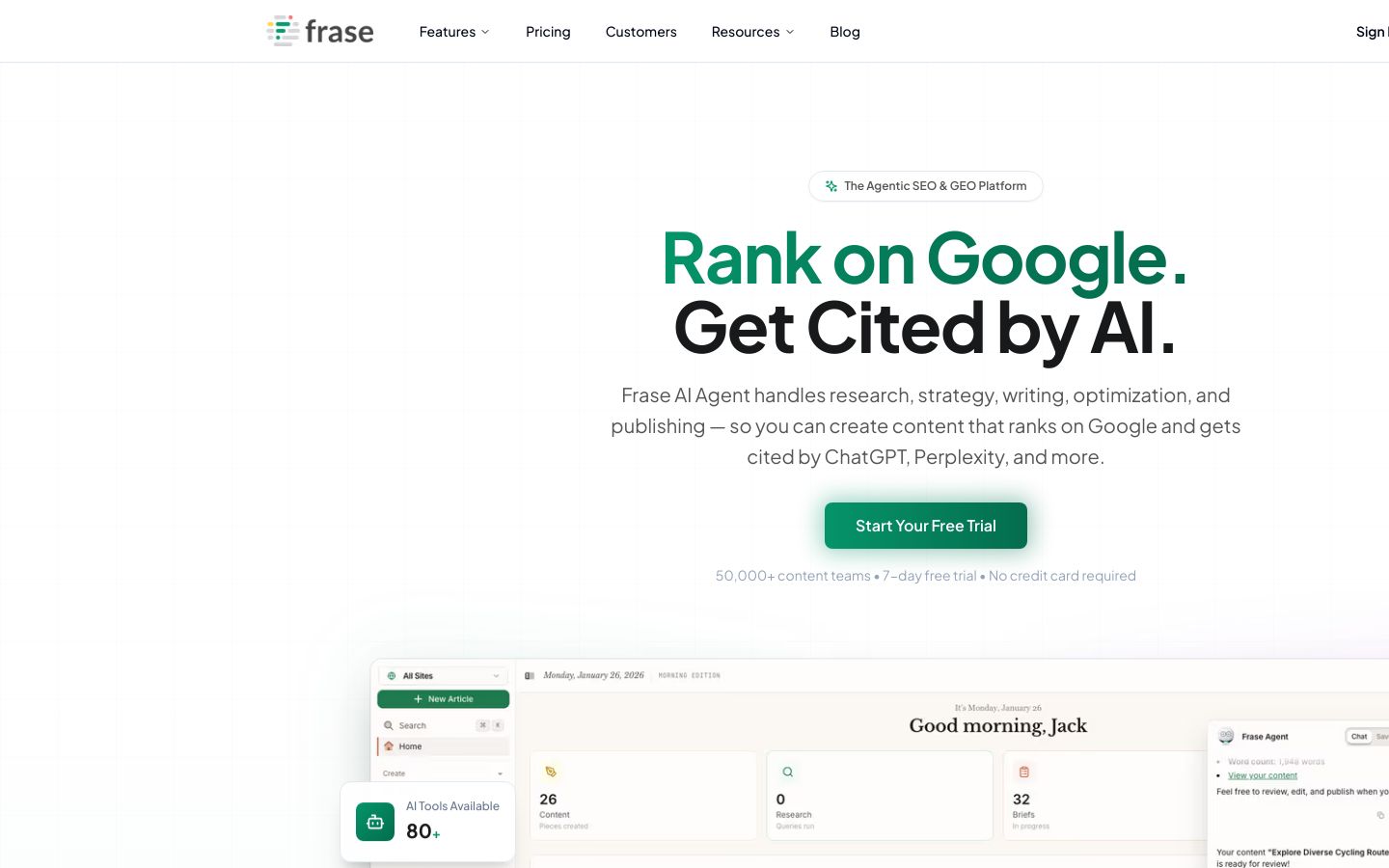
Frase is an agentic SEO and GEO platform built to streamline research, briefing, writing, optimization, publishing, and monitoring. In practice, its biggest value for many WordPress teams is speeding up the “brief to draft” pipeline and making content refresh work more systematic, which is often where real ranking gains come from.
Best for: Teams that need faster, more consistent SEO briefs for writers, plus a practical way to audit and refresh older posts without rebuilding everything from scratch.
Key features:
- Frase AI Agent manages research, strategy, writing, optimization, and publishing in one flow.
- SERP analysis and competitor breakdown to generate outlines and briefing inputs quickly.
- Real-time SEO scoring and topic suggestions, plus GEO optimization considerations.
- Monitoring and alerts for content opportunities, plus brand voice enforcement and governance.
Pros:
- Best choice if briefs are slowing you down, and writers need clarity fast
- Ideal for teams refreshing older posts, not just publishing new ones
- Perfect when you want one workflow from research through publishing
Cons:
- Not ideal if you only need backlink intelligence, use Ahrefs for links
- Skip this if you already love your briefing stack, overlap can be wasteful
Pricing: Starting at $39 per month, it includes 1 user, 1 domain, and 10 articles per month.
Bottom line: Frase is a solid fit when your WordPress SEO program needs faster briefs, fewer revision cycles, and a more repeatable process for keeping existing content competitive.
5. Ahrefs – Best for link intelligence and high-confidence topic validation
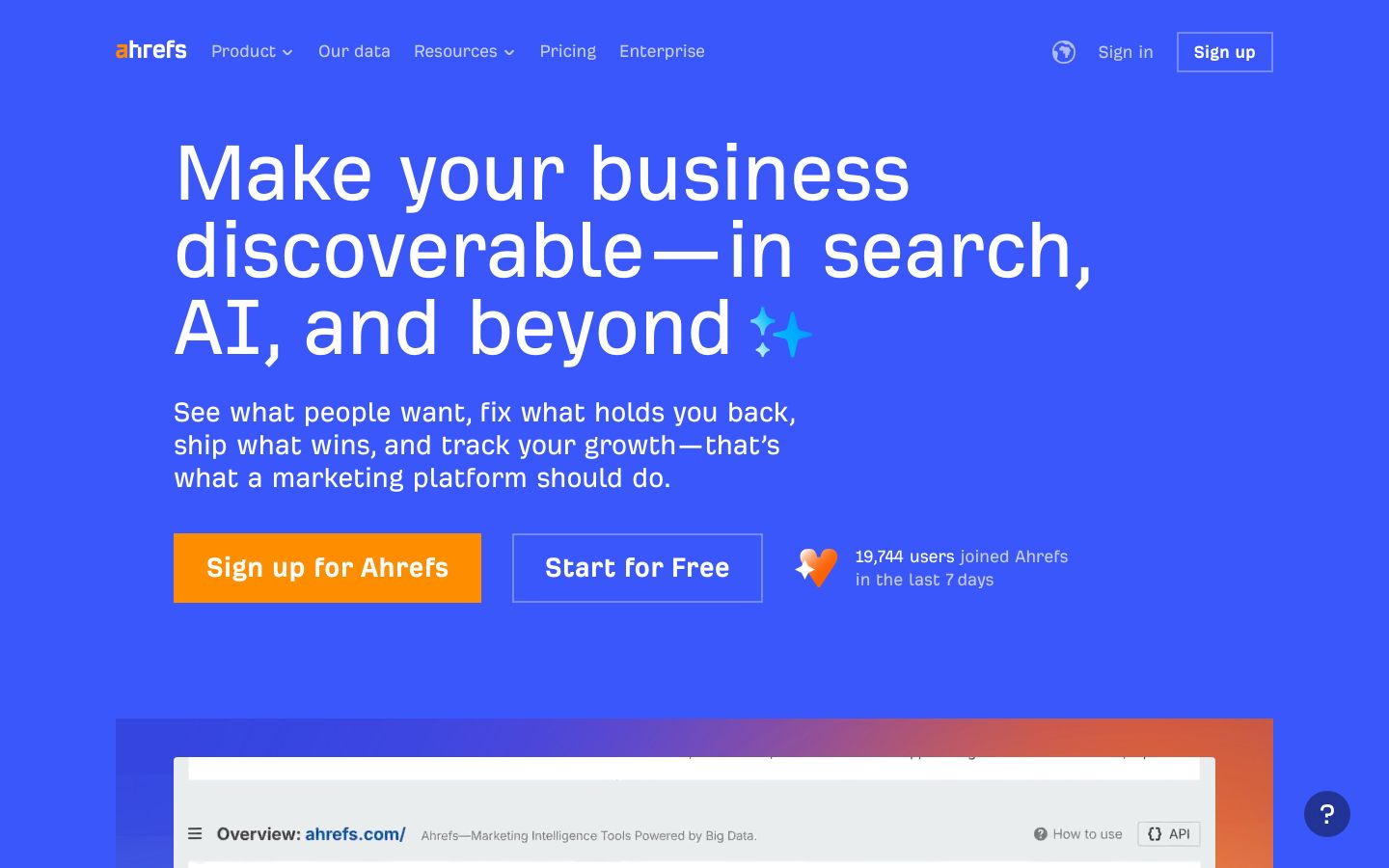
Ahrefs is a marketing platform built for search and AI discovery, with deep capabilities in competitive intelligence, backlinks, and content research. While it includes AI-assisted workflows, its real strength is the underlying data that helps you validate which topics are worth pursuing, and which pages are worth updating, before you invest time in writing.
Best for: WordPress site owners and teams who care about authority building, competitive gaps, and link-driven growth, and want a reliable way to prioritize what to create or refresh next.
Key features:
- Site Explorer for competitive intelligence and analyzing competitor strategies.
- Keywords Explorer and Content Explorer to discover topics and content opportunities.
- AI Content Helper to support content creation that matches search intent.
- Brand and AI search tooling to track brand mentions, citations, and sentiment in AI chatbots.
Pros:
- Best choice if link strategy drives growth, and you need strong link intel
- Ideal for confident topic validation before you spend time producing content
- Perfect when competitor gap analysis is your main planning method
Cons:
- Not ideal for hands-off content production, consider Outrank for autopilot ops
- Skip this if you want a writing-first tool, pair with Jasper or ChatGPT instead
Pricing: Starting at $29 per month, it includes basic insights into search and competitors.
Bottom line: Ahrefs is a strong backbone tool when you want high-confidence decisions on topics and links, and you’re willing to pair it with a separate system for writing and publishing in WordPress.
6. SE Ranking – Best for budget-friendly rank tracking and multi-site basics
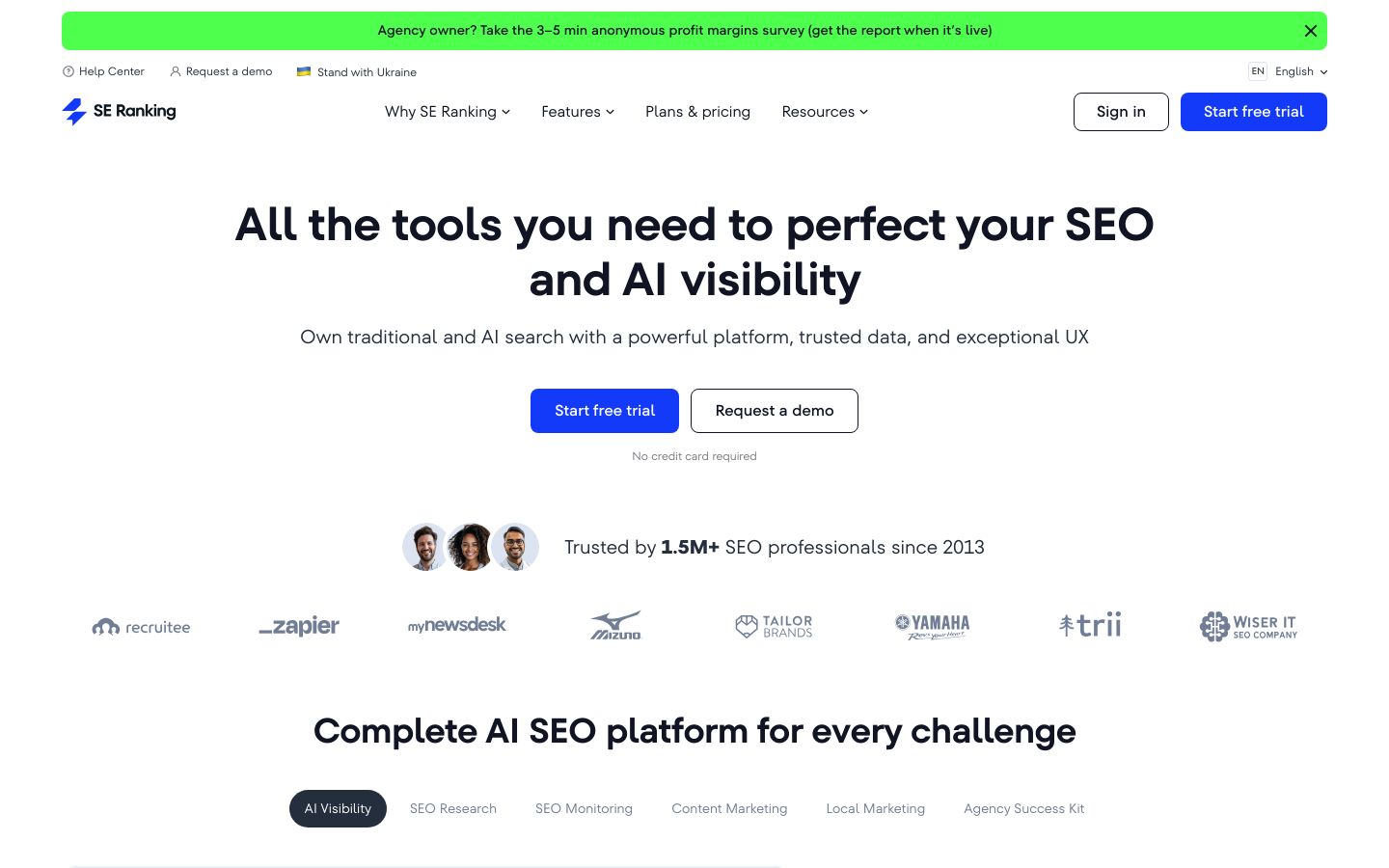
SE Ranking is a comprehensive SEO platform designed for professionals and agencies that want solid data, a clean user experience, and practical tooling for both classic SEO and AI visibility, without jumping straight to enterprise-level spend. It covers research, monitoring, content marketing tooling, and reporting, with plan options that can fit single sites or multiple properties.
Best for: Budget-conscious WordPress owners, small teams, and multi-site managers who need rank tracking, audits, and consistent reporting basics, especially if you’re balancing several sites or business units.
Key features:
- AI Visibility toolkit, including trackers for AI search, AI Overviews, ChatGPT, and AI Mode.
- SEO monitoring tools like Rank Tracker, Website Audit, Backlink Monitor, and On-Page SEO Checker.
- SEO research tools including keyword suggestions, competitive research, backlink checker, and SERP checker.
- Agency and reporting features like scheduled reports, white label options, and lead generator support.
Pros:
- Best choice if you want reliable rank tracking without Semrush-level pricing
- Ideal for multi-site basics, projects, audits, and reporting in one suite
- Perfect when AI visibility tracking matters, but budgets still matter more
Cons:
- Not ideal for deepest research needs, choose Semrush or Ahrefs for breadth
- Skip this if you only need content writing, pair with Jasper or ChatGPT
Pricing: Starting at $65.00 per month, it includes core tools like rank tracking, audits, and competitive research.
If you’re closer to a one-person content operation than a full team, this guide on an AI SEO tool for solo bloggers on a tight budget can help you decide whether you need an all-in-one or a lighter setup.
Bottom line: SE Ranking is a practical budget pick when you need the essentials done well, rank tracking, audits, research, and reporting, and you’re okay pairing it with a separate tool for heavy-duty content production.
7. Jasper – Best for brand-safe marketing drafts across multiple stakeholders
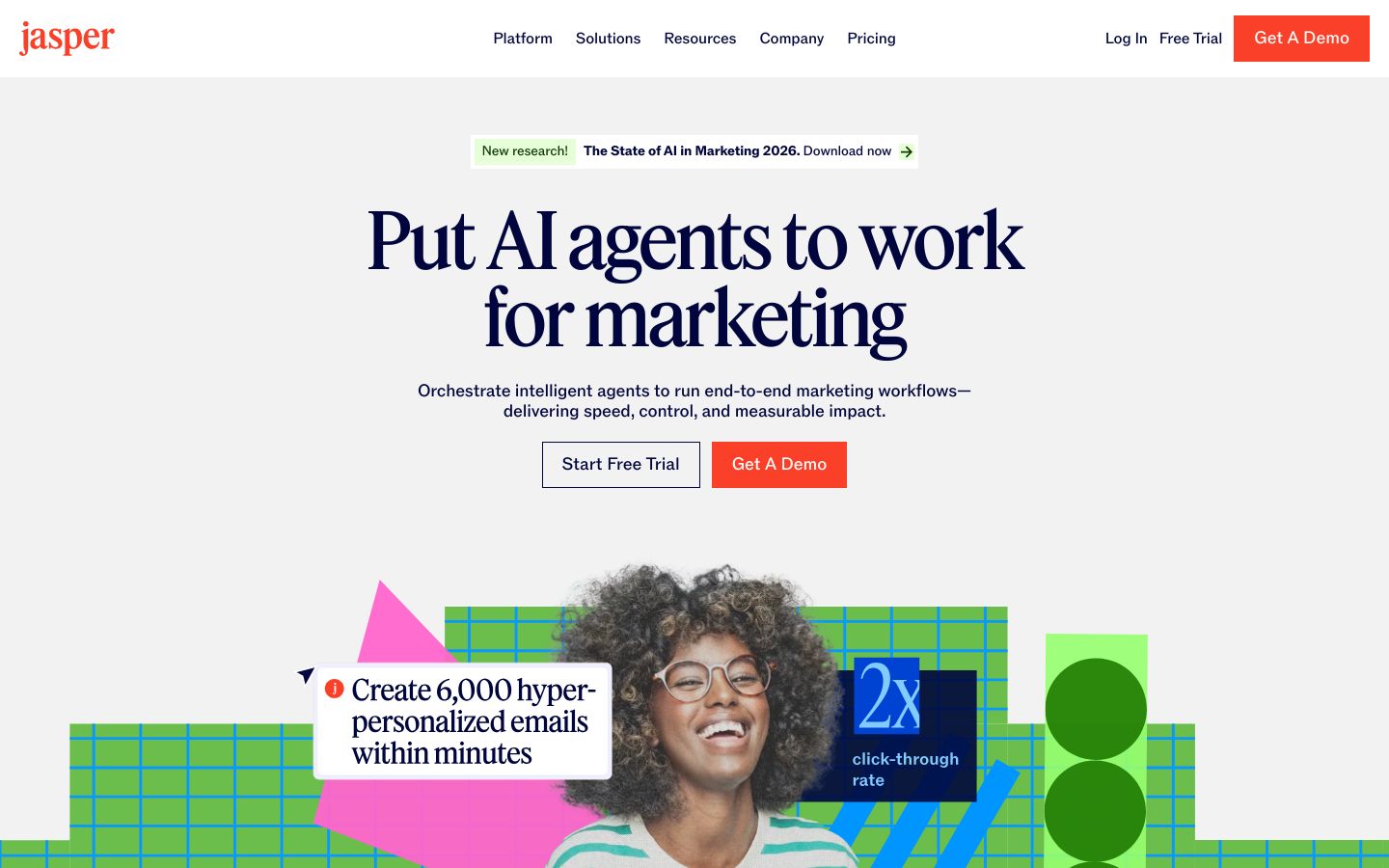
Jasper is an AI platform built for marketing teams that need content production with stronger brand controls and collaboration. Instead of acting like a pure SEO suite, it focuses on brand consistency, reusable workflows, and context management, which can be a big deal when multiple stakeholders review content before it gets published on WordPress.
Best for: Teams that struggle with inconsistent tone, scattered messaging, or approval friction, and want a writing system that can enforce brand voice, style, and marketing best practices across campaigns.
Key features:
- Content Pipelines to connect data, creative work, and distribution across the content lifecycle.
- Jasper IQ with a Context Hub, Brand IQ, and a Knowledge Base to keep outputs aligned.
- Collaboration workspaces like Canvas and Grid to plan, create, and execute content systematically.
- Governance and controls including roles, permissions, and APIs for custom workflows.
Pros:
- Best choice if brand voice consistency is a hard requirement in reviews
- Ideal for teams building repeatable writing workflows, not one-off prompts
- Perfect when stakeholders need a shared workspace to collaborate on drafts
Cons:
- Not ideal as a standalone SEO suite, pair with Semrush or Ahrefs for research
- Skip this if you publish infrequently, ChatGPT may be enough for drafts
Pricing: Starting at $59 per month, billed yearly, it includes 1 seat and core platform features.
Bottom line: Jasper makes sense when your WordPress content needs to sound consistently “on brand” across many contributors, and you’re willing to feed it solid SEO inputs from a dedicated research and optimization tool.
8. ChatGPT – Best for quick SEO ideation, SOPs, and first-draft support (with guardrails)

ChatGPT is an AI chatbot you can use for brainstorming, outlining, drafting, and creating internal documentation. For SEO, it’s often most valuable as a flexible “thinking partner” that helps you move faster, especially when you already know your topic and you need a starting point for structure, FAQs, internal linking ideas, or a cleaner first draft.
Best for: WordPress site owners who want speed in ideation and drafting, plus teams that need help writing SOPs, templates, and reusable content patterns, as long as you have a clear review process.
Key features:
- Multiple plans from Free through Business and Enterprise, depending on usage needs.
- Projects, tasks, and custom GPTs on paid tiers, useful for repeatable workflows.
- Deep research and data analysis features on paid tiers to support content planning tasks.
- Workspace and admin controls on Business and Enterprise tiers for more structured team usage.
Pros:
- Best choice if you need quick outlines, FAQs, and first drafts on demand
- Ideal for building SOPs and templates that keep your WordPress team aligned
- Perfect when you want flexible help across tasks, not a single SEO feature
Cons:
- Not ideal for citation-heavy content, use Frase or audited sources instead
- Skip this if you need rank tracking and audits, use SE Ranking or Semrush
Pricing: Free to use with optional paid upgrades.
When you need sources you can audit, especially for enterprise stakeholders, it helps to understand the difference between tools. This comparison of Perplexity AI vs ChatGPT for cited answers is a useful reference point.
Bottom line: ChatGPT is good for SEO when you treat it as a drafting and process accelerator, then apply human judgment for claims, examples, internal links, and final publishing, rather than expecting it to function like a full SEO platform.
Common mistakes to avoid when buying AI SEO tools for WordPress teams
1) Buying a writing tool without a research and briefing process
If your only “system” is generating drafts, you’ll usually end up with content that sounds fine but misses intent, lacks coverage, or overlaps with existing posts. The fix is a two-layer stack: (1) research and briefing (Semrush, Ahrefs, Frase, or SE Ranking) plus (2) production and optimization (Outrank, Surfer, Jasper, or ChatGPT depending on your needs).
2) Optimizing for “AI output” instead of workflow outcomes
A tool is worth it when it improves measurable workflow outputs, not when it generates the most words. Track practical KPIs like: time to produce a usable brief, number of revision cycles per post, publishing consistency, and your refresh cadence for older pages.
Before you judge ROI, make sure tracking is solid. Here’s a practical walkthrough to set up Google Analytics using Google Tag Manager. Without clean measurement, it’s too easy to blame the tool when the issue is incomplete tracking.
3) Ignoring governance, approvals, and “people-first” quality standards
If multiple people touch content, you need a basic governance model, who creates briefs, who drafts, who optimizes, who approves, and what “done” looks like. Otherwise, AI makes publishing faster, but also makes mistakes faster.
A simple safeguard is to define a minimum standard for helpfulness and accuracy, then enforce it through a checklist and editorial review. Google’s people-first content guidance from Google Search is a useful baseline for what “helpful and reliable” should mean in day-to-day publishing.
FAQ – best AI tools for SEO
What is the best AI tool for SEO?
The best AI tool for SEO depends on what you’re trying to fix in your workflow:
- If you want a more “hands-off” content engine that keeps publishing consistent, Outrank is often the best fit because it’s built around operations, not just writing.
- If you need a research anchor with broad capabilities and reporting, Semrush is a strong choice.
- If your main issue is inconsistent on-page optimization across many posts and writers, Surfer SEO tends to be the most direct quality-control layer.
- If you need a budget-friendly suite for tracking and SEO basics, SE Ranking is typically the better starting point.
In practice, many WordPress teams pick one “home base” tool, then add one specialist tool to cover the biggest gap.
Can you use AI to improve SEO?
Yes, you can use AI to improve SEO, but it works best when it supports a clear process rather than replacing one.
AI can help you:
- Generate outlines and first drafts faster, so you publish consistently.
- Build more standardized briefs, which reduces writer guesswork and rewrites.
- Spot missing subtopics, internal links, or on-page gaps before you hit publish.
- Turn refresh work into a repeatable routine, which is often easier than constantly chasing new topics.
The key is keeping humans responsible for accuracy, examples, and final decisions. AI is great at accelerating output, but it doesn’t automatically know what’s true, what’s unique to your business, or what your audience actually needs.
Are AI SEO tools worth it?
They’re worth it when they reduce friction in your workflow enough that you publish better content more consistently, or you make better decisions about what to publish in the first place.
Here’s a practical way to decide:
- Worth it if you’re missing deadlines, briefs take too long, updates don’t happen, or quality varies widely between writers.
- Less worth it if you publish rarely, don’t have a review process, or can’t measure results yet, because you won’t capture the tool’s value.
Also, “worth it” doesn’t always mean “buy the biggest platform.” Many teams get the best ROI by choosing one core tool, then adding a single specialist tool for the biggest bottleneck.
Is ChatGPT good for SEO?
ChatGPT is good for SEO when you use it for the right tasks and set guardrails.
It’s especially useful for:
- Fast ideation and outlining
- Drafting intros, FAQs, and content sections that you’ll edit
- Creating SOPs, checklists, and templates so your WordPress team works consistently
Where it can hurt is when you treat it as a source of truth. For anything that needs factual accuracy, real examples, or claims that could affect trust, you still need human review and reliable sources.
If you want a clear baseline for what’s acceptable, Google’s Google’s guidance on using AI in content creation is worth reading. It reinforces a simple standard: focus on helpfulness and quality, regardless of whether content is AI-assisted.
Final verdict: which AI SEO tool is the best fit for your WordPress workflow?
If you’re trying to pick one tool and move on, anchor your decision to your biggest bottleneck:
- If you want a calmer, systemized way to publish consistently: start with Outrank as your workflow hub.
- If you need research depth, competitive analysis, and reporting: choose Semrush (or Ahrefs if link intelligence and validation drive most of your decisions).
- If you publish at scale and want a clean optimization standard: add Surfer SEO as your on-page quality layer.
- If your challenge is brand consistency across stakeholders: consider Jasper, but pair it with a true SEO research and optimization tool.
A practical next step is a simple 2–4 week pilot: pick one core tool plus one complement, publish and refresh a small batch of posts, and evaluate your workflow outcomes, brief time, revision cycles, and publishing consistency.
If you want a more operations-first approach to growing organic traffic with fewer moving parts, you can explore Outrank and see how it fits your WordPress workflow.